















14-inch laptops
Are you looking for practical, compact equipment that you can easily take to work or on a trip? Check out Maxcom’s 14-inch laptops—these slim, lightweight devices let you get your work done efficiently. Our 14-inch laptops are perfect for work, school, and entertainment. We invite you to explore our selection!
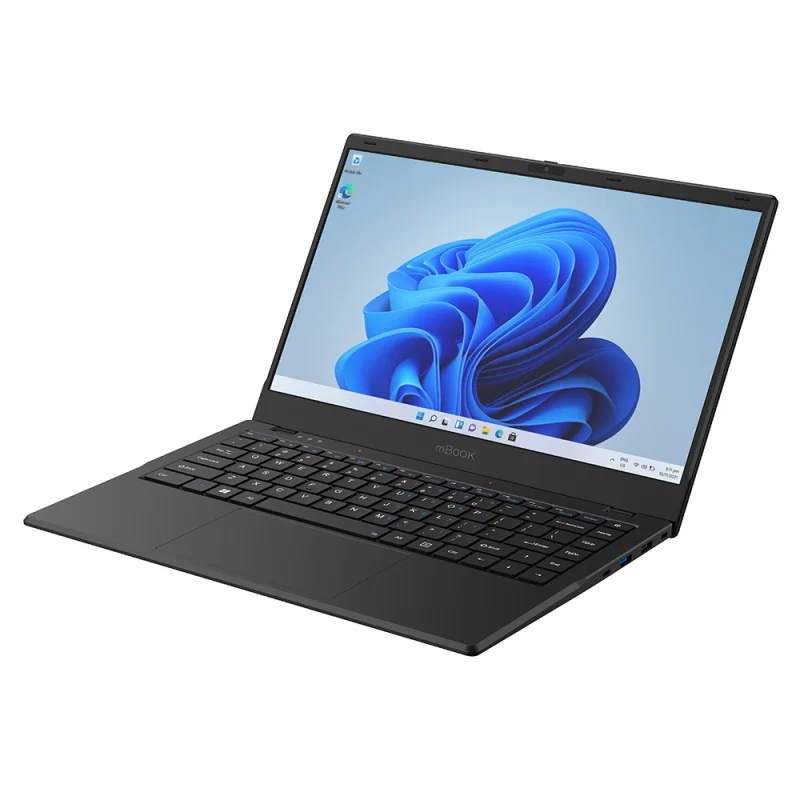
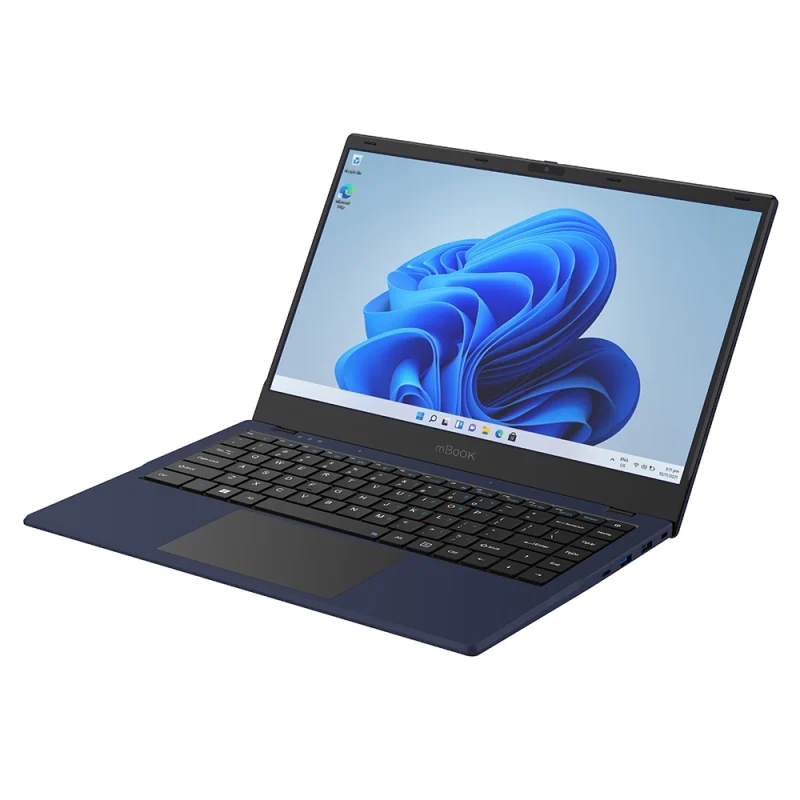
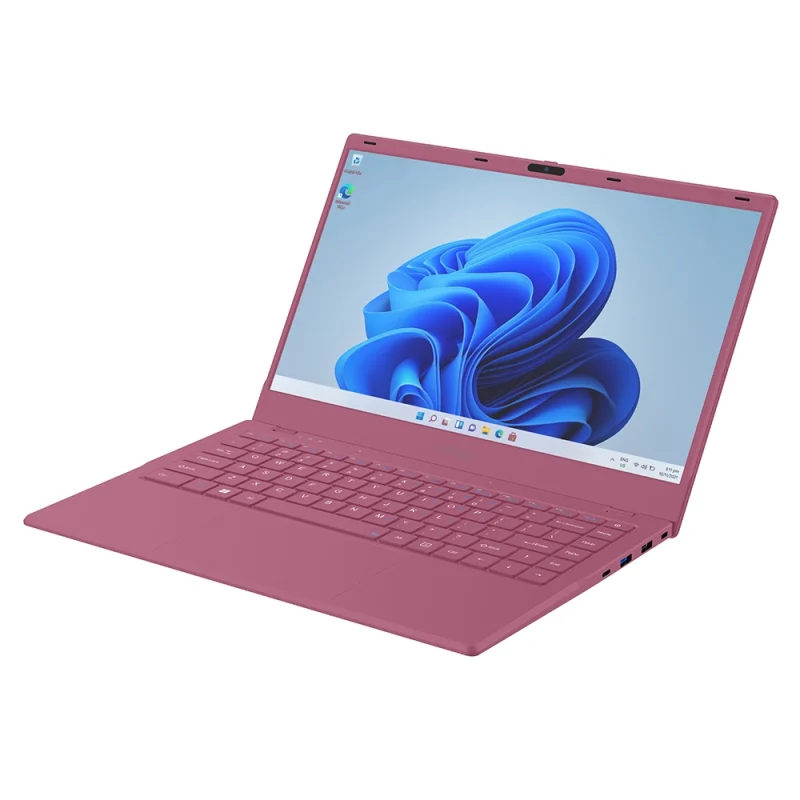
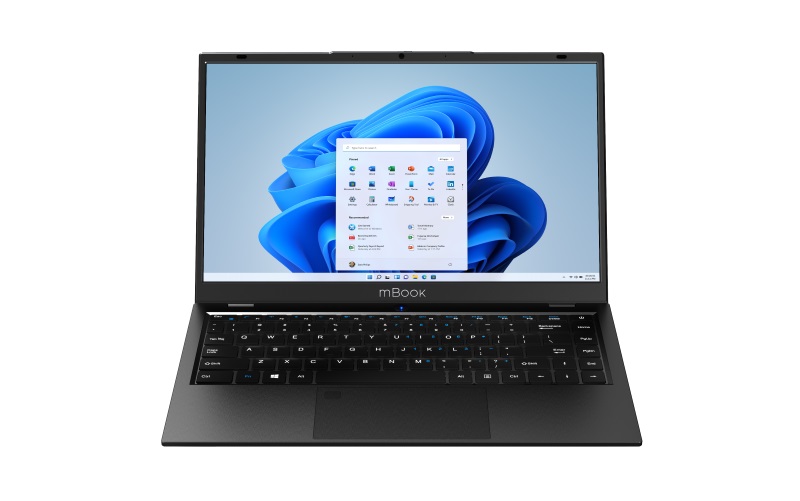
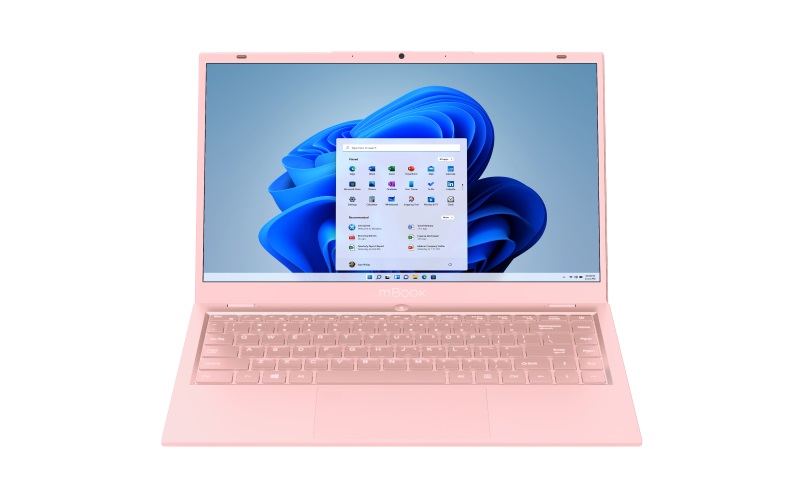
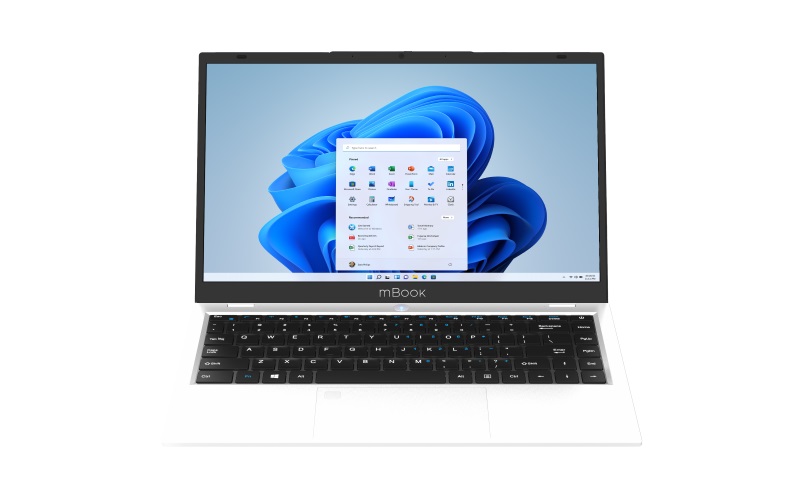
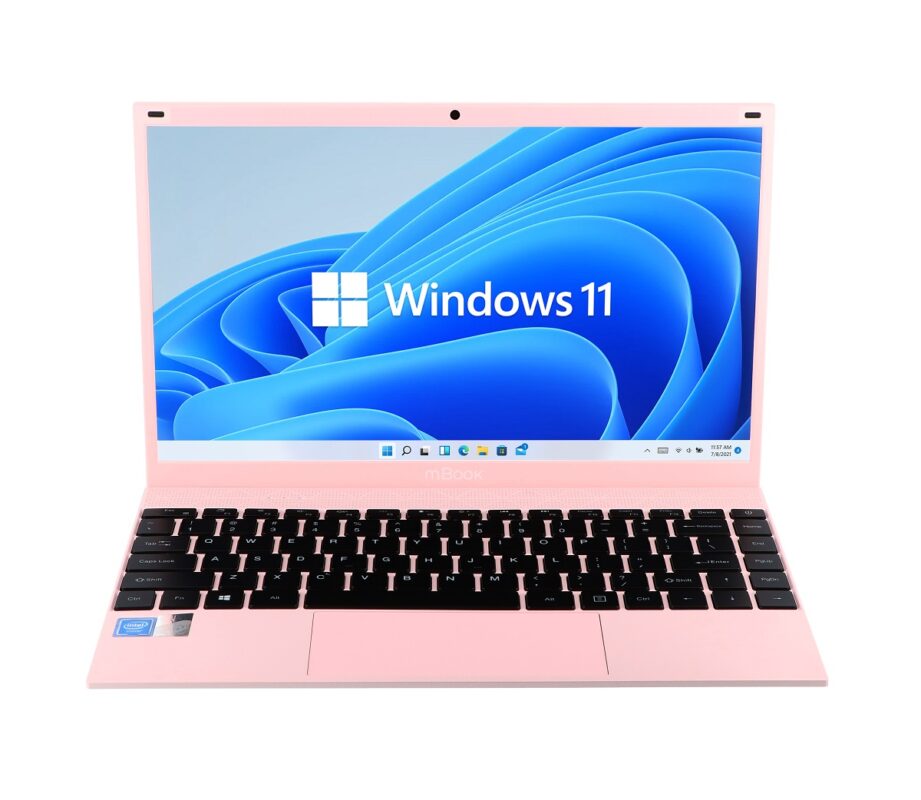
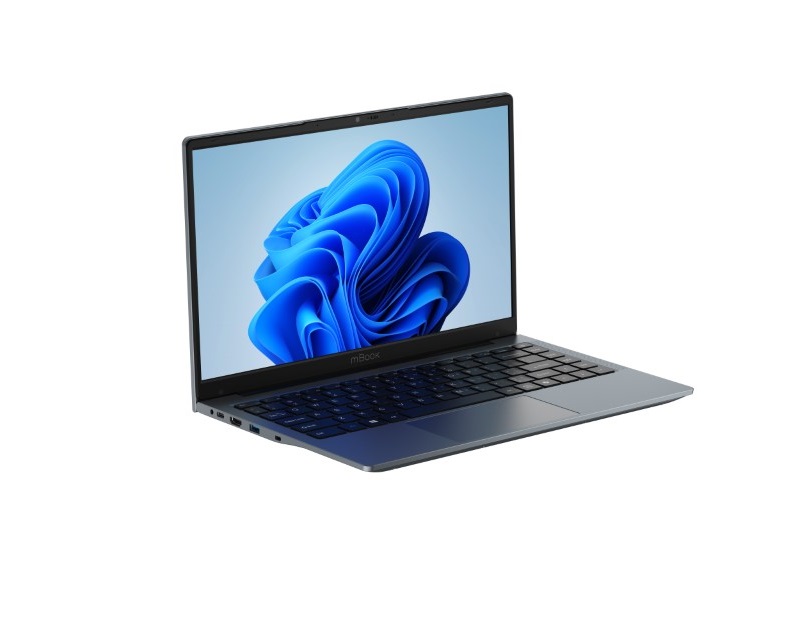
14-inch Laptops—What Are Their Advantages?
The 14-inch laptops available in our lineup are an excellent choice for people who value mobility but don’t want to compromise on functionality. These devices are slim, lightweight, and modern—they handle everyday tasks with ease. They’re the perfect solution for frequent travelers, students, and professionals who work in various locations.
The advantages of 14-inch laptops include not only portability but also adequate performance, which makes studying and working more efficient and watching movies or browsing the web more enjoyable. The 14-inch notebooks available at Maxcom also deliver excellent image quality, resulting in an unforgettable visual experience.
Thanks to their optimal screen size, 14-inch laptops are ideal for travel when space is limited. They have long-lasting batteries, so you don’t have to worry about frequent charging. Forget about carrying around large, heavy, and impractical equipment—choose a 14-inch notebook from Maxcom and enjoy the comfort of use in any situation.
14-inch Laptops—Mobility, Functionality, and Design
The Maxcom online electronics store offers 14-inch laptops with a wide range of features. You’ll appreciate our products for:
- their lightweight, slim build and modern design,
- excellent technical specifications and high performance,
- ease of use and an intuitive interface,
- reliability and long battery life.
Maxcom’s 14-inch MBooks are designed with maximum user comfort, work efficiency, and a stylish look in mind. Check out the available models and choose the one that best suits you and your needs! Our 14-inch laptops are attractively priced, so you’ll easily find something that fits your budget.
14-inch laptops and other devices for demanding users
Our selection includes office laptops with a variety of specifications, tailored to the needs of demanding users. We also offer practical computer accessories as well as:
and many other products. Explore our full selection, place an order, and discover how easy and enjoyable everyday tasks can become with Maxcom devices.
Frequently Asked Questions
1. Is a 14-inch screen sufficient for everyday work?
It’s usually sufficient for writing, checking email, and browsing the web. Resolution also affects usability: an HD screen displays fewer details than a Full HD screen. If you frequently compare two documents side by side, consider connecting an additional monitor.
2. Do all mBook14 laptops have a Full HD screen?
No. For example, the mBook14 Lite Plus has a 14.1-inch screen with a resolution of 1366 × 768 pixels. Neither the series name nor the screen size automatically means Full HD, so be sure to compare the resolution and panel type in the specifications of the specific model.
3. How much RAM should you choose for a 14-inch laptop?
For simple tasks, you can consider a configuration with 4 GB of RAM, but if you have multiple browser tabs and several applications open, 8 GB or more is a wiser choice. Evaluate RAM in conjunction with the processor and the requirements of the programs you use.
4. Can a 14-inch laptop be charged via USB-C?
Only if the specific model and port support this feature. On the mBook14 Lite Plus, one of the USB-C ports supports this feature. The power adapter must have compatible specifications, and the presence of a USB-C port on another laptop does not guarantee that it can be used for charging.
5. Can I connect a monitor or projector to a 14-inch laptop?
Yes, if the devices have compatible video ports. The mBook14 Lite Plus is equipped with a standard HDMI port. Other models may require a different cable or adapter, so be sure to check the ports on both the laptop and the device you plan to connect it to before purchasing accessories.
6. Does a 14-inch laptop with Windows come with the Office suite?
The presence of Windows does not mean that the purchase includes a license for Microsoft Office or Microsoft 365. Check the product description for information about included software. The name “Maxcom Office” refers to a series of devices and does not confirm the inclusion of an office suite.
7. How do I choose a bag or case for a 14-inch laptop?
Compare the bag’s internal dimensions with the laptop’s width, depth, and thickness. The “14-inch” designation is a guideline, but laptop cases can vary. Choose a padded compartment that will securely hold your laptop, as well as a separate pocket for the power adapter and cables.