














Find my headphones

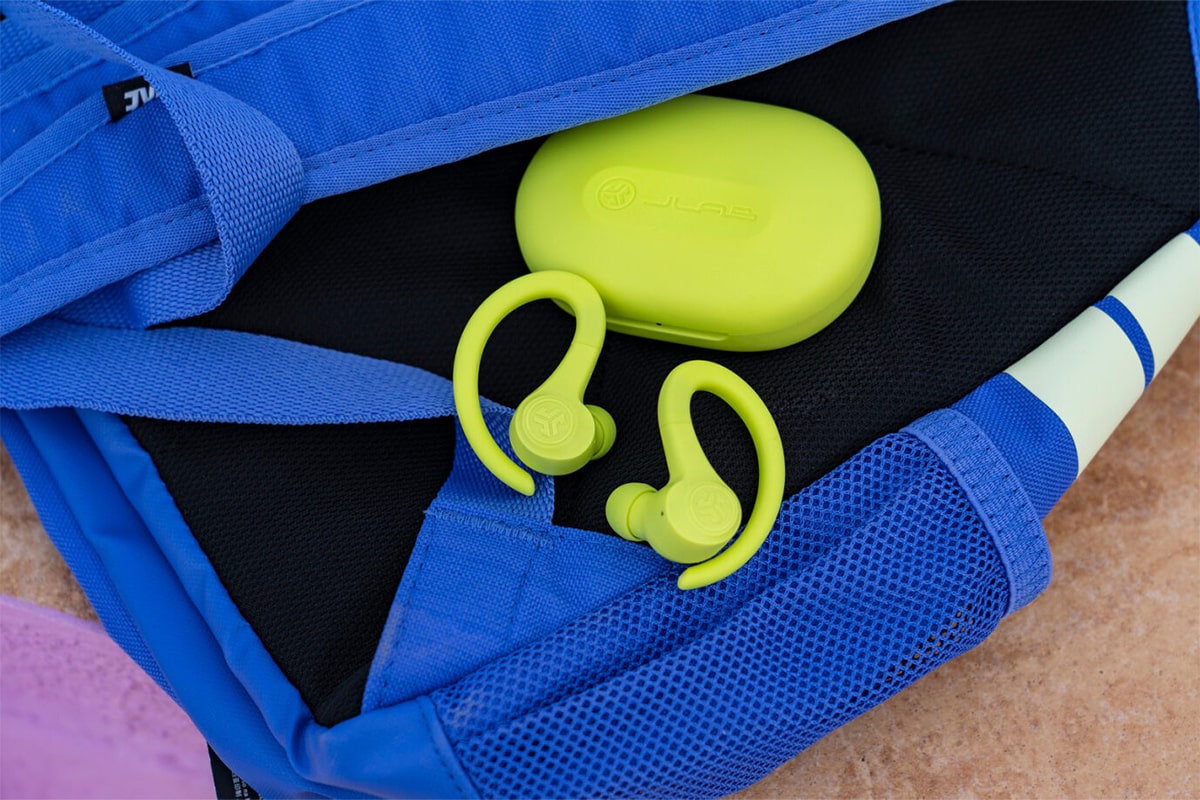
You’re probably familiar with that feeling when you reach into your pocket to take out your earbuds and come up empty-handed. Unfortunately, small in-ear earbuds can easily get lost. But there’s a solution. You can use the Tile app, which works with JLab devices, to find your earbuds.
Statistically, each of us spends nearly a year of our lives looking for various lost items. Manufacturers of phones, computers, and wireless headphones are well aware of their customers’ needs and offer various features and systems to help locate lost items. JLab, a manufacturer of earbuds, also offers such a solution.
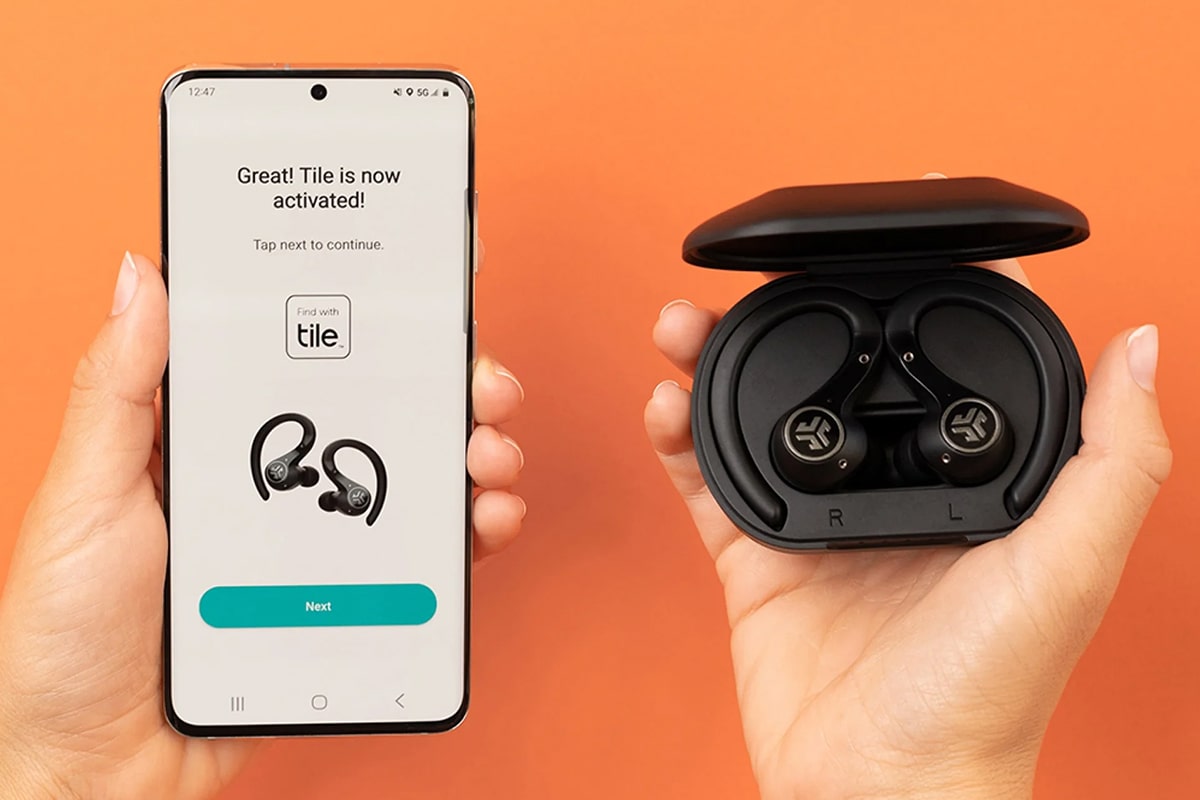
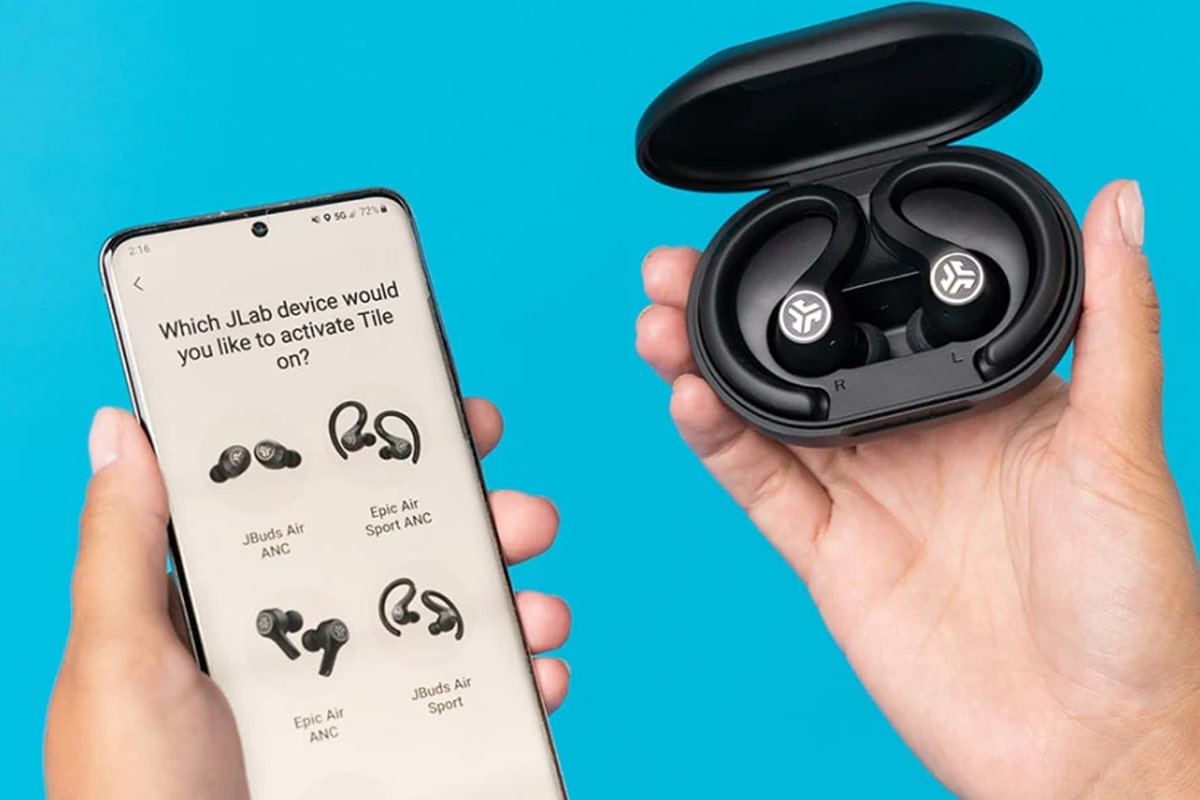
If you own JBUDS AIR PRO, JBUDS AIR SPORT, JBUDS AIR ANC, or EPIC AIR ANC JLab headphones, you no longer have to worry about losing them. JLab offers products featuring Tile technology, which works with a free smartphone app available for both Android® and Apple® devices. If you lose your headphones, this smartphone app will show you their location. Activating this technology is a breeze. Simply turn on Bluetooth on your phone, then press the earbud activation button and place your finger on each earbud. That’s all it takes for the earbud-finding app to start working. You can test this by tapping the “Find” button on your phone’s screen, which will cause the earbuds to emit a distinctive ringtone.
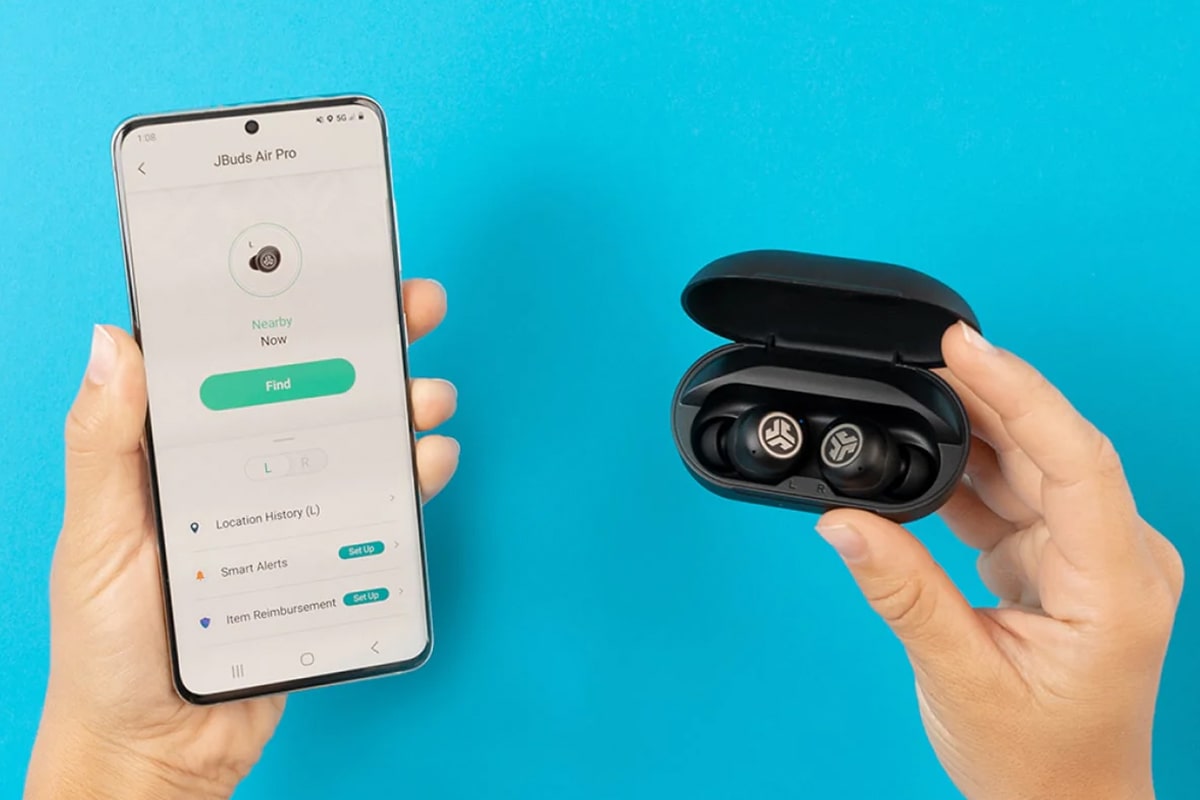
You can also use the “Notify When Found” option. In this case, the entire Tile network—that is, all phones worldwide with the Tile app running—is involved in the search. Any device on the network can locate a lost Tile tracker and send its current location via the Tile app—completely anonymously, of course.
