













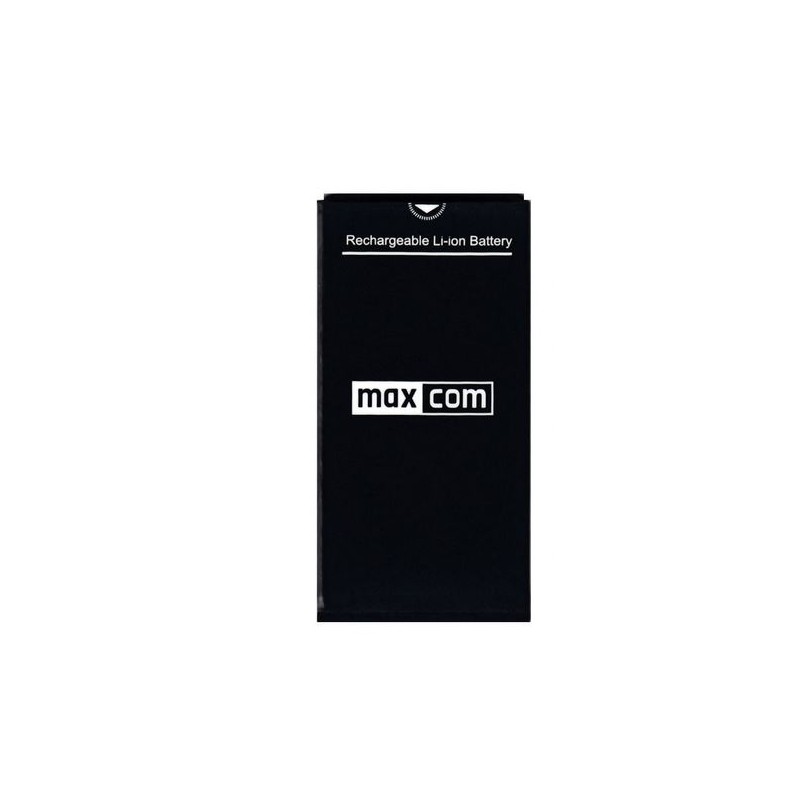
BATTERY FOR MAXCOM MM334/MM920
Technical Specifications:
- Brand Maxcom
Product description
Description
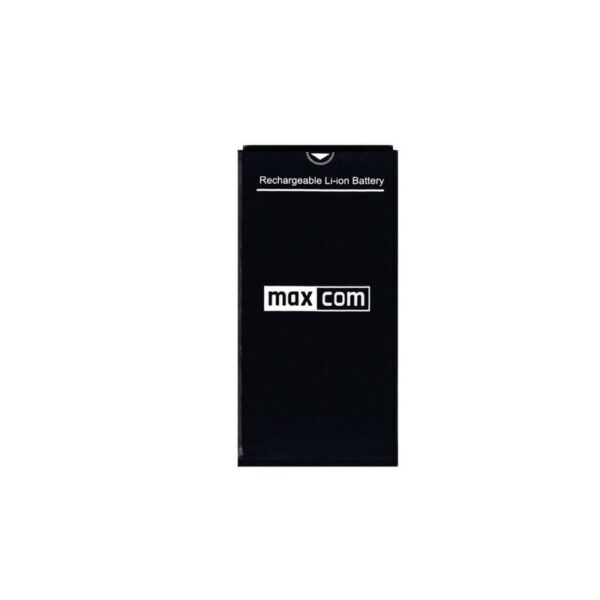
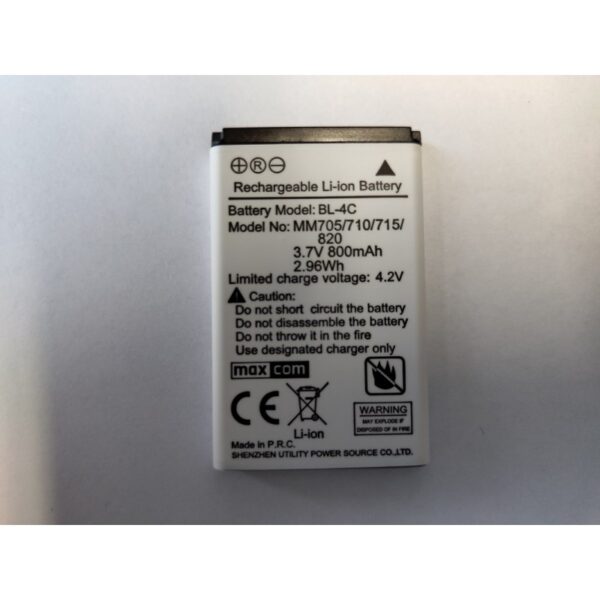
Original battery for Maxcom MM334 and MM920
If your phone is still functioning properly but the only issue is increasingly shorter battery life, replacing the battery may be the solution. The battery available in the official Maxcom store is designed for the MM334 and MM920 models.
By choosing a battery tailored to a specific model, you don’t have to worry about its dimensions or compatibility with the device. This is especially important for older phones where the battery is a replaceable component.
Maxcom MM334/MM920 Battery – Capacity and Specifications
The battery for the Maxcom MM334 and MM920 has a capacity of 1400 mAh and uses lithium-ion (Li-ion) technology. It is designed for both models, so you don’t need to look for two different batteries when replacing it.
Key information:
- capacity: 1400 mAh;
- technology: Li-ion;
- Compatibility: Maxcom MM334 and Maxcom MM920;
- Type: replaceable phone battery.
The battery capacity is the same for both phones, but battery life may vary depending on the device and how it is used.
- For the MM334 model, this is approximately 400 hours of standby time and up to 3 hours of talk time.
- For the MM920, it’s up to 460 hours of standby time and up to 11 hours of talk time.
Actual results depend, among other things, on network conditions and coverage.
When should you replace the battery in a Maxcom MM334 or MM920?
A battery doesn’t wear out suddenly. Most often, it gives several clear signs beforehand that its performance is declining.
It’s a good idea to consider replacing it when:
- you have to charge the phone much more often than before;
- the battery level drops quickly despite minimal use;
- the device turns off on its own;
- the battery doesn’t charge fully or the charging process is abnormal;
- the battery overheats;
- the battery is swollen, deformed, or shows signs of damage.
If the battery is damaged or deformed, do not continue to use the phone until it is replaced.
How do you safely replace the battery in your phone?
The Maxcom MM334 and MM920 have removable batteries, so you can replace them yourself. Do this carefully and without using excessive force.
- Turn off the phone and disconnect it from the charger.
- Remove the back cover according to the design of your specific model.
- Remove the old battery by gently prying it up at the designated spot.
- Insert the new battery, making sure the contacts are properly aligned.
- Replace the back cover and make sure it fits snugly against the case.
- Turn on the phone and check whether the device correctly recognizes the new battery.
If the battery does not fit freely in the compartment or if you have to force it in, stop the installation and double-check its orientation and compatibility with your phone model.
How can you tell if the battery needs to be replaced?
Not every issue with your phone’s battery life immediately means the battery is worn out. First, check:
- whether the charger and cable are working properly;
- whether the charging port is dirty.
If, despite this, the phone’s battery life is noticeably shorter than before after a full charge, the problem may lie with the battery itself.
Other warning signs include a sudden drop in the charge level, the phone turning off even when the battery indicator shows it’s not fully drained, or problems with fully charging the battery. If you have a removable battery, it’s also a good idea to inspect it from the outside. Bulges, cracks, or other damage are signs that you should immediately stop using the battery and replace it.
A fully functional phone doesn’t have to end up in a drawer just because its battery has lost its former performance. The battery for the Maxcom MM334 and MM920 allows you to replace the worn-out cell and continue using the device without having to replace the phone itself.
Check out the battery for the Maxcom MM334/MM920 and choose the part that fits your model!
Specifications
Additional information
| Brand | Maxcom |
|---|
User Reviews
This product does not have any reviews yet
About brand
Questions and Answers
I can’t make a call on the phone I bought.
Please verify that the number you are dialing is correct. When dialing a number in another country, always add the appropriate country code (e.g., Germany 0049 or +49). If you have a prepaid card, please check that there are sufficient funds in your account.
The SIM card is inserted; only emergency calls (112) can be made.
Make sure the SIM card is installed correctly.
My old SIM card doesn’t fit in my new phone.
Contact your mobile carrier’s nearest service center. They will replace your SIM card with the correct size to fit the SIM slot of your new phone.
How can I track the status of my shipment?
On the day we ship your package, you’ll receive an email with the tracking number and a link to track your shipment. Please note that the courier has 2 business days to deliver the package.
Will the courier call me before delivery?
Courier companies are not required to contact the customer by phone in advance. On the day the device is shipped, you will receive a message containing the tracking number and contact information for the courier company delivering the device. To determine the exact date and time of delivery, please contact the courier company directly.
Can I specify the exact delivery time for my package?
Please note that as a store, we are unable to specify the exact time of delivery by the courier company. On the day the device is shipped, you will receive a message containing the tracking number and contact information for the courier company delivering the device. To determine the exact date and time of delivery, please contact the courier company directly.
Related products