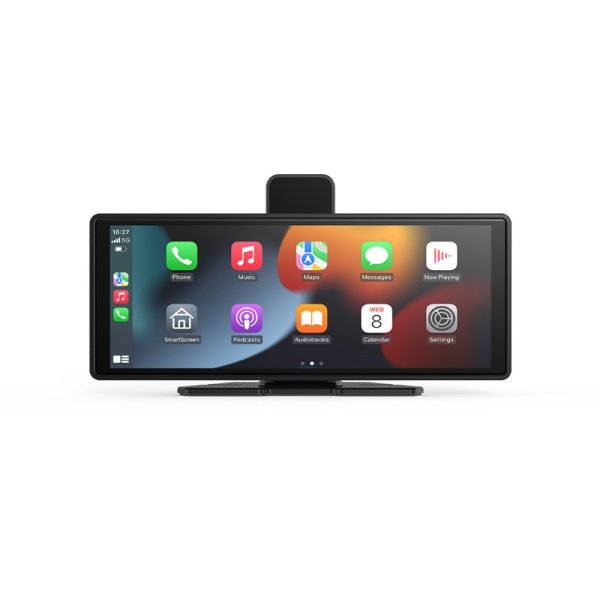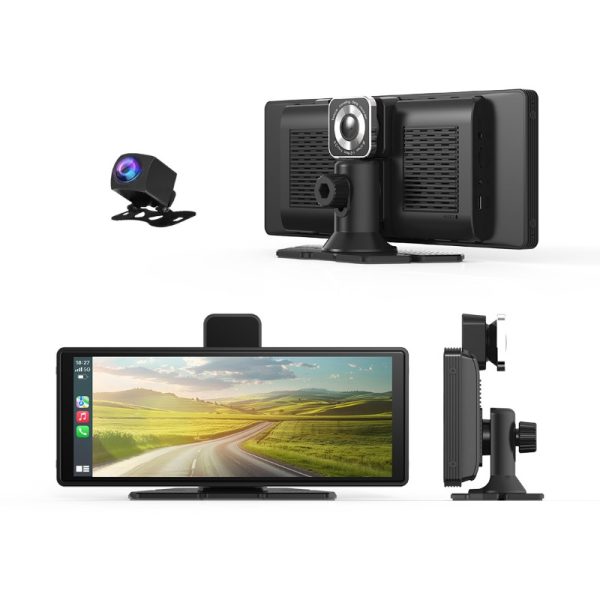












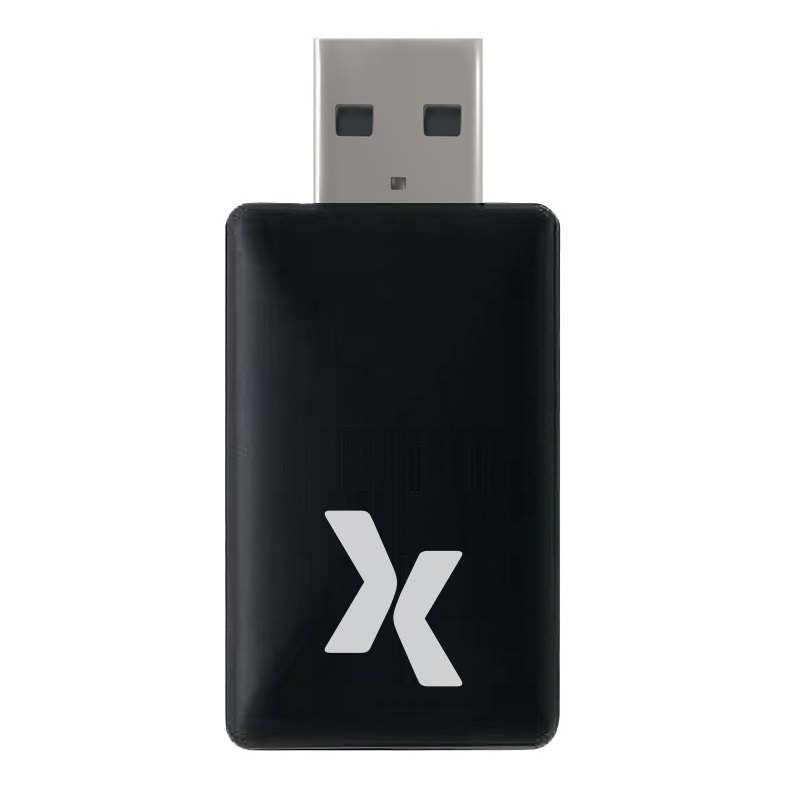
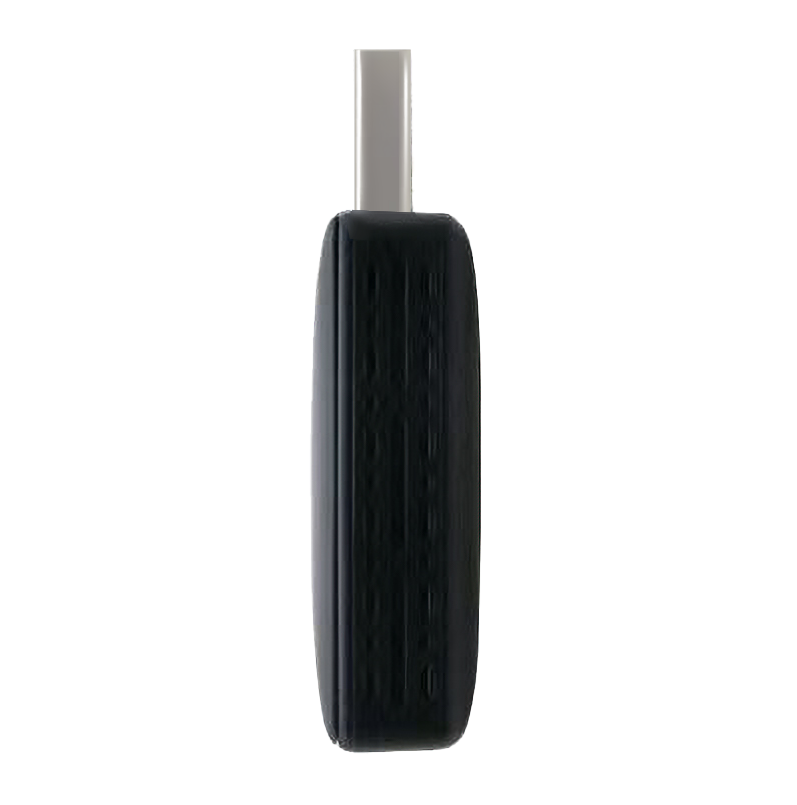
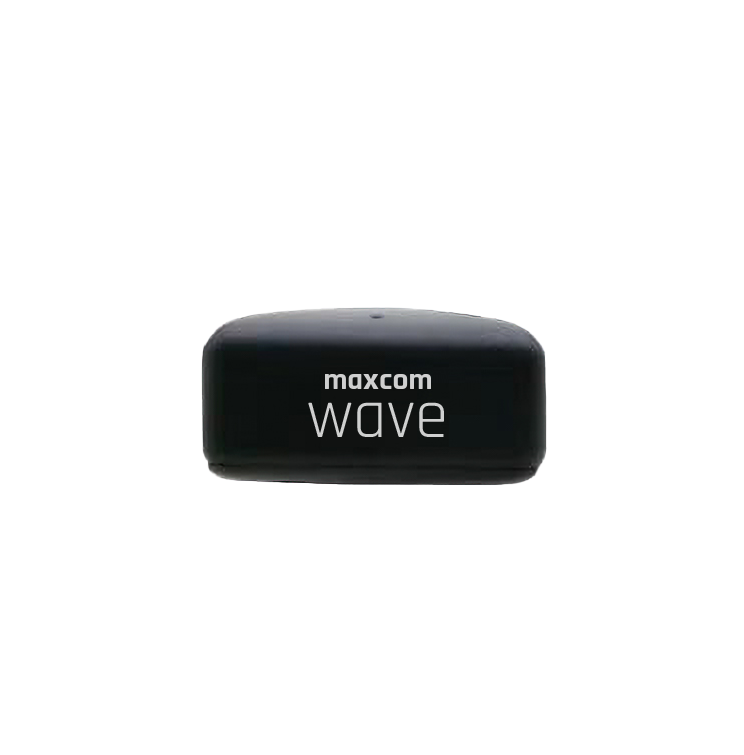
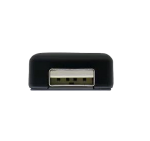
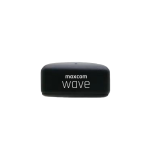
Maxcom MC02 Wave Wireless Car Media Adapter


Technical Specifications:
- Color Black
- Connection BT / Wi-Fi®
- Memory 64 MB RAM / 128 MB ROM
- Interface USB®
- Responsible Persons Maxcom S.A., ul. Towarowa 23a, 43-100 Tychy, Poland, [email protected]
- Responsible manufacturers Maxcom S.A., ul. Towarowa 23a, 43-100 Tychy, Poland, [email protected]
Product description
Description


The Wireless Revolution in Your Car
Tired of the tangled mess of cables in your car? Want to enjoy the convenience of Apple CarPlay® and Android Auto® without having to connect your phone with a cable? Discover the Maxcom Wave MC02—a compact adapter that allows your smartphone to connect wirelessly to your car’s infotainment system.


How does the Maxcom Wave MC02 work?
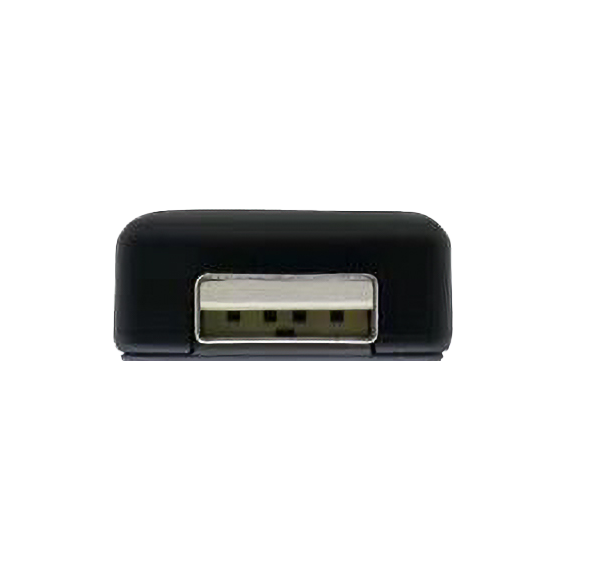
The Maxcom Wave MC02 is a compact USB adapter that connects to a car’s multimedia system via Bluetooth and Wi-Fi. Simply plug it into the car’s USB port and then pair it with your phone. From that point on, Apple CarPlay® or Android Auto® works completely wirelessly, eliminating the need for cables.


Simple 3-step installation:
Step 1: Plug the adapter into the USB port in your car.
Step 2: Turn on Bluetooth and Wi-Fi on your smartphone and search for “Maxcom Wave MC02.”
Step 3: Connect once—and then it’ll happen automatically from then on!
Step 2: Turn on Bluetooth and Wi-Fi on your smartphone and search for “Maxcom Wave MC02.”
Step 3: Connect once—and then it’ll happen automatically from then on!


Why choose the Maxcom Wave MC02?
• No cables, no hassle—automatically connects to the system when you get in the car.
• Compatibility – works with Apple CarPlay® and Android Auto®.
• Reliable connection—stable transmission via Bluetooth and Wi-Fi.
• Compact design—it doesn’t take up much space and looks stylish.
• Plug & Play – instant setup in just a few moments.
• Fast Linux operating system – ensures smooth operation.
The Maxcom Wave MC02 adapter automatically connects to the most recently paired device when the car radio is turned on, ensuring quick and hassle-free use without the need for manual configuration.
• Compatibility – works with Apple CarPlay® and Android Auto®.
• Reliable connection—stable transmission via Bluetooth and Wi-Fi.
• Compact design—it doesn’t take up much space and looks stylish.
• Plug & Play – instant setup in just a few moments.
• Fast Linux operating system – ensures smooth operation.
The Maxcom Wave MC02 adapter automatically connects to the most recently paired device when the car radio is turned on, ensuring quick and hassle-free use without the need for manual configuration.
How does it compare to other adapters?
The Maxcom Wave MC02 is a great alternative to popular adapters, offering full Apple CarPlay® and Android Auto® functionality at an affordable price.
The Maxcom Wave MC02 car adapter is a convenient and functional solution for charging on the go. The set includes additional accessories: a USB-to-USB-C adapter and a cable extension, making it easier to connect devices in the car.
Don’t waste time plugging in cables. Choose the Maxcom Wave MC02 and enjoy the full convenience of wireless Apple CarPlay® and Android Auto®.
The Maxcom Wave MC02 car adapter is a convenient and functional solution for charging on the go. The set includes additional accessories: a USB-to-USB-C adapter and a cable extension, making it easier to connect devices in the car.
Don’t waste time plugging in cables. Choose the Maxcom Wave MC02 and enjoy the full convenience of wireless Apple CarPlay® and Android Auto®.
Specifications
Additional information
| Color | Black |
|---|---|
| Connection |
BT / Wi-Fi® |
| Memory |
64 MB RAM / 128 MB ROM |
| Interface |
USB® |
| Responsible Persons | Maxcom S.A., ul. Towarowa 23a, 43-100 Tychy, Poland, [email protected] |
| Responsible manufacturers | Maxcom S.A., ul. Towarowa 23a, 43-100 Tychy, Poland, [email protected] |
User Reviews
4.4/5


Based on 50 ratings

The average product rating is based on data from maxcom.pl and partner websites. When calculating this rating, we only take into account verified reviews backed by a purchase. Partners: Ceneo, Media Expert, MediaMarkt, RTV EURO AGD, Max Elektro, Orange, T-Mobile, Plus, Play
No user has added a review for this product yet
Questions and Answers
I can’t make a call on the phone I bought.
Please verify that the number you are dialing is correct. When dialing a number in another country, always add the appropriate country code (e.g., Germany 0049 or +49). If you have a prepaid card, please check that there are sufficient funds in your account.
The SIM card is inserted; only emergency calls (112) can be made.
Make sure the SIM card is installed correctly.
My old SIM card doesn’t fit in my new phone.
Contact your mobile carrier’s nearest service center. They will replace your SIM card with the correct size to fit the SIM slot of your new phone.
How can I track the status of my shipment?
On the day we ship your package, you’ll receive an email with the tracking number and a link to track your shipment. Please note that the courier has 2 business days to deliver the package.
Will the courier call me before delivery?
Courier companies are not required to contact the customer by phone in advance. On the day the device is shipped, you will receive a message containing the tracking number and contact information for the courier company delivering the device. To determine the exact date and time of delivery, please contact the courier company directly.
Can I specify the exact delivery time for my package?
Please note that as a store, we are unable to specify the exact time of delivery by the courier company. On the day the device is shipped, you will receive a message containing the tracking number and contact information for the courier company delivering the device. To determine the exact date and time of delivery, please contact the courier company directly.