













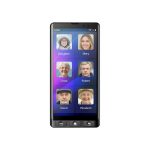
Maxcom Smart MS601 4G Smartphone for Seniors


Technical Specifications:
- Frequency GSM 900/1800 WCDMA 900/2100 LTE B1/3/7/8/20
- System Android 14
- Display 6.0"
- Resolution (pix) 720x1440
- Front camera (Mpix) 5
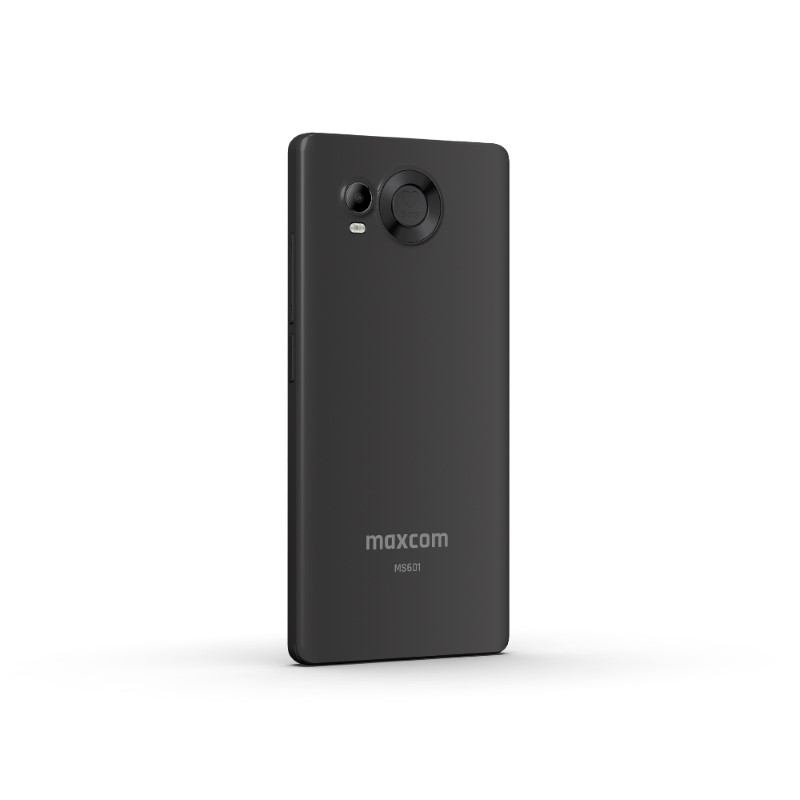
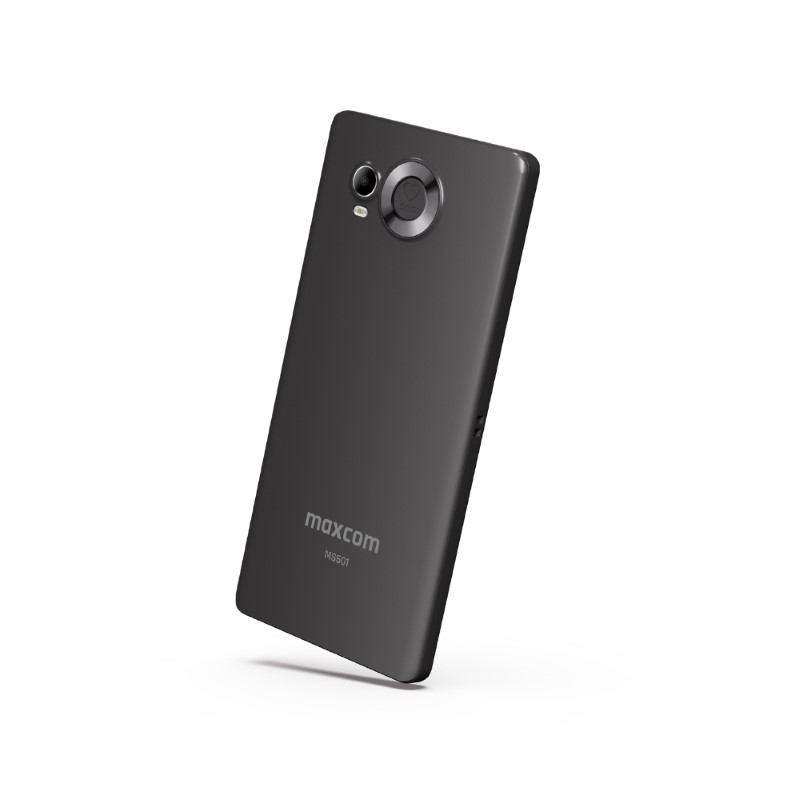
- Rear camera (Mpix) 8
Product description
Description


A smartphone with a modern approach to simplicity
MS601


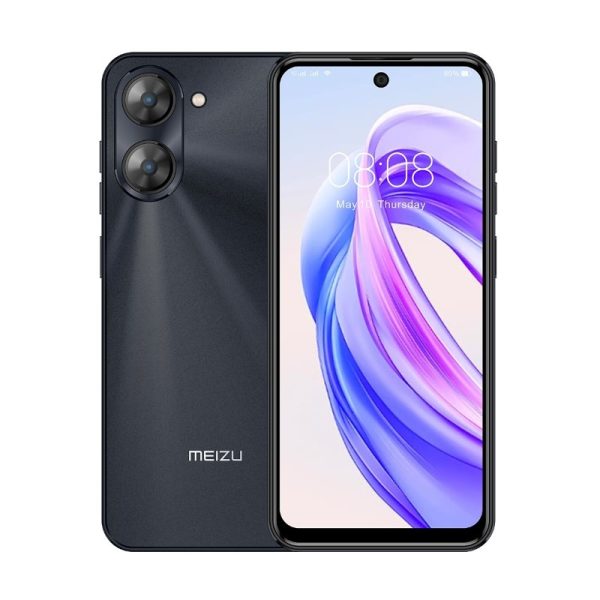
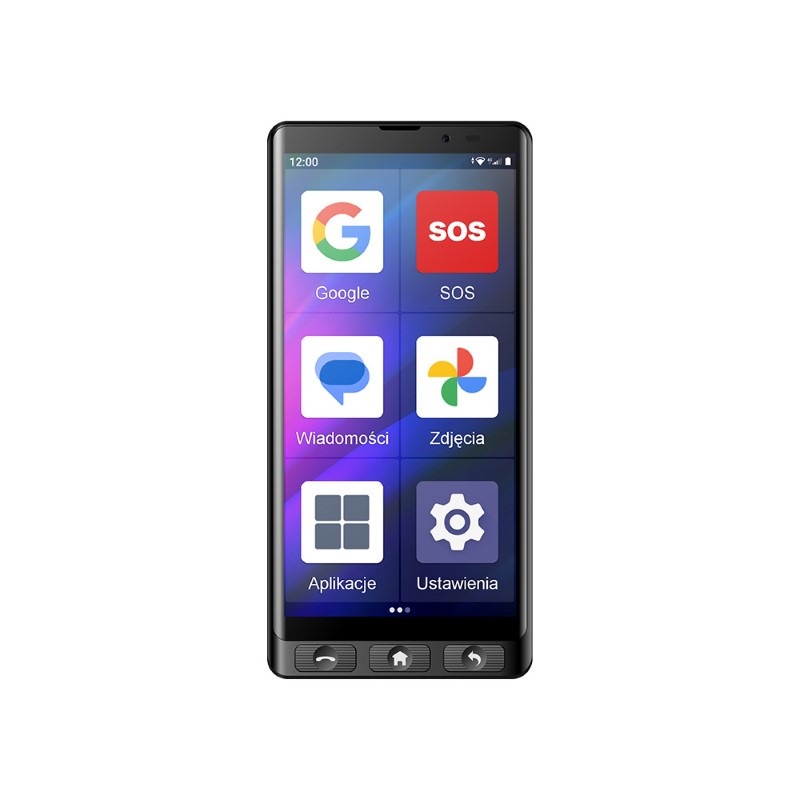
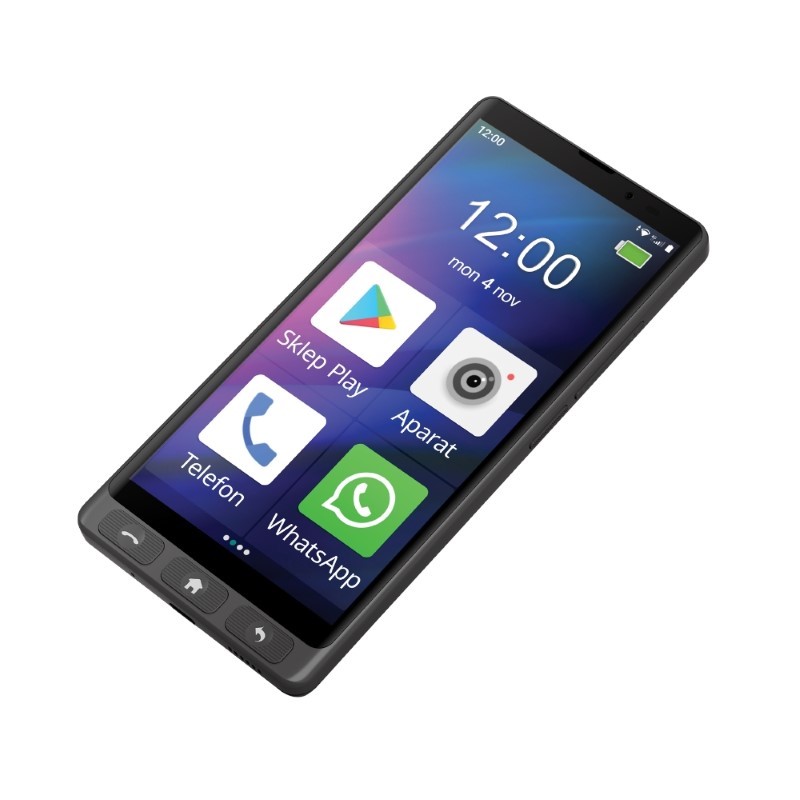
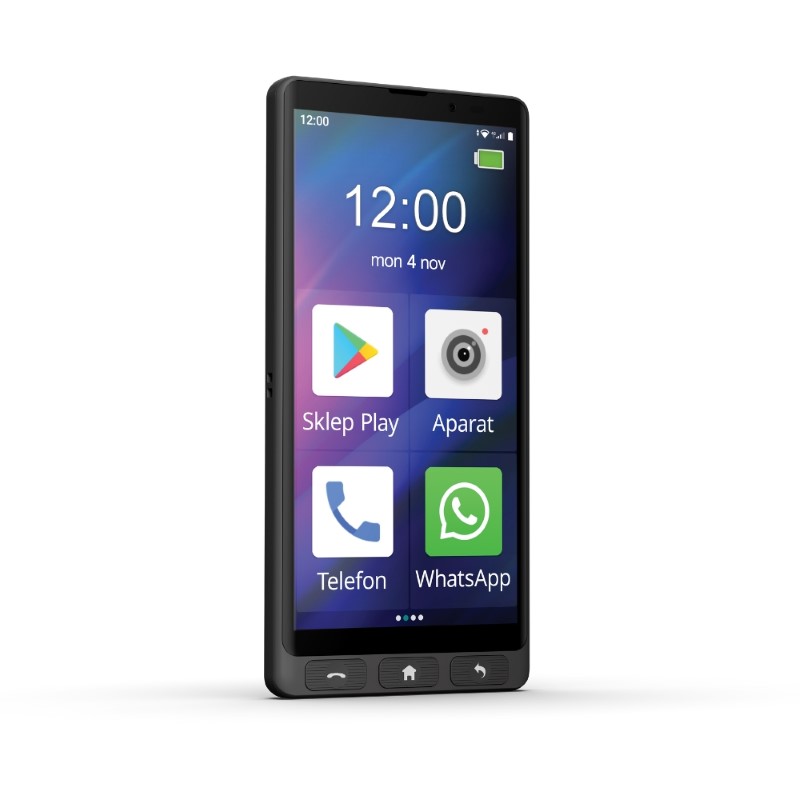
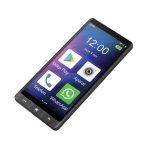
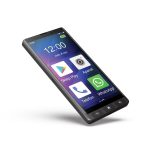
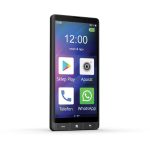
The Maxcom MS601 is a smartphone for seniors that combines a large, easy-to-read screen with physical buttons and intuitive operation.
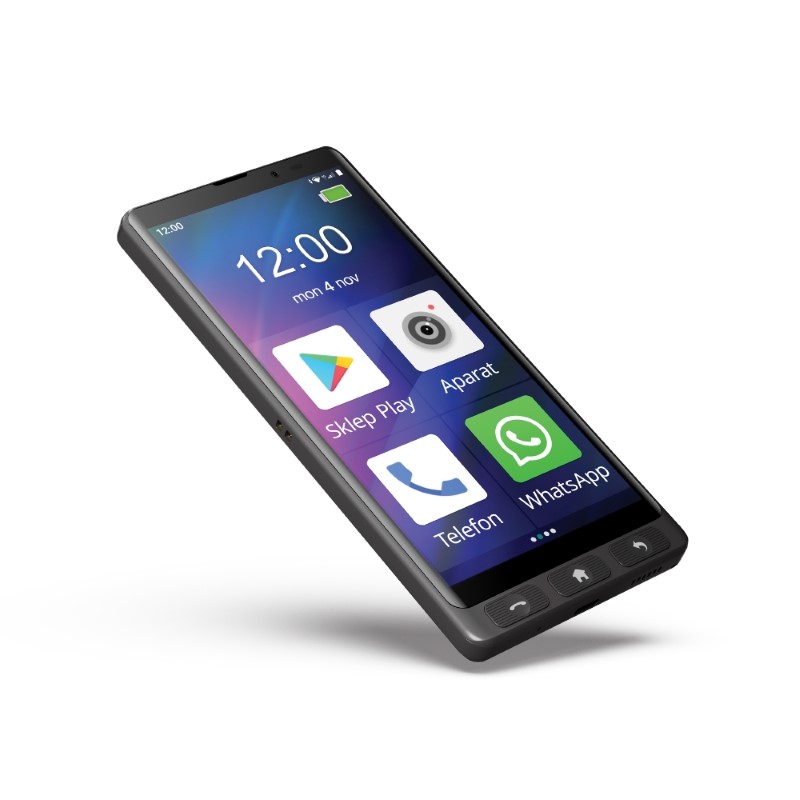
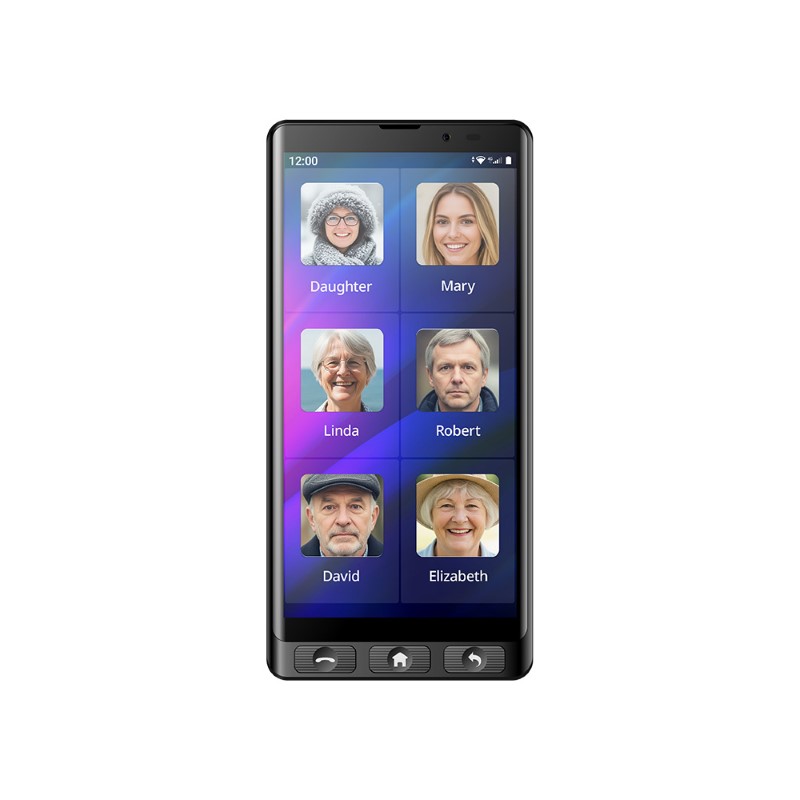
Not everyone needs a phone with dozens of advanced features. Sometimes the most important thing is to be able to easily call loved ones, read a message, or quickly find the app you need. The Maxcom MS601 was designed for people who value convenience and simplicity in everyday use above all else. Large icons, a clear interface, physical function keys, and an SOS button make it a good choice for seniors and people who don’t feel confident using traditional smartphones.

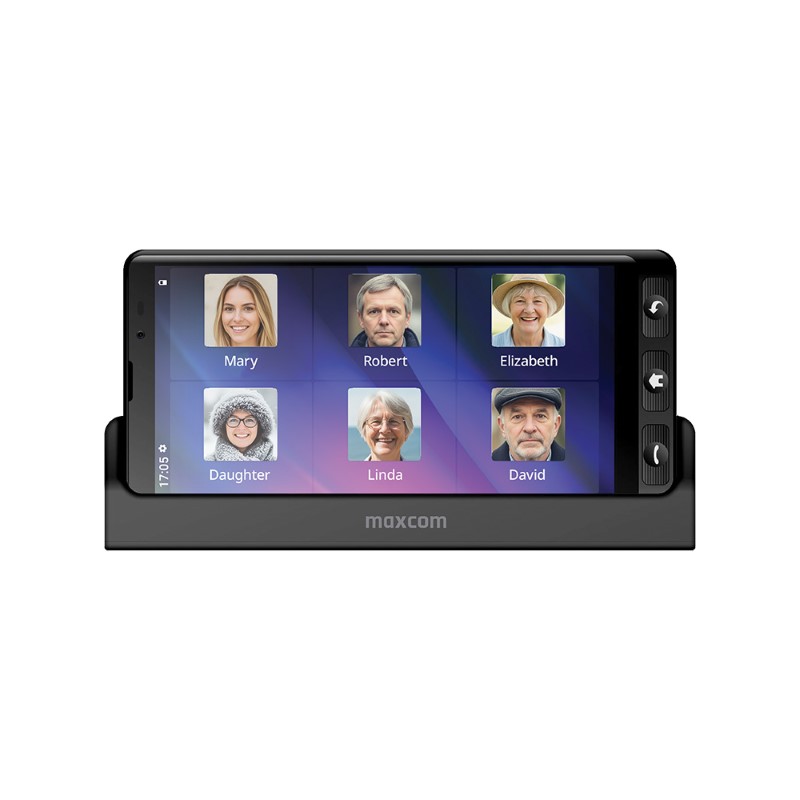
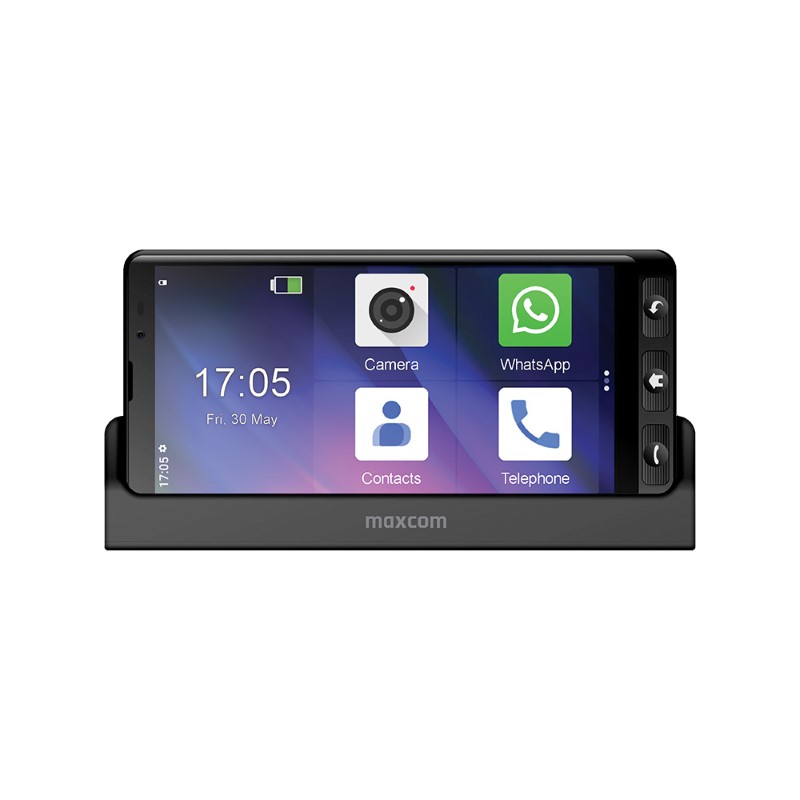
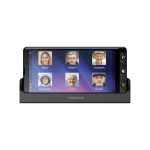
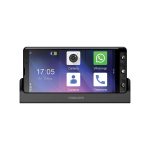
Convenient charging stand with clock function
The set includes a charging stand that not only charges your phone but also automatically displays a large, easy-to-read clock on the screen when you place your MS601 smartphone on it. It’s a practical and stylish solution for the kitchen, bedroom, or office.
Large, easy-to-read 6-inch HD+ screen
The large display with a resolution of 720 x 1440 px ensures excellent content visibility, and the large icons and letters make it easy to use—regardless of age or eyesight.


Physical buttons—a nod to tradition
The phone is equipped with three physical function buttons, familiar from early smartphones. They provide faster access to the features you really need—without having to dig through menus.
A camera for everyday photos and an SOS button—help at your fingertips
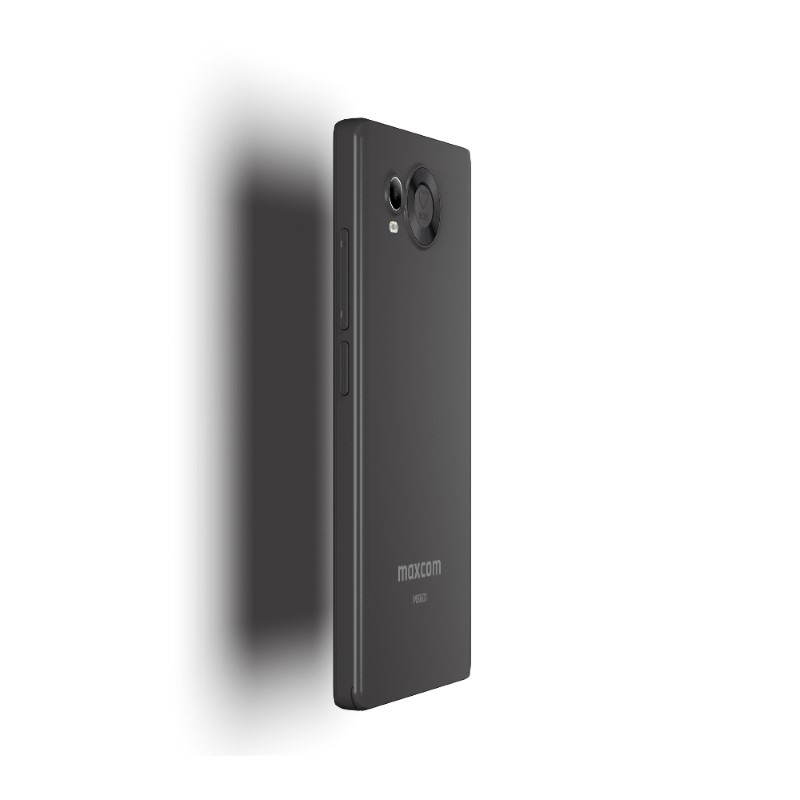
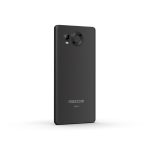
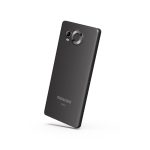
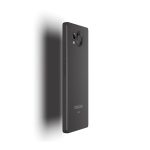
A photo of your grandchildren, a picture from a family gathering, or a video call with loved ones? The Maxcom MS601 features an 8-megapixel rear camera and a 5-megapixel front camera, which are perfect for simple, everyday photography and video calls. However, a particularly important feature is the dedicated SOS button. In a situation where help is needed, simply press and hold it to activate the emergency alert function. This practical solution can make it easier for seniors to call for help and provide their families with greater peace of mind.


System: Android™ 14

Memory: 4 GB RAM + 64 GB ROM (expandable with a microSD card up to 64 GB)

Battery: 4000 mAh – long battery life on a single charge

Connectivity: 4G LTE, Wi-Fi, Bluetooth 4.0, GPS

DualSIM – two numbers in one phone

FM radio, flashlight, audio and video player
A smartphone that makes everyday life easier
The MS601 is equipped with a powerful 4000 mAh battery, ensuring long battery life without the need for frequent charging. Thanks to the hands-free mode and loud ringtones, calls are comfortable even when your hands are full.


Stay in touch with the people who matter
Thanks to 4G LTE connectivity, the Maxcom MS601 allows you to use the internet and messaging apps, and its large screen makes it easy to view received content. The FM radio, flashlight, alarm clock, and calculator will also come in handy in everyday life. All these features are available on a device that’s easy to use thanks to large icons, a clear menu, and physical buttons.
Tailored to your everyday needs.
The Maxcom MS601 is designed for people who want to take advantage of a smartphone’s features but don’t need complicated functionality. Its large screen, intuitive interface, and physical function keys help users feel more confident while performing everyday tasks. In addition, the dedicated SOS button provides an extra way to call for help in an emergency. It’s a great choice as a first smartphone for moms, dads, or grandparents who want to stay in touch with their family while enjoying ease of use.


Dedicated case included
The smartphone comes with a transparent, dedicated case that protects the device without obscuring its elegant design. Please note, however, that the case is not compatible with the desktop stand—to use this charging method, you must remove the case.
We care about the environment
To help protect the environment, this package does not include a charger. The MS601 can be powered using most USB power adapters and a cable with a USB Type-C plug.


Specifications
Additional information
| Frequency | GSM 900/1800 WCDMA 900/2100 LTE B1/3/7/8/20 |
|---|---|
| System | Android 14 |
| Display | 6.0" |
| Resolution (pix) | 720×1440 |
| Front camera (Mpix) | 5 |
| Rear camera (Mpix) | 8 |
| Chipset | MTK6761 (Quad-core 2.0GHz) |
| RAM (GB) | 4 |
| Built-in memory (GB) | 64 |
| SOS button | Yes |
| Large icons |
Yes |
| Dimensions (mm) | 164.0×78.1×9.85 |
| Battery capacity (mAh) | 4000 |
| 3.5mm audio jack | Yes |
| FM radio | Yes |
| Physical function keys |
Yes |
| Brand | Maxcom |
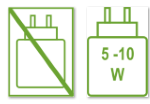 Power supply—charger not available (smartphones) |
No charger included |
| Responsible Persons | Maxcom S.A., ul. Towarowa 23a, 43-100 Tychy, Poland, [email protected] |
| Responsible manufacturers | Maxcom S.A., ul. Towarowa 23a, 43-100 Tychy, Poland, [email protected] |
| The set includes |
Smartphone, |
User Reviews
4.5/5


Based on 83 ratings

The average product rating is based on data from maxcom.pl and partner websites. When calculating this rating, we only take into account verified reviews backed by a purchase. Partners: Ceneo, Media Expert, MediaMarkt, RTV EURO AGD, Max Elektro, Orange, T-Mobile, Plus, Play
No user has added a review for this product yet
About brand
Maxcom is a Polish company engaged in the production and distribution of telecommunications equipment, founded in 2001. It is known for manufacturing cell phones tailored to the needs of older adults, offering ease of use, easy-to-read displays, and features such as an SOS button for safety. The company also offers a wide range of other products, including smartwatches, IoT accessories, smartphones, and landline phones, and is a manufacturer of heat pumps and a distributor of photovoltaic components.
Questions and Answers
I can’t make a call on the phone I bought.
Please verify that the number you are dialing is correct. When dialing a number in another country, always add the appropriate country code (e.g., Germany 0049 or +49). If you have a prepaid card, please check that there are sufficient funds in your account.
The SIM card is inserted; only emergency calls (112) can be made.
Make sure the SIM card is installed correctly.
My old SIM card doesn’t fit in my new phone.
Contact your mobile carrier’s nearest service center. They will replace your SIM card with the correct size to fit the SIM slot of your new phone.
How can I track the status of my shipment?
On the day we ship your package, you’ll receive an email with the tracking number and a link to track your shipment. Please note that the courier has 2 business days to deliver the package.
Will the courier call me before delivery?
Courier companies are not required to contact the customer by phone in advance. On the day the device is shipped, you will receive a message containing the tracking number and contact information for the courier company delivering the device. To determine the exact date and time of delivery, please contact the courier company directly.
Can I specify the exact delivery time for my package?
Please note that as a store, we are unable to specify the exact time of delivery by the courier company. On the day the device is shipped, you will receive a message containing the tracking number and contact information for the courier company delivering the device. To determine the exact date and time of delivery, please contact the courier company directly.
Related products