













Device Features
- 8.1 Auto Mode
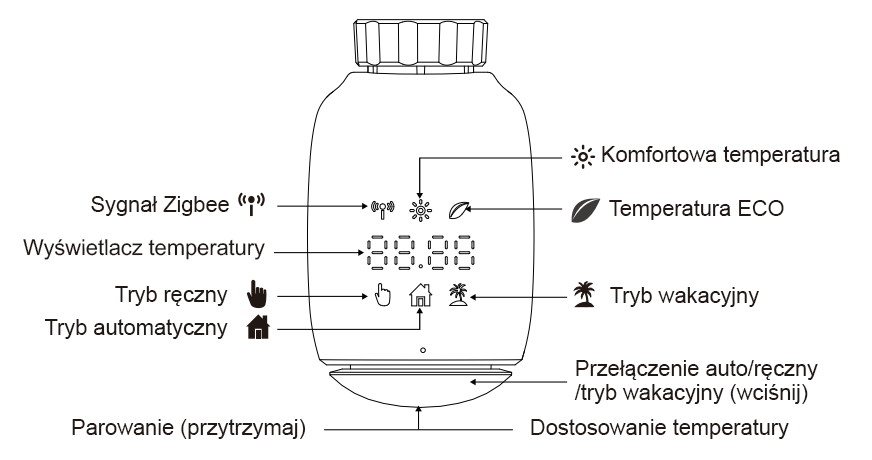
In Auto mode, the temperature is regulated according to the set heating profile. To activate Auto mode, follow these steps:
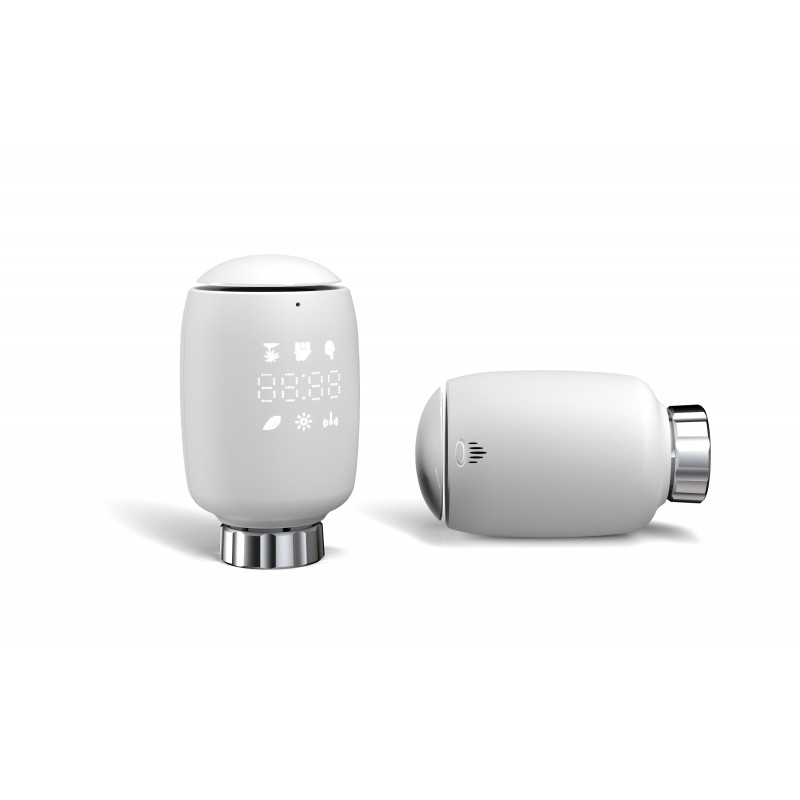
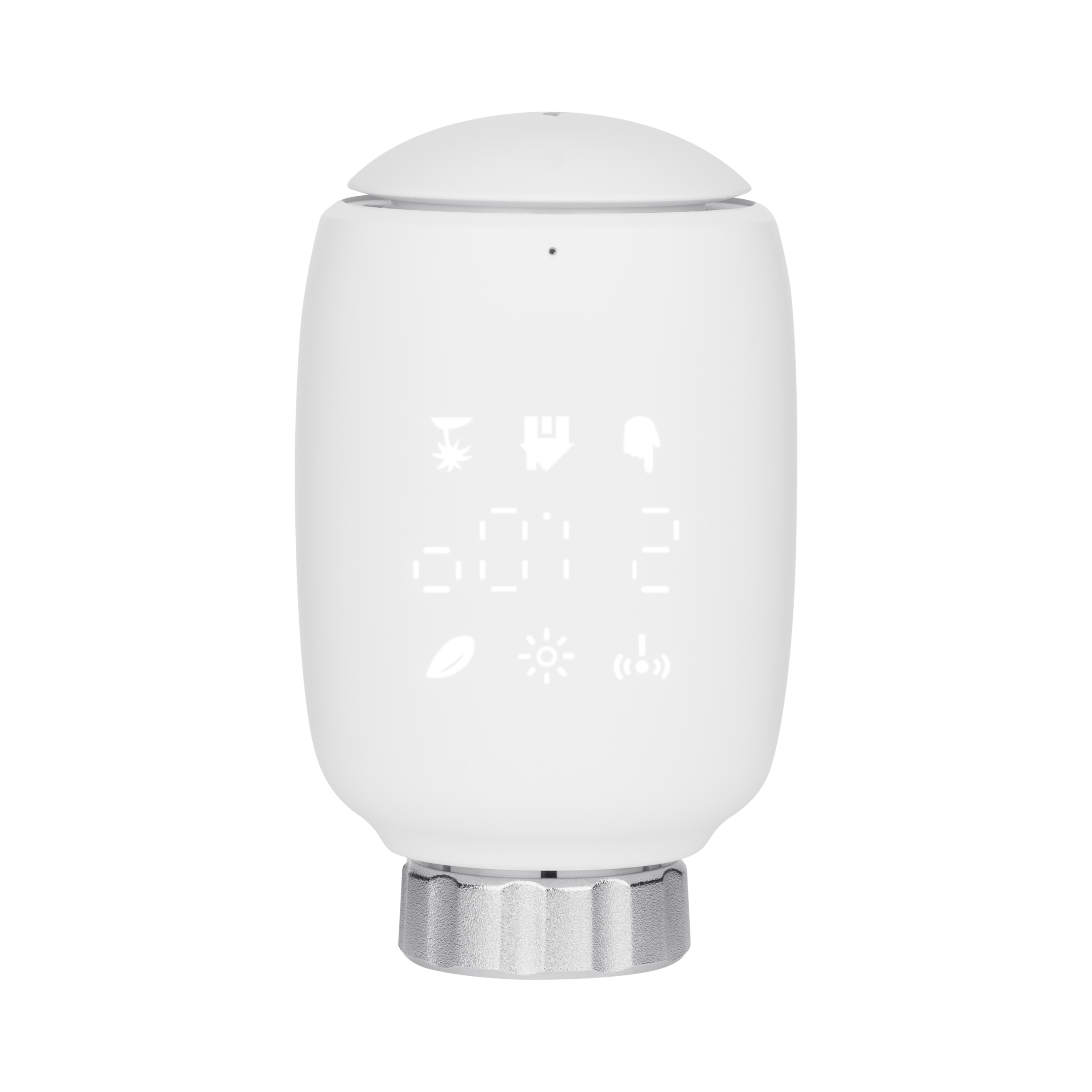
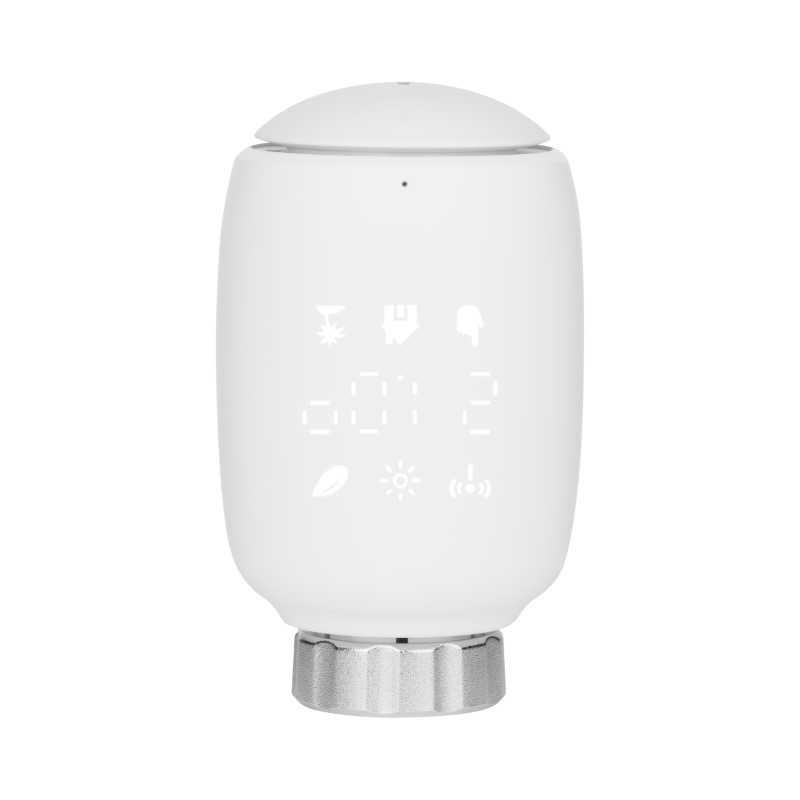
– Press the pairing button to select the icon.
– Default temperatures: 17°C and 21°C.
– Temperature range: 5–30°C, in 0.5°C increments.
– Control via the app: Tap “Manual Mode” on the control panel
- 8.2 Manual Mode
In manual mode, the temperature is controlled according to the current temperature set using the dial. The temperature remains active until the next manual change. To activate manual mode, follow these steps:
Press the pairing button to select the icon.
Default temperature: 20°C.
Temperature range: 5–30°C, in 0.5°C increments.
Control via the app: Tap “Manual Mode” on the control panel