














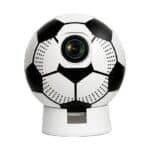


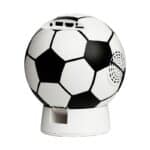


Maxcom SP1001 GOALVIEW LED Projector


Technical Specifications:
- Brightness 180 ANSI
- Operating system Android 11
- Supported resolution 720p, 1080p, 4K at 30 fps
- RAM/ROM 1GB/8GB
- Separation 1280×720p
- Bluetooth 5,1
Product description
Description


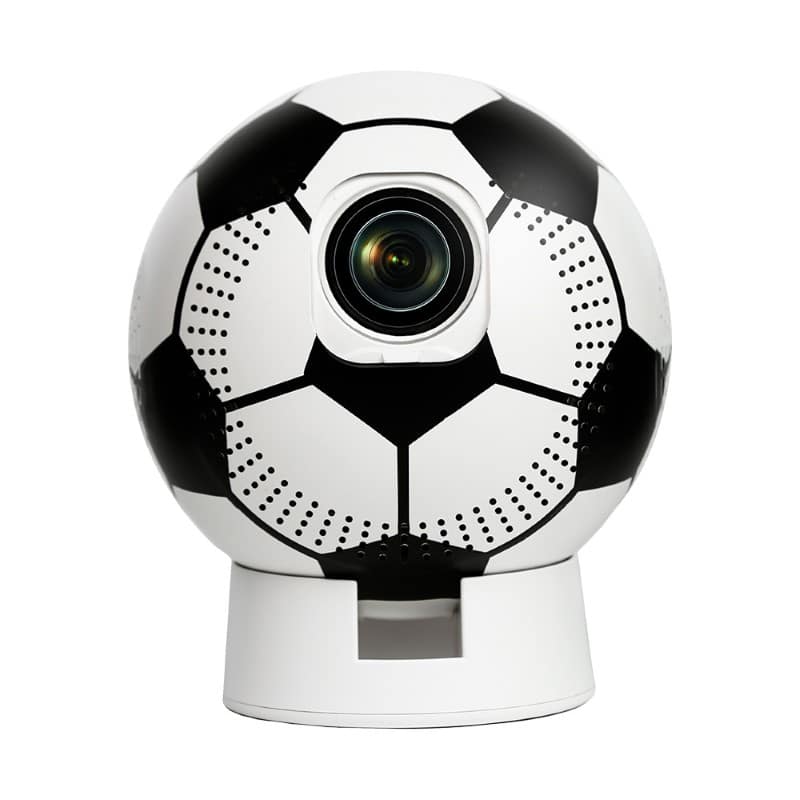
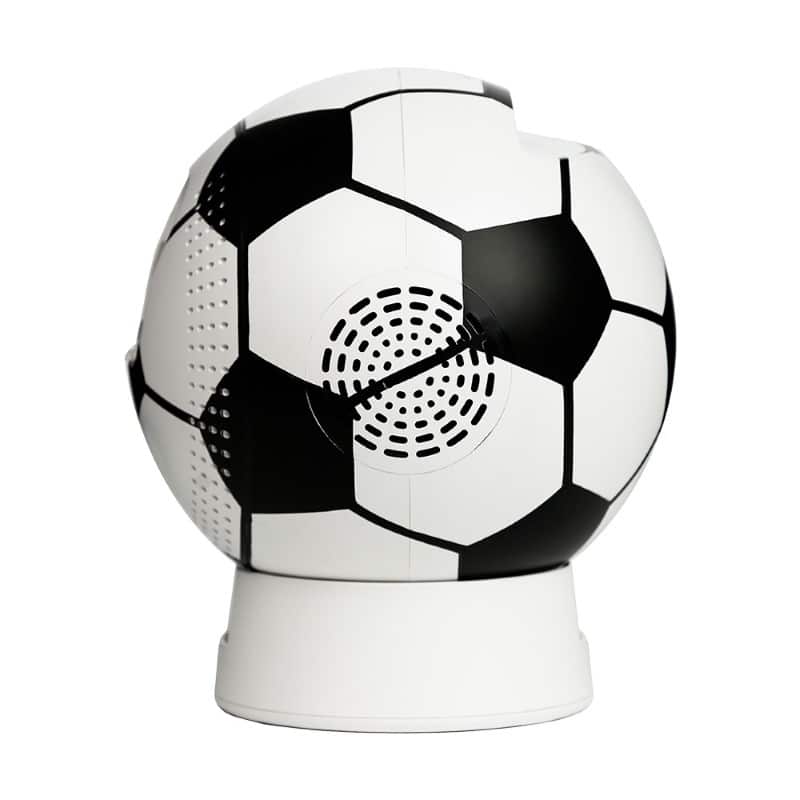
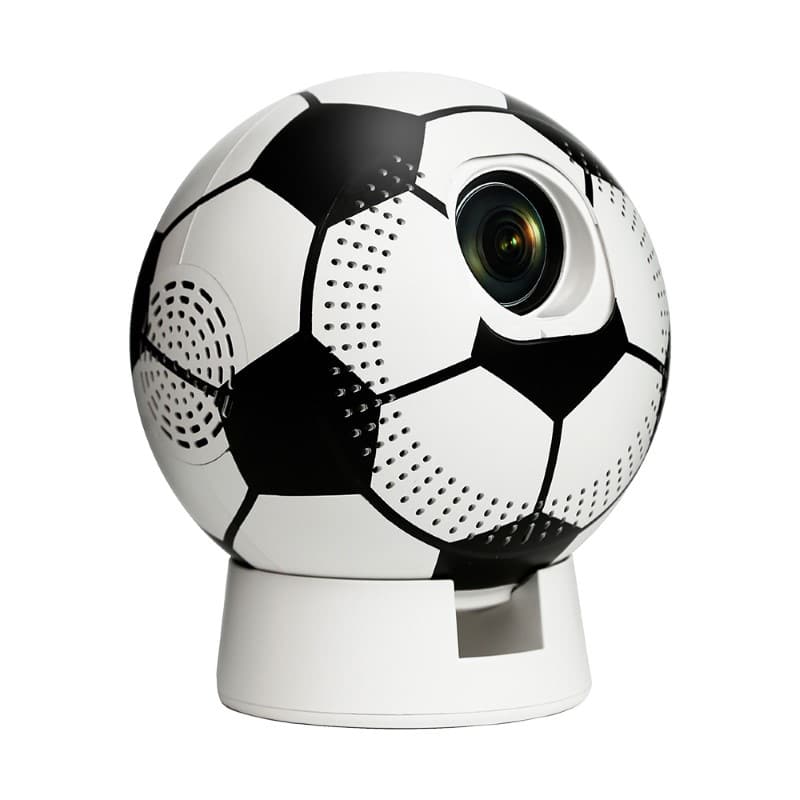
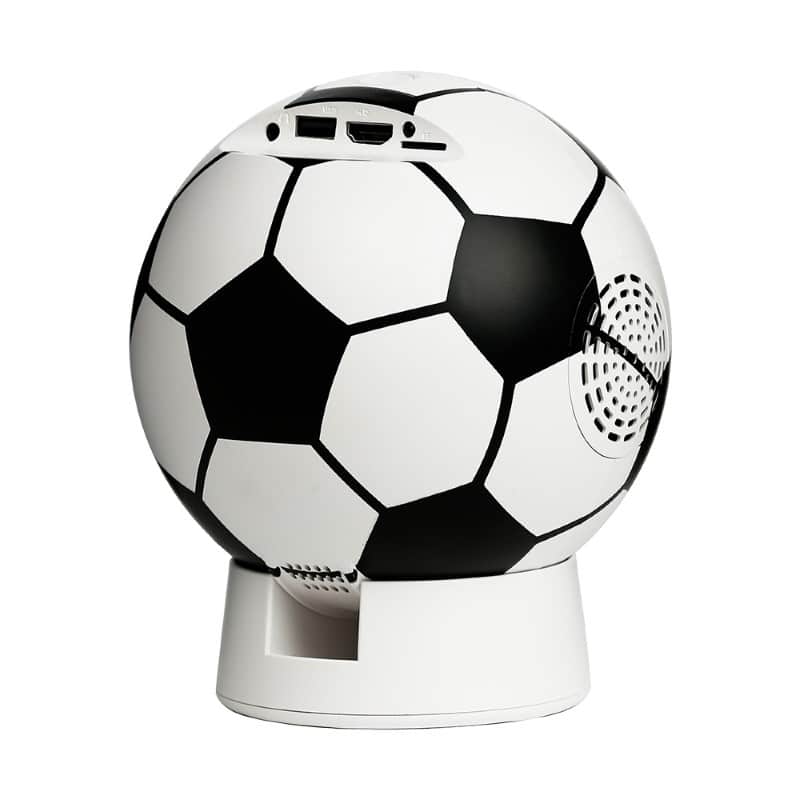
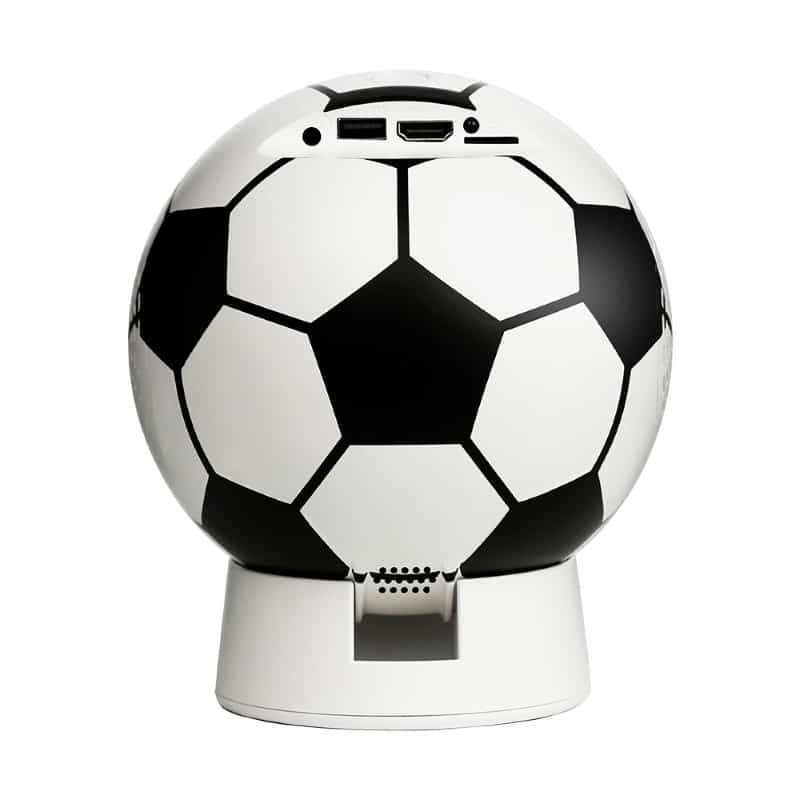
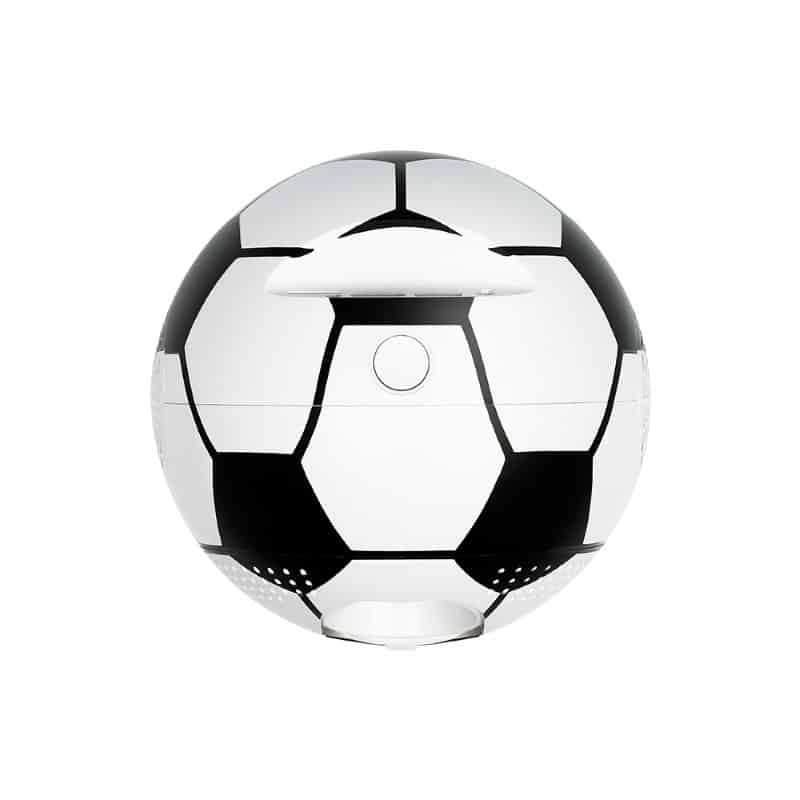
Soccer ball design – create your own fan zone
The unique soccer ball-shaped casing gives the projector a sporty look. This makes it easy to create your own fan zone at home—one that stands out visually in your living room or teen’s bedroom. It’s a device that’s eye-catching yet practical and versatile—great for movies, TV shows, games, or presentations.


Screen up to 150 inches—a big screen in every room
The GOALVIEW SP1001 projector displays an image ranging from 50 to 150 inches in a 16:9 aspect ratio, supporting 720p, 1080p, and 4K resolutions at 30 fps. The large, clear screen lets you enjoy movies, games, and sports broadcasts. The image is detailed, bright, and well-proportioned, so every scene looks natural, whether you’re watching a game, a TV show, or a photo slideshow.

Android 11—apps and streaming without additional hardware
Thanks to the Android 11 system, the projector lets you use streaming platforms and VOD apps without an additional set-top box or console. Connecting to the internet via 2.4 or 5 GHz Wi-Fi is fast and stable, and setup is intuitive. Just turn on the projector to immediately watch movies, TV shows, and sports games or play video games—no extra setup required.
Perfect image in every position
The projector automatically corrects the displayed image, ensuring it is always straight and in the correct aspect ratio, even if you place the device at an angle or on a table. You don’t have to manually adjust the screen shape or waste time on adjustments. Just set up the projector, turn it on, and enjoy a perfect image in any room.


Bluetooth and full connectivity—sound tailored to you
The projector is equipped with Bluetooth 5.1, which allows you to connect an external speaker or headphones, and the built-in 3W speaker enables basic audio playback. Additionally, HDMI, USB, microSD, and 3.5 mm jack ports allow you to connect a game console, laptop, or USB flash drive, creating a complete home entertainment center in a single device.

Compact size—take the projector wherever you want
The projector measures 150 × 150 × 175 mm and weighs 770 g, so you can fit it in a small backpack or bag. You can take it with you on a trip, to your summer cottage, or to a friend’s house. It’s a lightweight and portable device that lets you watch movies, presentations, and sports games anywhere.


Mobility – a projector wherever you need it
Thanks to its lightweight design and easy setup, you can move the projector between rooms, out onto the patio, or onto the balcony. The LED screen, with a lifespan of up to 50,000 hours, reduces operating costs and ensures long-lasting, reliable performance. It’s a versatile device for everyday use and special occasions.


Quick setup—ready in seconds
Simply connect an HDMI, USB, or microSD cable to use the projector with any signal source. The device supports all popular storage media and works right out of the box, delivering a large image, a fully immersive experience, and ease of use no matter the occasion.
Specifications
Additional information
| Brightness |
180 ANSI |
|---|---|
| Operating system |
Android 11 |
| Supported resolution |
720p, 1080p, 4K at 30 fps |
| RAM/ROM |
1GB/8GB |
| Separation |
1280×720p |
| Bluetooth |
5,1 |
| Ports |
HDMI/USB/microSD card/3.5 mm jack |
| Wi-Fi |
2.4 GHz/5 GHz |
| Contrast ratio |
1500:1 |
| LED lamp lifespan |
50,000 hours |
| Image aspect ratio |
16/9 |
| Projection image size |
50 – 150” |
| Speaker |
3 W |
| Automatic keystone correction |
Yes |
| Responsible Persons | Maxcom S.A., ul. Towarowa 23a, 43-100 Tychy, Poland, [email protected] |
| Responsible manufacturers | Maxcom S.A., ul. Towarowa 23a, 43-100 Tychy, Poland, [email protected] |
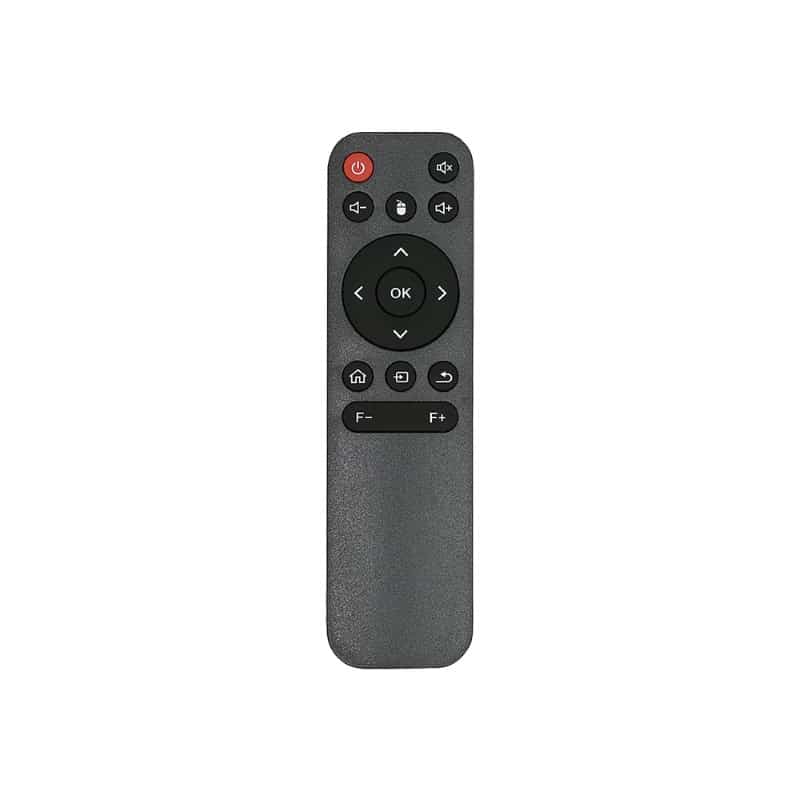
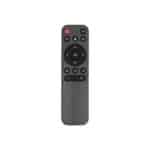
| What’s Included in the Set | Projector, Power cord, Remote control, Instruction manual |
User Reviews
5.0/5


Na podstawie 1 oceny

The average product rating is based on data from maxcom.pl and partner websites. When calculating this rating, we only take into account verified reviews backed by a purchase. Partners: Ceneo, Media Expert, MediaMarkt, RTV EURO AGD, Max Elektro, Orange, T-Mobile, Plus, Play
No user has added a review for this product yet
Questions and Answers
I can’t make a call on the phone I bought.
Please verify that the number you are dialing is correct. When dialing a number in another country, always add the appropriate country code (e.g., Germany 0049 or +49). If you have a prepaid card, please check that there are sufficient funds in your account.
The SIM card is inserted; only emergency calls (112) can be made.
Make sure the SIM card is installed correctly.
My old SIM card doesn’t fit in my new phone.
Contact your mobile carrier’s nearest service center. They will replace your SIM card with the correct size to fit the SIM slot of your new phone.
How can I track the status of my shipment?
On the day we ship your package, you’ll receive an email with the tracking number and a link to track your shipment. Please note that the courier has 2 business days to deliver the package.
Will the courier call me before delivery?
Courier companies are not required to contact the customer by phone in advance. On the day the device is shipped, you will receive a message containing the tracking number and contact information for the courier company delivering the device. To determine the exact date and time of delivery, please contact the courier company directly.
Can I specify the exact delivery time for my package?
Please note that as a store, we are unable to specify the exact time of delivery by the courier company. On the day the device is shipped, you will receive a message containing the tracking number and contact information for the courier company delivering the device. To determine the exact date and time of delivery, please contact the courier company directly.
Related products