













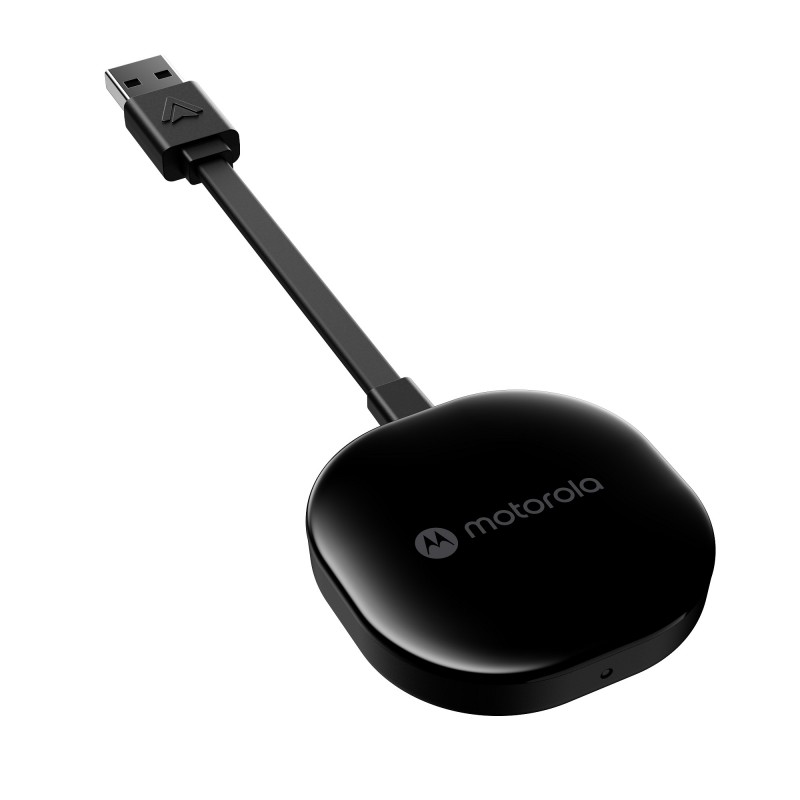
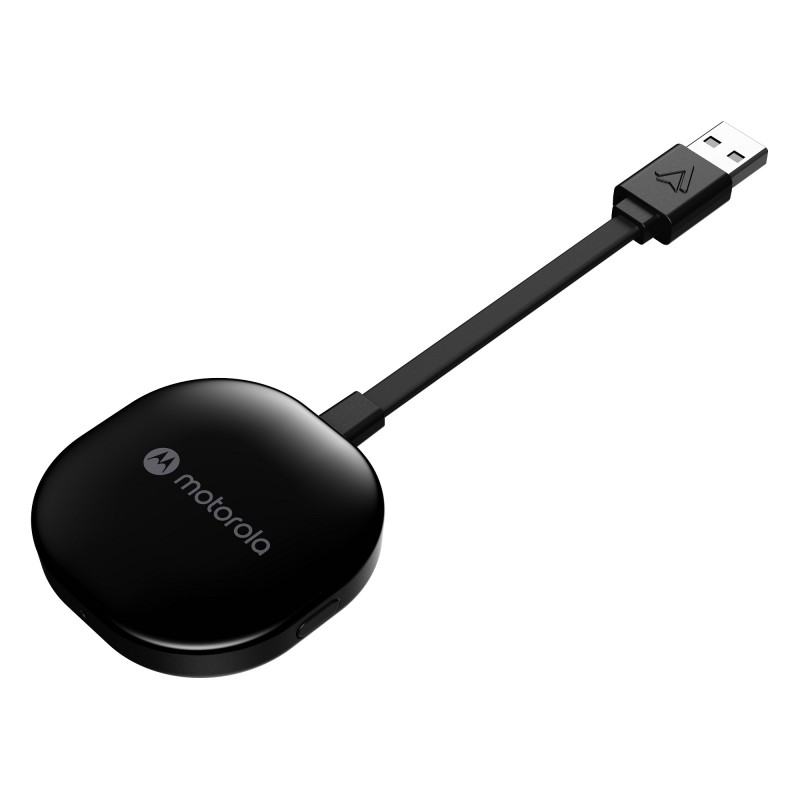
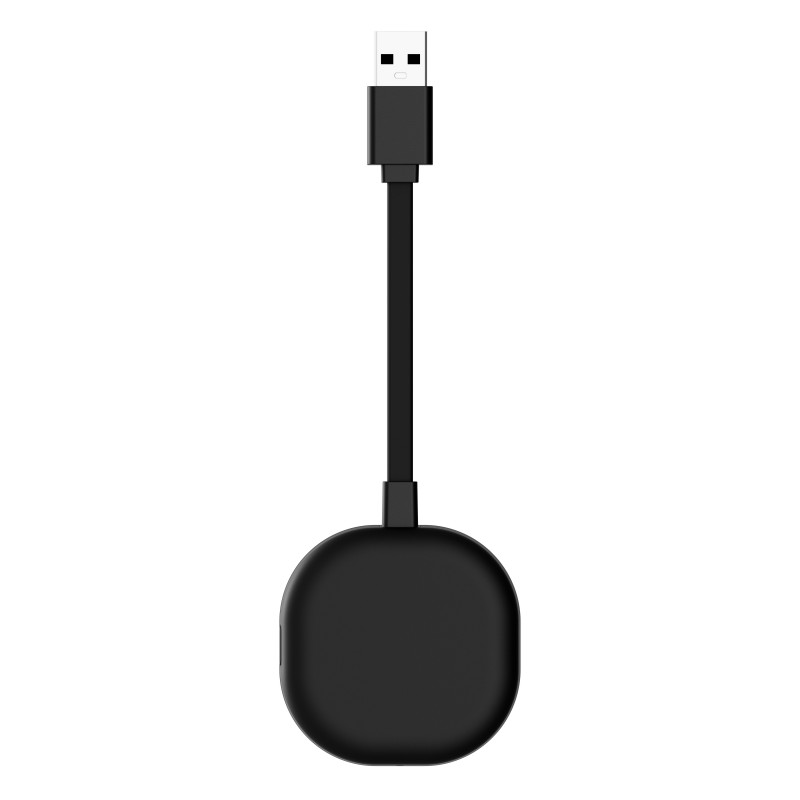
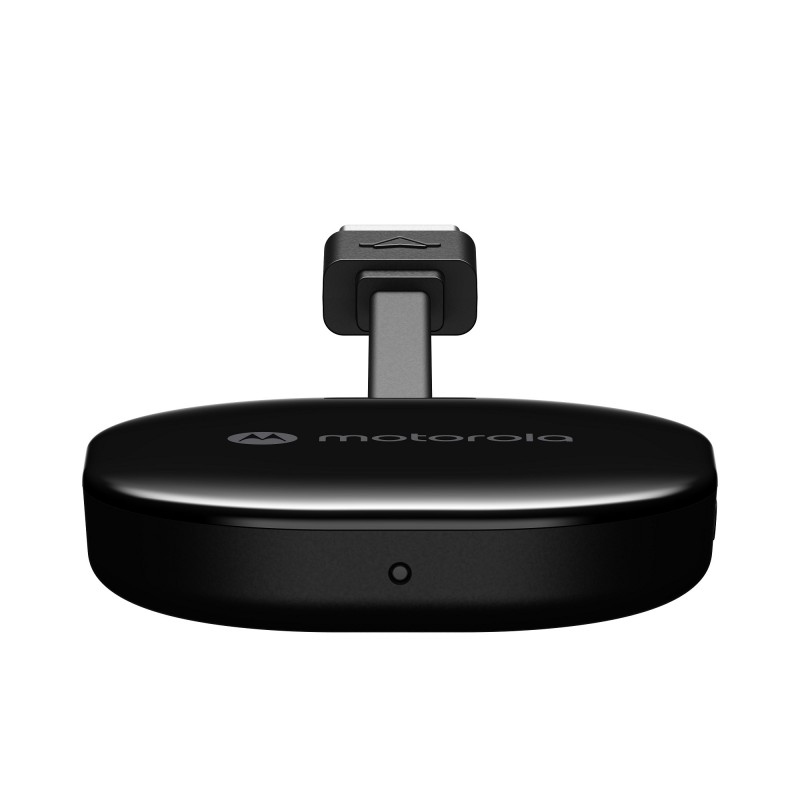
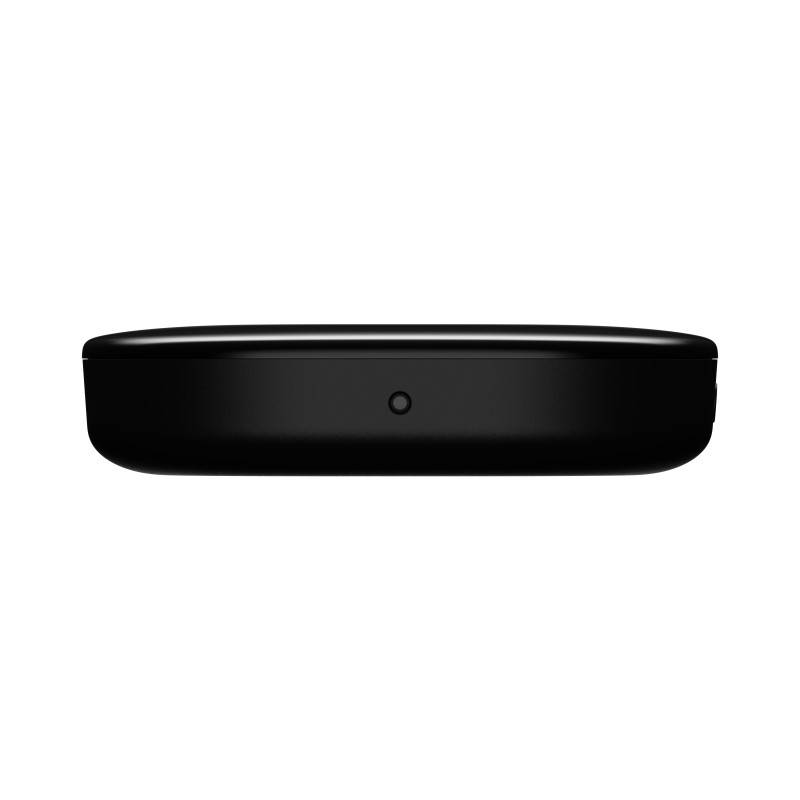
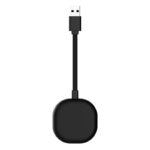
Motorola MA1 Wireless Adapter for Android Auto


Technical Specifications:
- Device type Wireless adapter for Android Auto
- Color Black
- Brand Motorola
Product description
Description
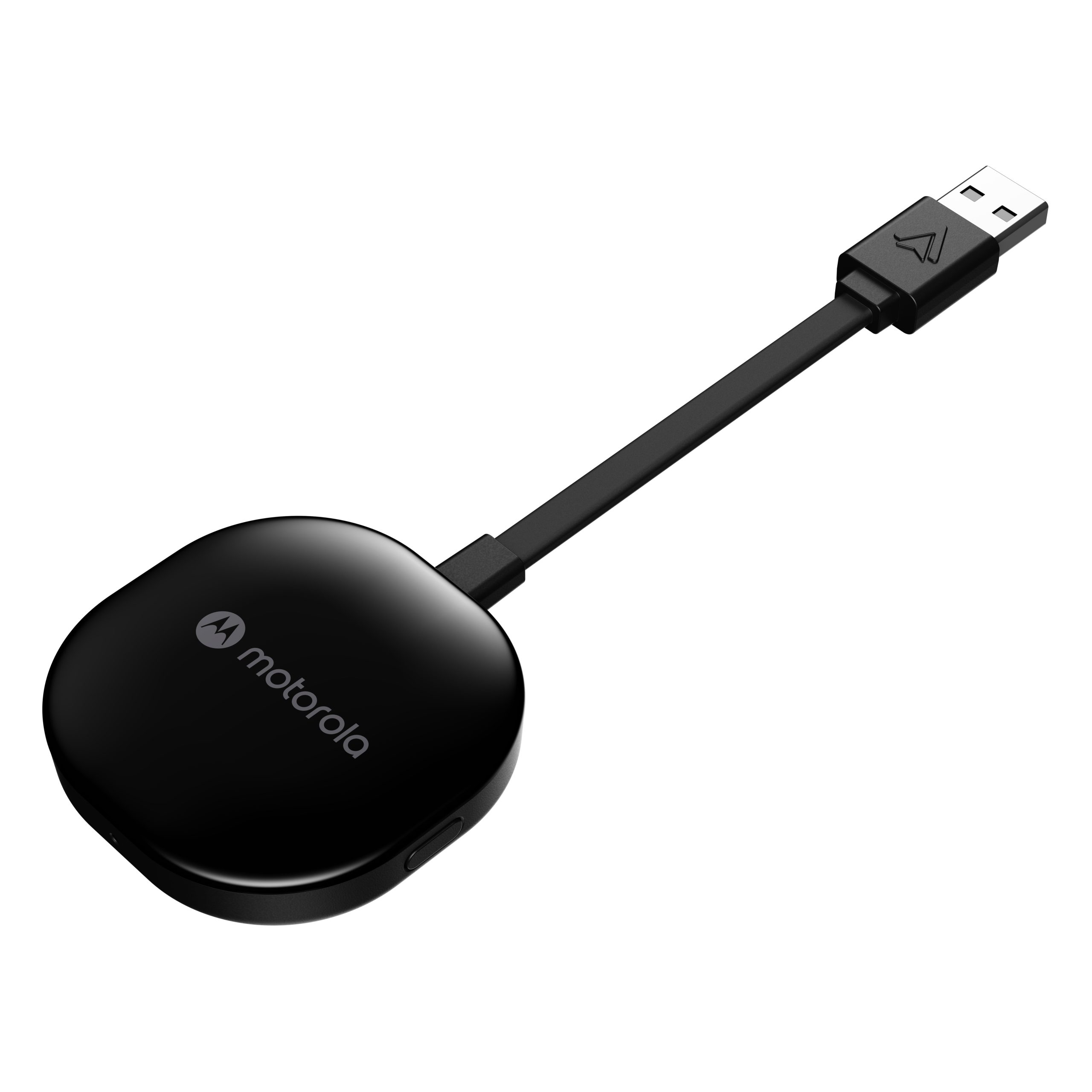
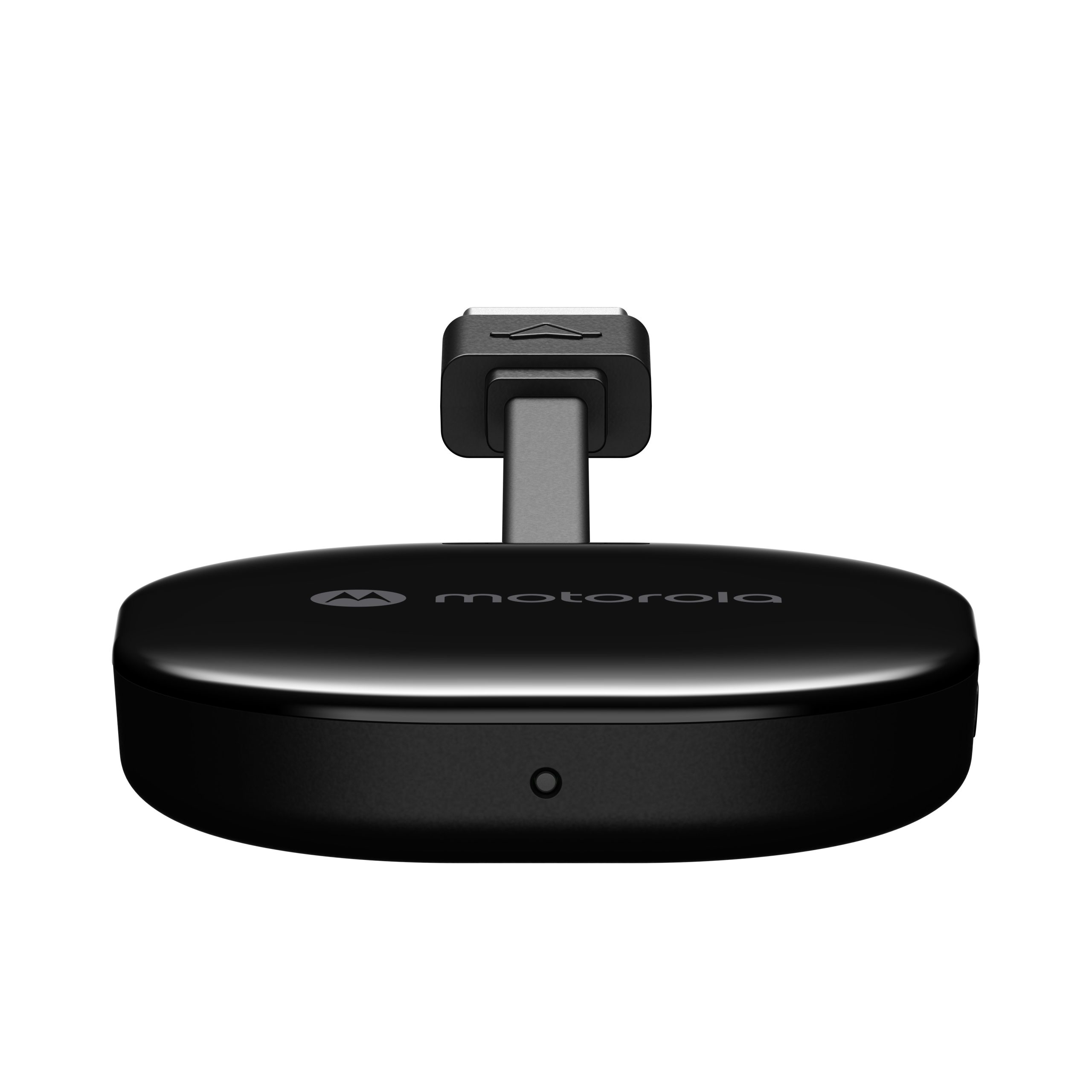
Motorola MA1 Wireless Android Auto™ Car Adapter
Get rid of cables and enjoy freedom
THE SOLUTION YOU’VE BEEN WAITING FOR
Have you ever dreamed of wirelessly integrating your Android Auto-enabled smartphone with your car? The Motorola MA1 is the answer to your dreams! The Motorola MA1 is the world’s first wireless Android Auto™ adapter using advanced technology licensed by Google. The MA1 enables wireless Android Auto support in your car. Now you can freely use your favorite apps without having to connect any cables. Install our innovative Motorola MA1 wireless adapter today and experience a revolution in your car.
AT LIGHTNING SPEED
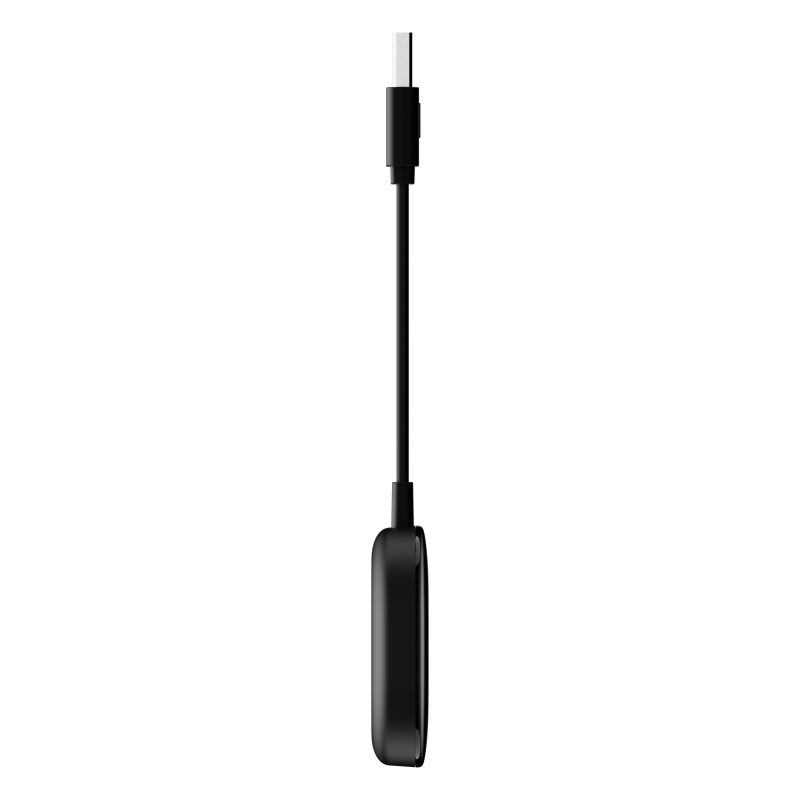
Want secure access to apps on the go? The Motorola MA1 is the solution for anyone who wants a convenient, wireless Android Auto™ experience. The adapter is licensed by Google to use technology that allows users to connect wirelessly to Android Auto-enabled vehicles via a USB port. This means even better and easier access to apps displayed on your car’s screen. The MA1 operates on the 5 GHz frequency, ensuring an instant connection to the system.
YOUR TIME UNDER CONTROL
GET RID OF THE CABLES
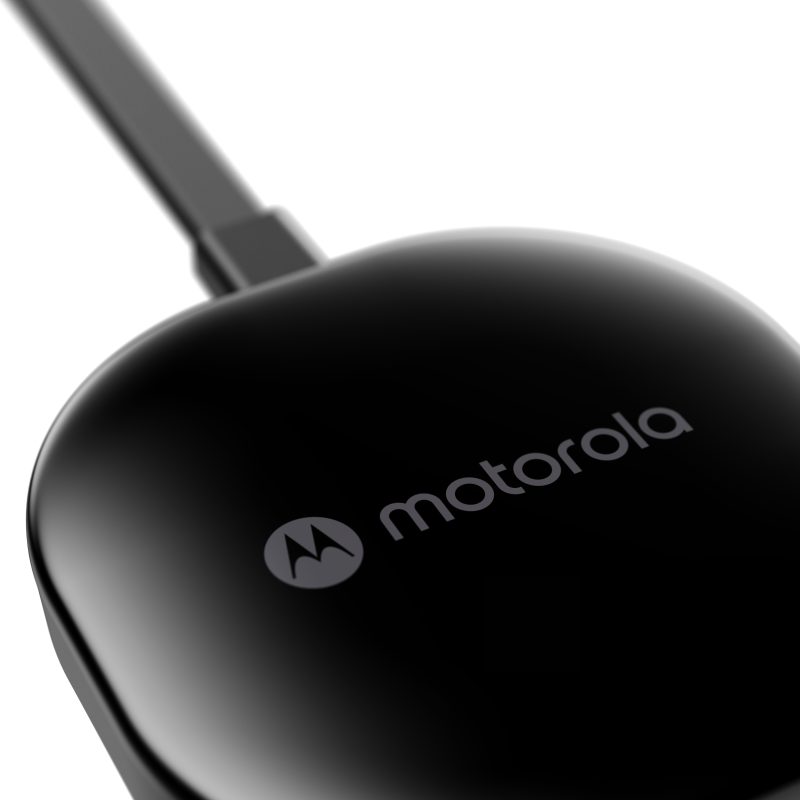
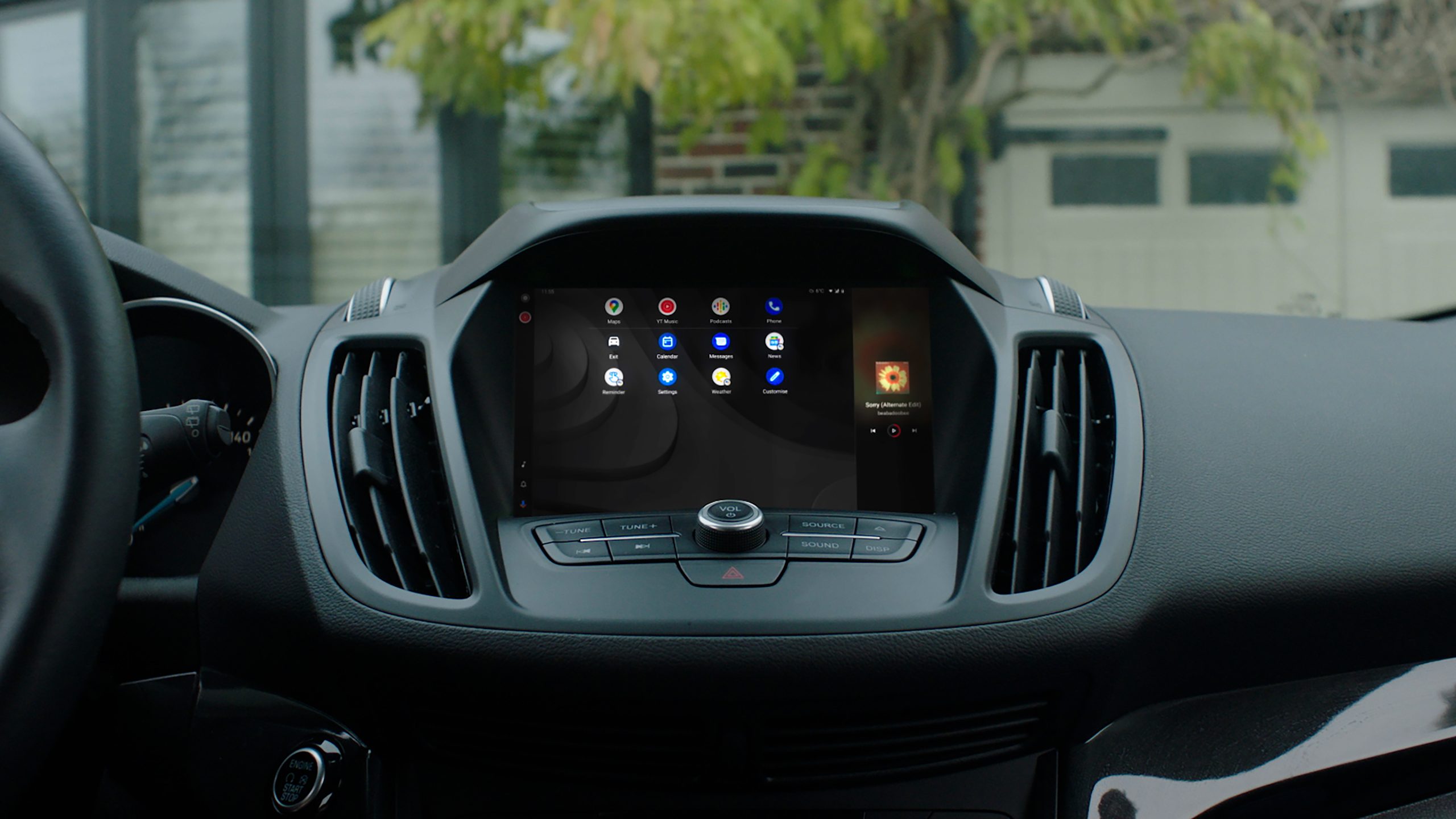
Get rid of the hassle of connecting your phone every time you get in the car. The Motorola MA1 gives you seamless access to your favorite navigation, multimedia, and messaging apps.
WIRELESS CONNECTION
The Motorola MA1 eliminates the need to connect your phone to your car’s infotainment system every time you get in the vehicle. This allows for easier access to your favorite navigation, multimedia, and messaging apps.
EASY SETUP
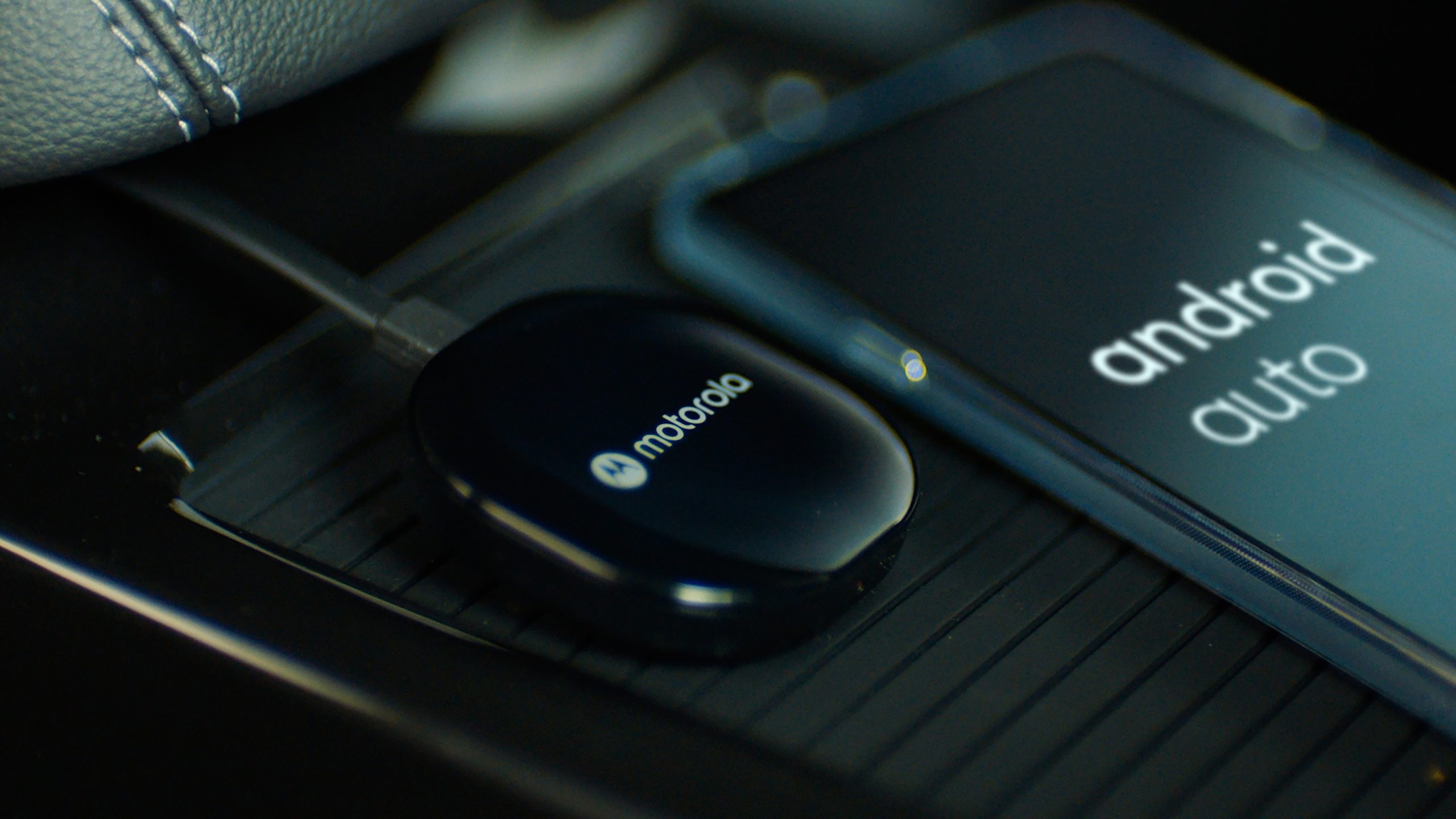
Extremely easy setup. See how simple it is. 1. Connect the MA1 adapter to your car’s existing USB port that supports Android Auto, 2. Pair your phone with the MA1 adapter via Bluetooth, 3. Enjoy wireless Android Auto™!
FAST MEDIA STREAMING
The Android Auto™ system operates on the 5 GHz frequency band via Wi-Fi, ensuring an instant connection. Motorola MA1 licenses technology from Google that makes it easy for users to connect wirelessly to existing Android Auto-enabled vehicles equipped with a USB port, further simplifying access to apps via the car’s display.
ELEGANT DESIGN
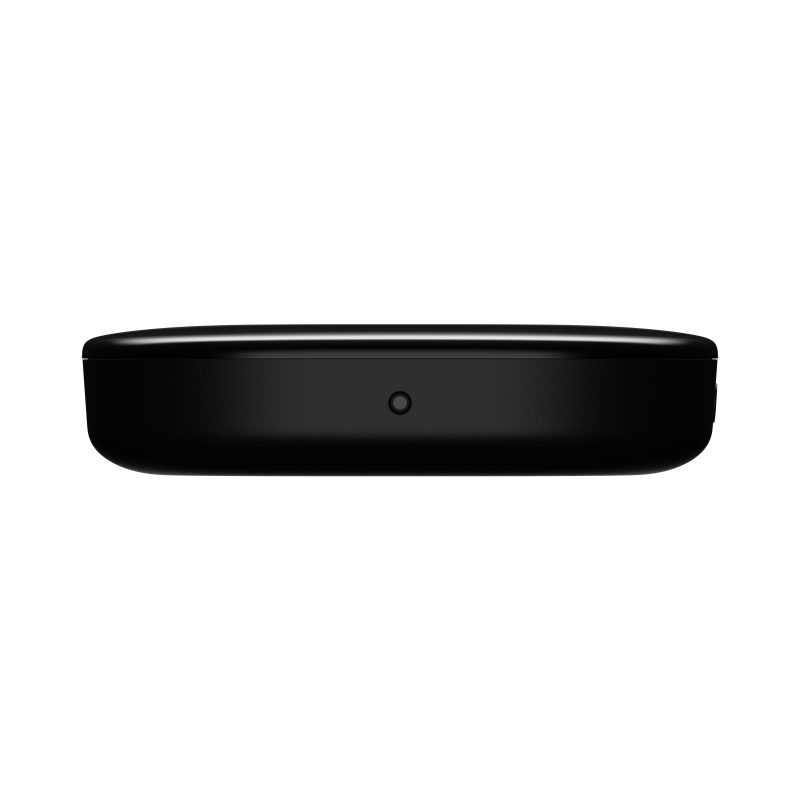
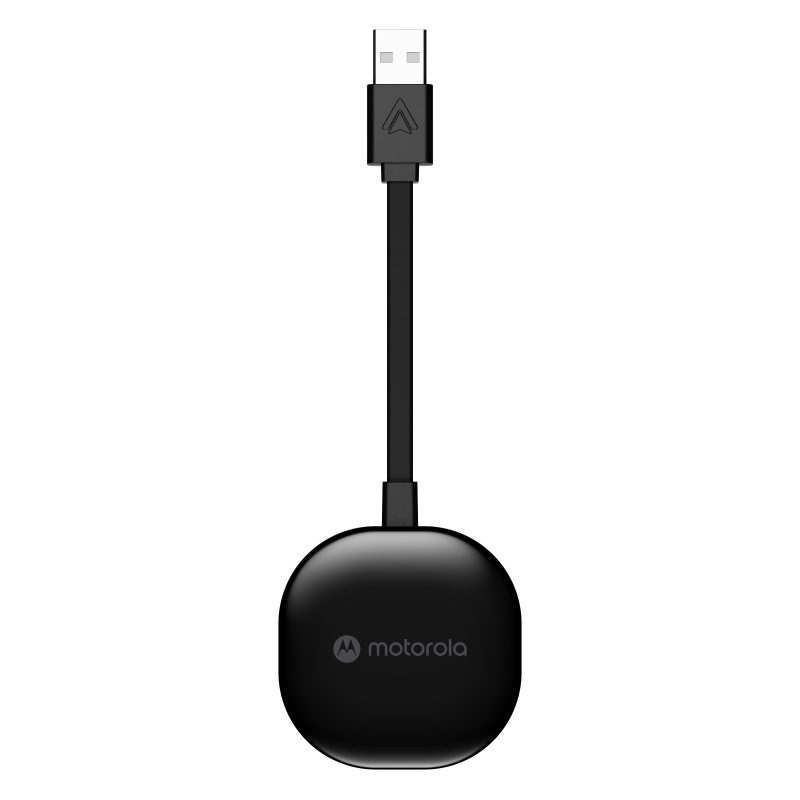
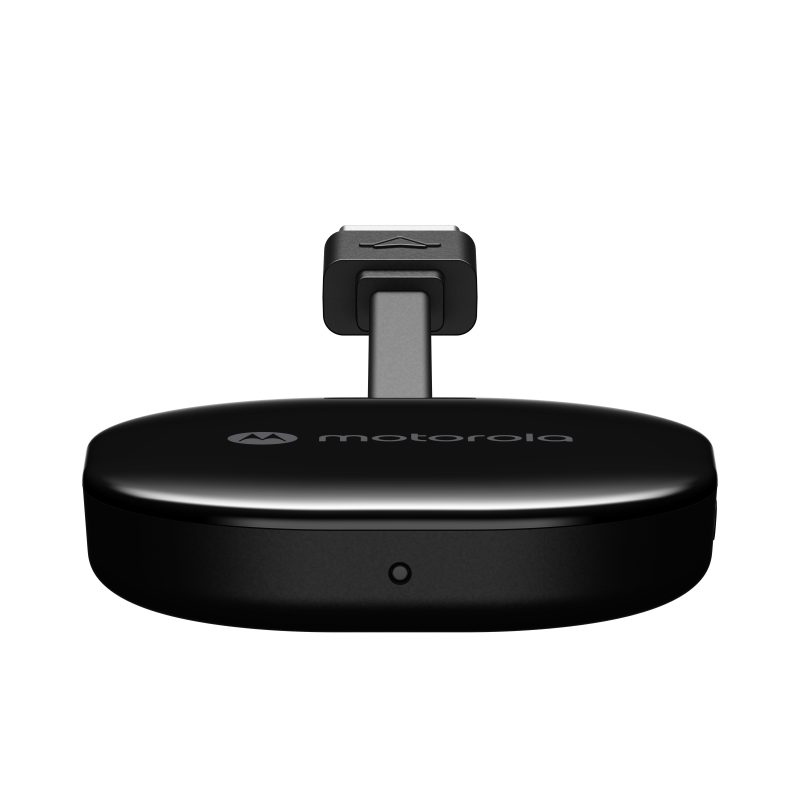
The Motorola MA1 adapter is designed for drivers who value both functionality and aesthetic design. It features a discreet and elegant design. It’s perfect for those who want to enjoy a seamless wireless connection but don’t have the built-in technology to make it possible.
Specifications
Additional information
| Device type | Wireless adapter for Android Auto |
|---|---|
| Color | Black |
| Brand | Motorola |
User Reviews
4.3/5


Based on 79 ratings

The average product rating is based on data from maxcom.pl and partner websites. When calculating this rating, we only take into account verified reviews backed by a purchase. Partners: Ceneo, Media Expert, MediaMarkt, RTV EURO AGD, Max Elektro, Orange, T-Mobile, Plus, Play
No user has added a review for this product yet
About brand
Motorola is an American company founded in 1928 that became famous as a pioneer in the mobile phone industry. It is a globally recognized leader in the field of radio communications, particularly when it comes to two-way radios. It manufactures a wide range of two-way radios for both professional and amateur use, featuring a rich array of functions and capabilities, such as long range, multi-channel options, and weather resistance.
Questions and Answers
I can’t make a call on the phone I bought.
Please verify that the number you are dialing is correct. When dialing a number in another country, always add the appropriate country code (e.g., Germany 0049 or +49). If you have a prepaid card, please check that there are sufficient funds in your account.
The SIM card is inserted; only emergency calls (112) can be made.
Make sure the SIM card is installed correctly.
My old SIM card doesn’t fit in my new phone.
Contact your mobile carrier’s nearest service center. They will replace your SIM card with the correct size to fit the SIM slot of your new phone.
How can I track the status of my shipment?
On the day we ship your package, you’ll receive an email with the tracking number and a link to track your shipment. Please note that the courier has 2 business days to deliver the package.
Will the courier call me before delivery?
Courier companies are not required to contact the customer by phone in advance. On the day the device is shipped, you will receive a message containing the tracking number and contact information for the courier company delivering the device. To determine the exact date and time of delivery, please contact the courier company directly.
Can I specify the exact delivery time for my package?
Please note that as a store, we are unable to specify the exact time of delivery by the courier company. On the day the device is shipped, you will receive a message containing the tracking number and contact information for the courier company delivering the device. To determine the exact date and time of delivery, please contact the courier company directly.
Related products