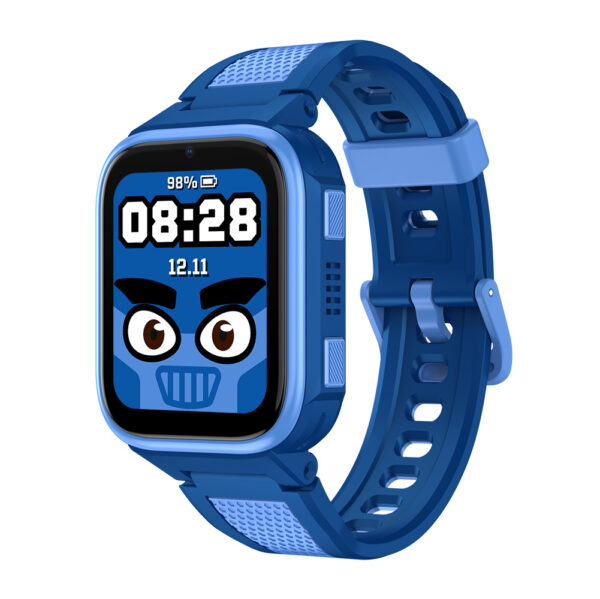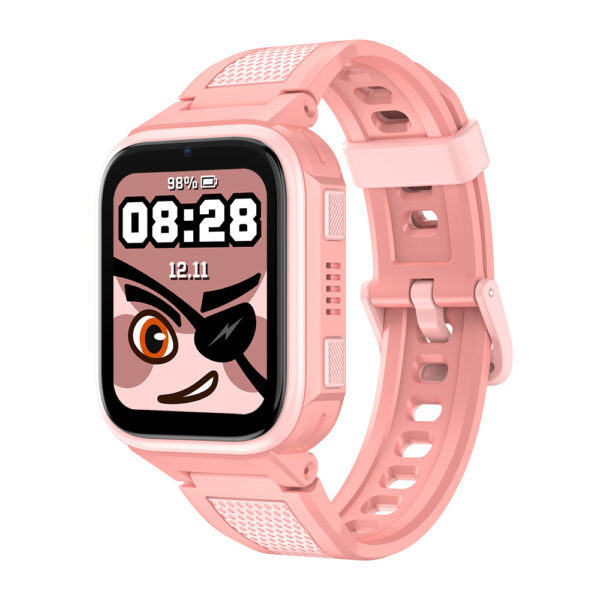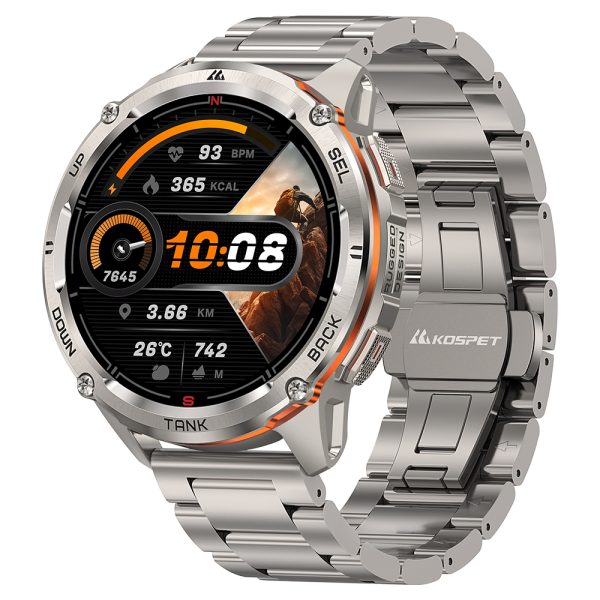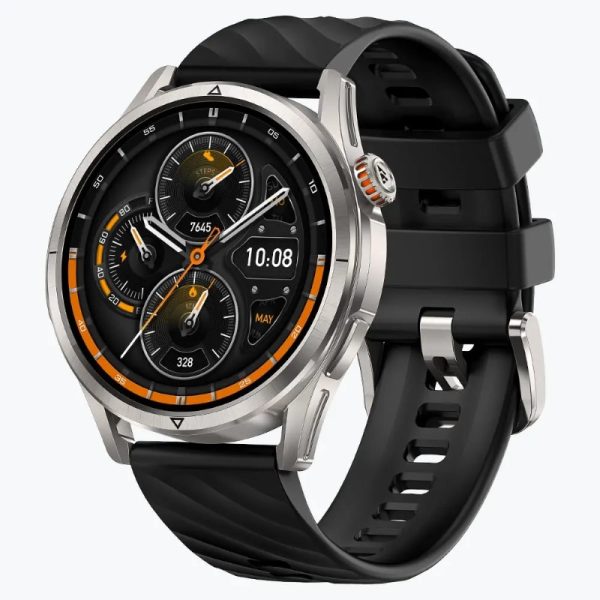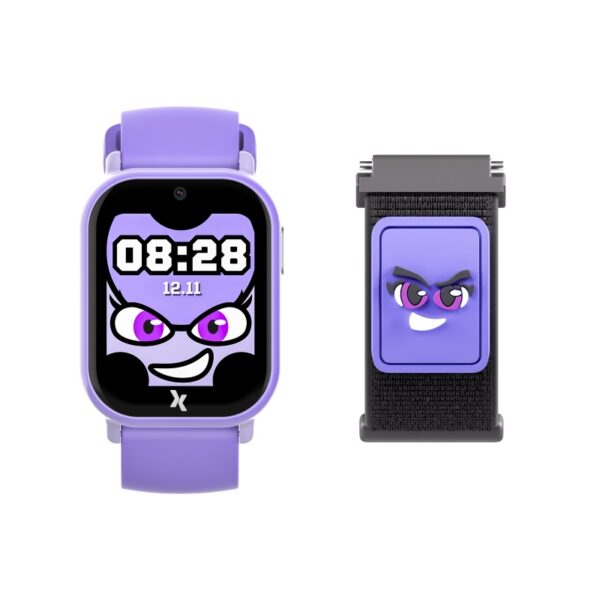









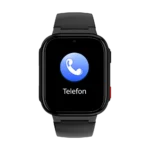
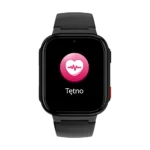
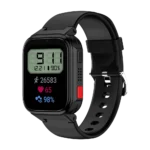
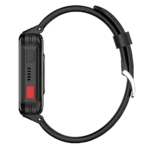
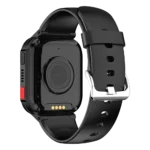
Smartwatch FW03 Aura eSIM 4G Black
Technical Specifications:
- Screen 1.8” TFT 240×296 px
- Battery 950 mAh
- Business hours up to 3 days
- Water resistance rating IP68
- eSIM/multi-SIM support Yes
- Case PC/LDS
Product description
Description

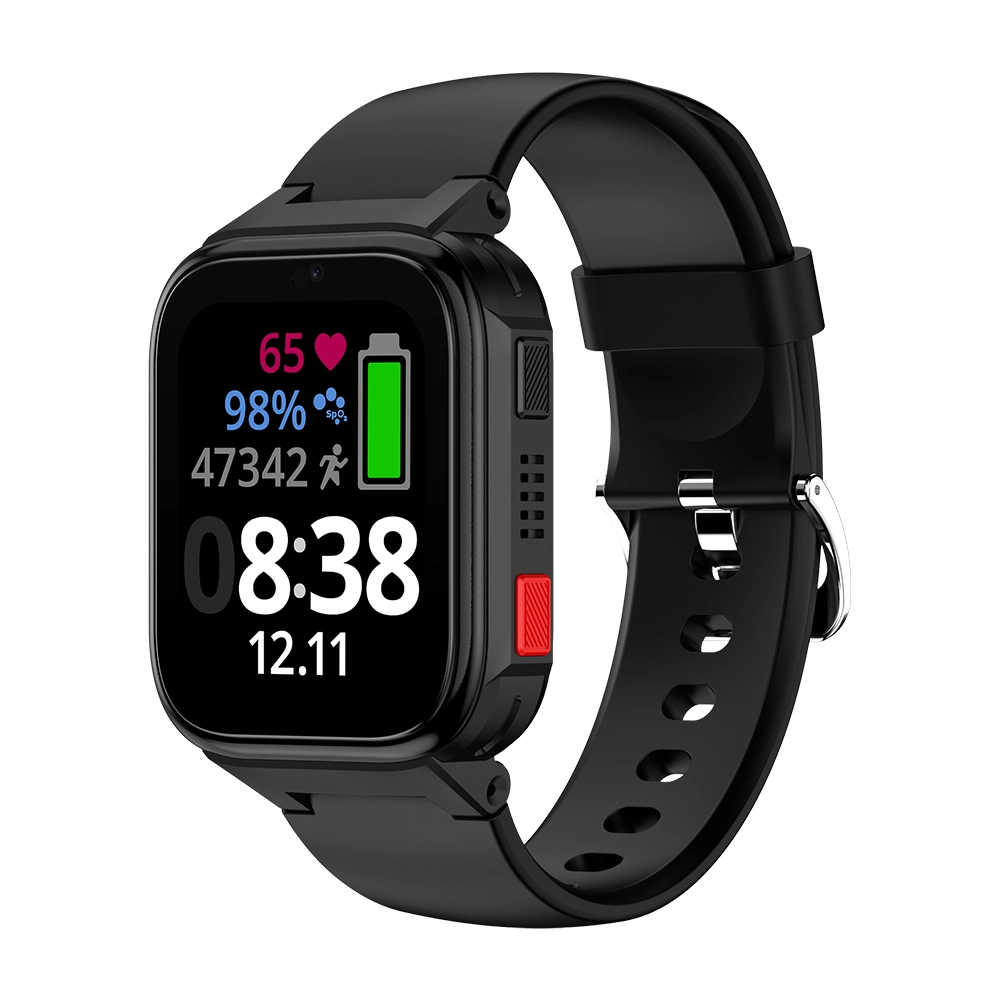
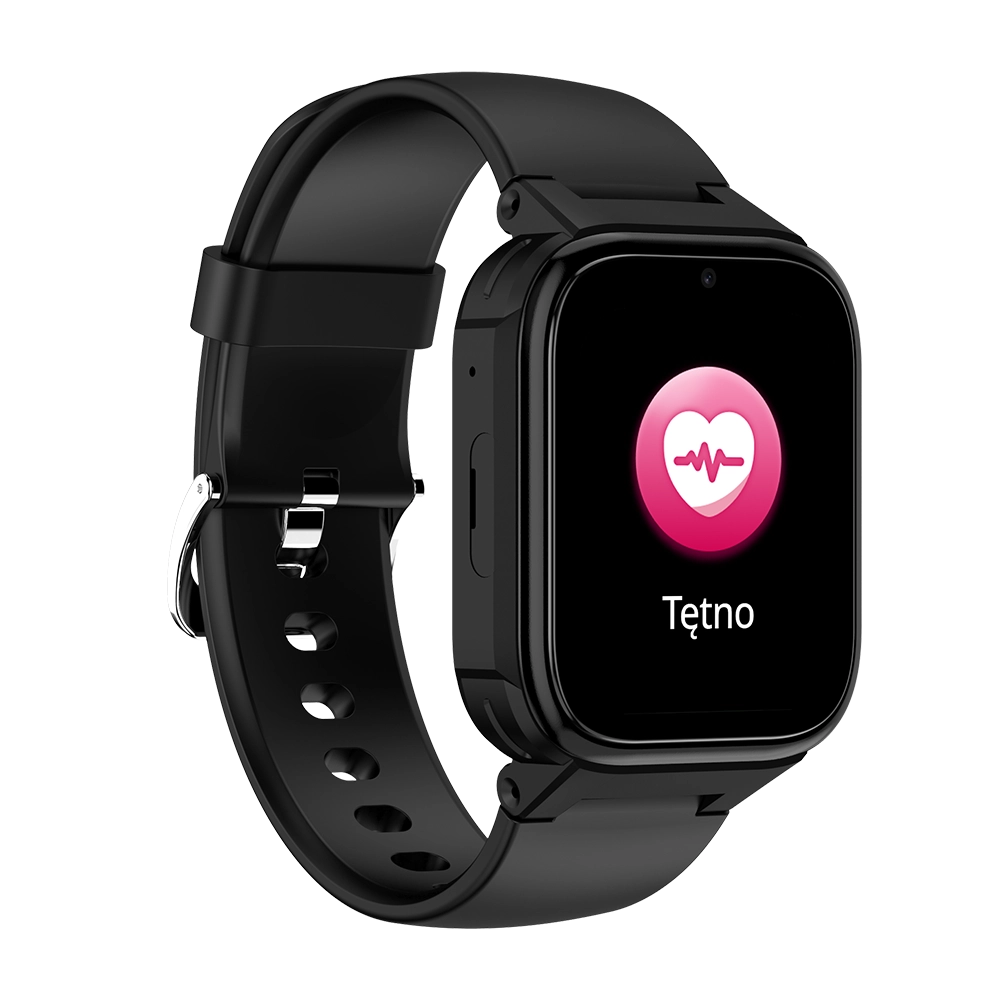
Maxcom FW03 AURA – a smartwatch for seniors with eSIM, phone functionality, location tracking, an SOS button, and fall detection
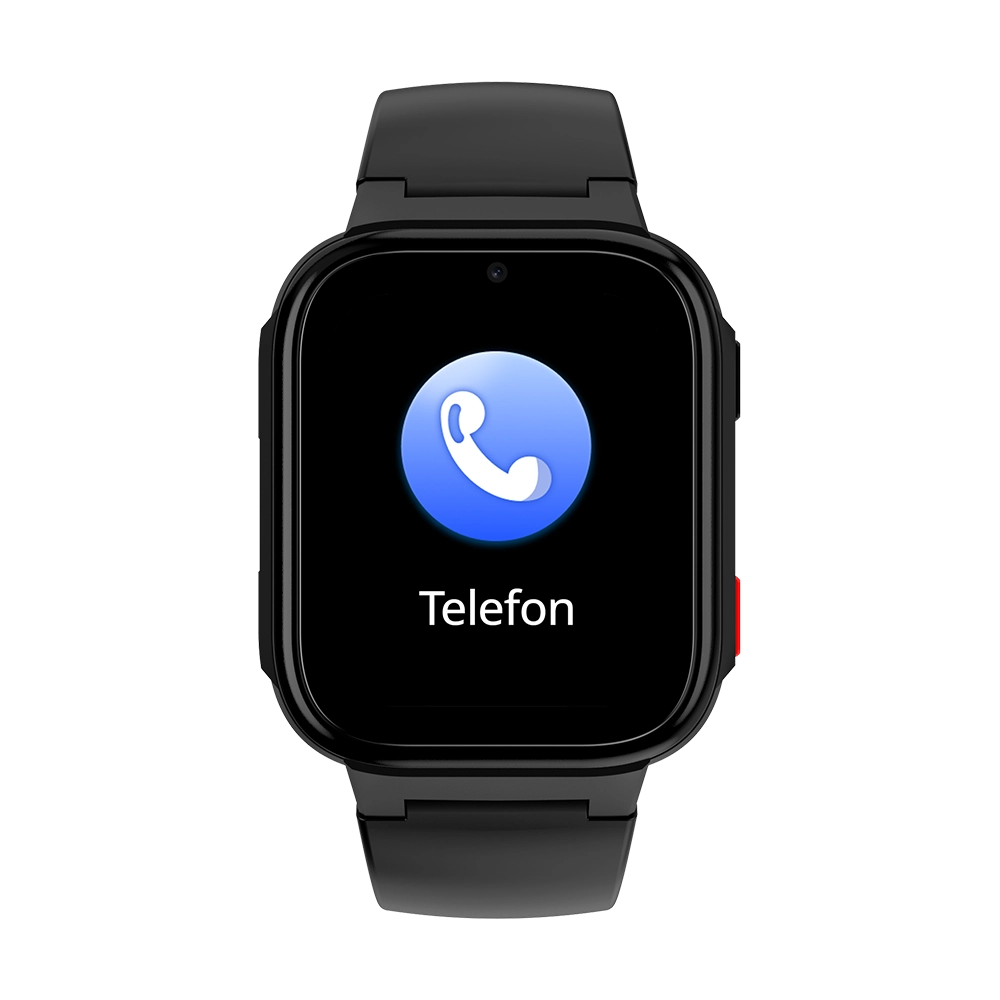
If your parent or grandparent wants to stay in touch with the family, and you want to be sure they’ll let you know if they need help, the Maxcom FW03 AURA might be a good choice. It’s a smartwatch for seniors with a built-in eSIM card that combines the functions of a phone, a locator, and a fitness tracker. Seniors can make and receive calls without a smartphone; if necessary, they can press and hold the SOS button, and the watch can also detect a fall and notify loved ones via the app. In addition, it measures heart rate and blood oxygen levels, counts steps, and reminds the wearer to move around and take their medications.
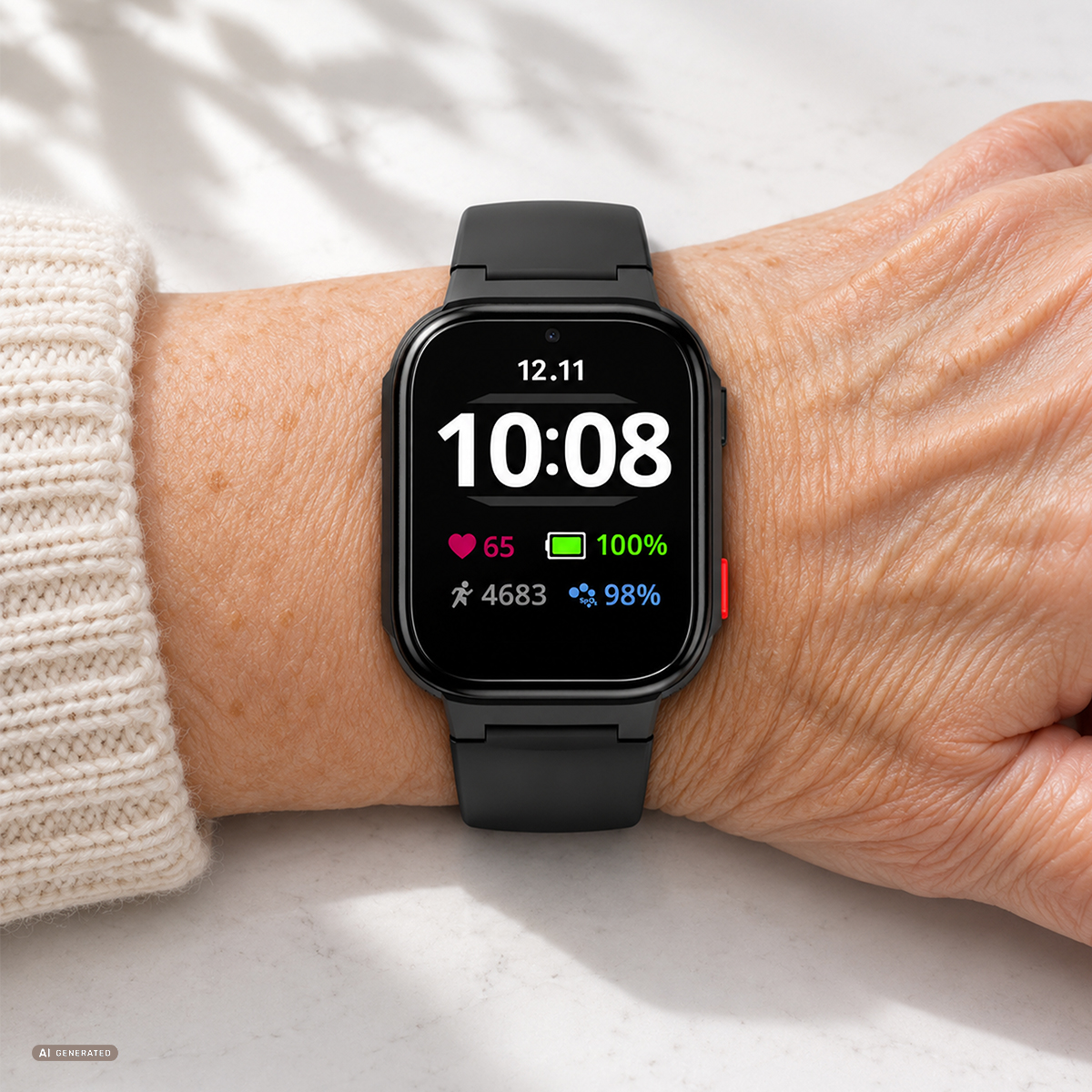
eSIM – a phone in a watch, without inserting a SIM card
The watch has a built-in eSIM, or electronic SIM card. You don’t need to insert any plastic card—you download the carrier profile to the watch yourself by scanning a QR code in the app. This allows seniors to make and receive calls over the 4G LTE (VoLTE) or 2G cellular network without a smartphone. The watch can store up to three eSIM profiles, and if your carrier offers the MultiSIM service, the same number can work on both your phone and your watch. To use the watch, you need an active eSIM card with voice service and a data plan from your chosen carrier.
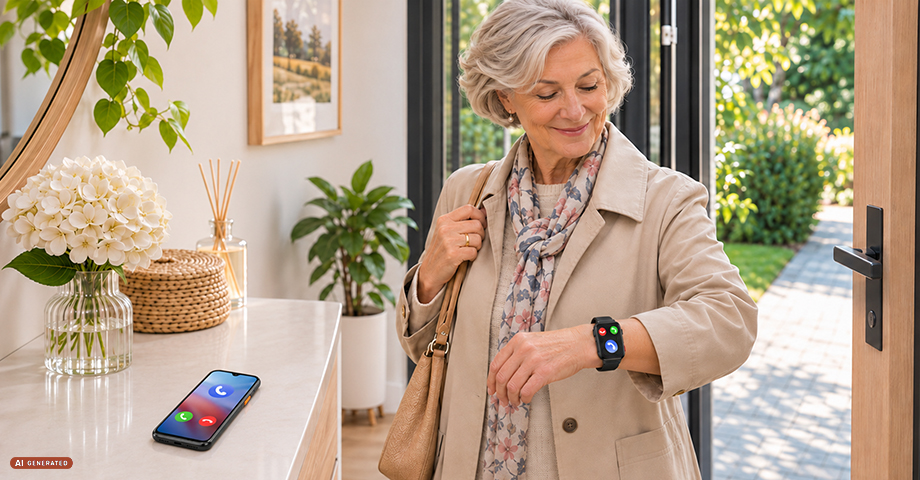
MultiSIM – the same number on your phone and watch
Seniors often don’t take their phones with them on walks—they either forget them or simply find them a nuisance. With the MultiSIM service, the watch has the same number as the phone: incoming calls ring on both devices, so family members can reach the senior even if the phone is left at home.
MultiSIM is a paid service offered by mobile carriers, but for seniors who often leave home without their phone, it ensures constant contact with their family. Check with your carrier for availability and pricing.
Important: If you use MultiSIM, do not enable the “Block Unknown Calls” feature in the app. The block will then also apply to the senior’s phone—people not in the watch’s contacts, such as a doctor, clinic, or courier, will not be able to reach either the watch or the phone.
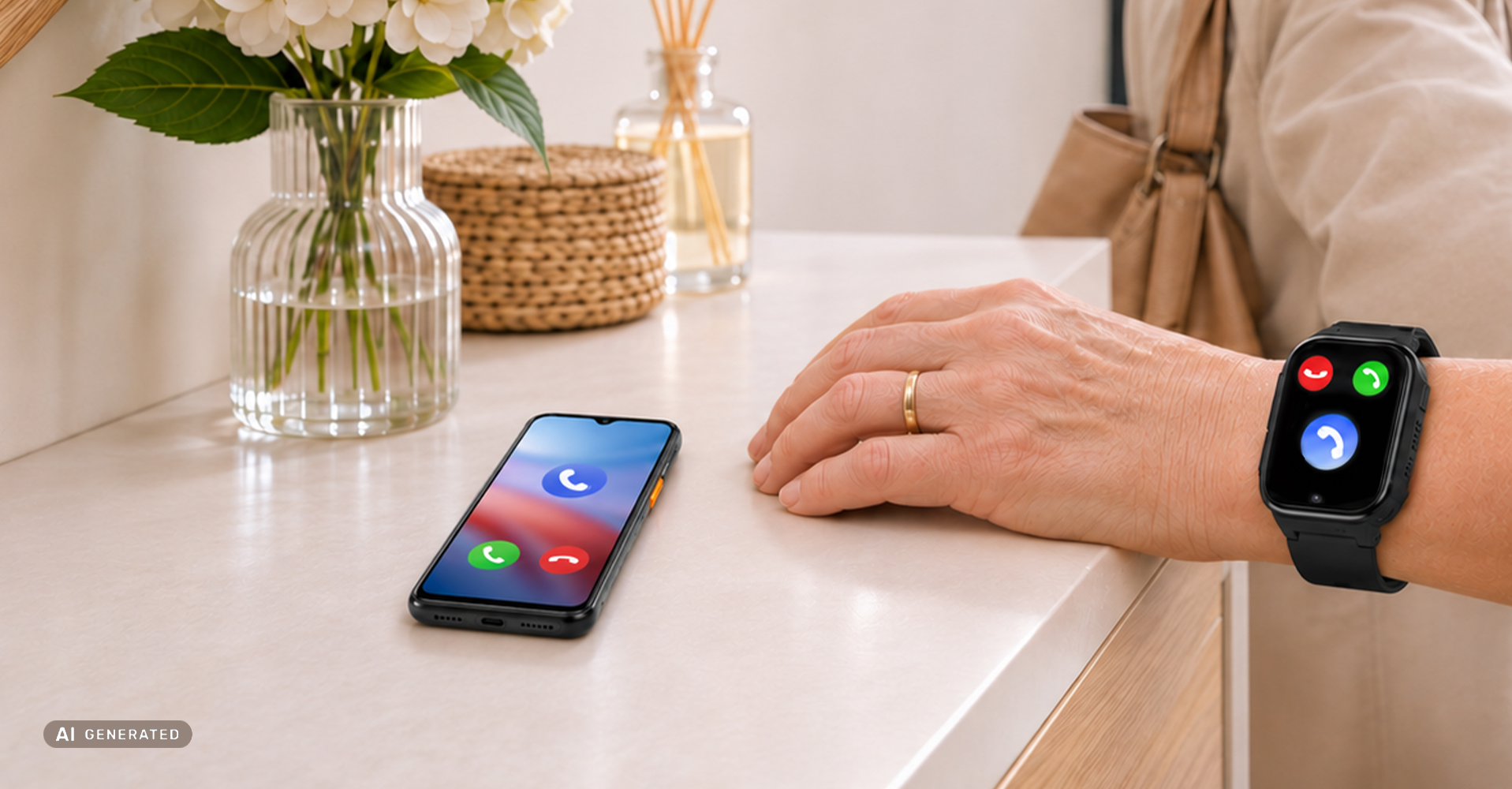
Calling loved ones and protection against unwanted calls
You add contacts in the app on your phone, and once saved, they appear on the watch. When you enable automatic call answering in the app, the watch automatically answers calls from saved contacts, so seniors don’t have to press anything. The “Block Unknown Calls” feature protects against unwanted calls: the watch only answers calls from numbers saved in the contacts.
SOS button – help with a single press
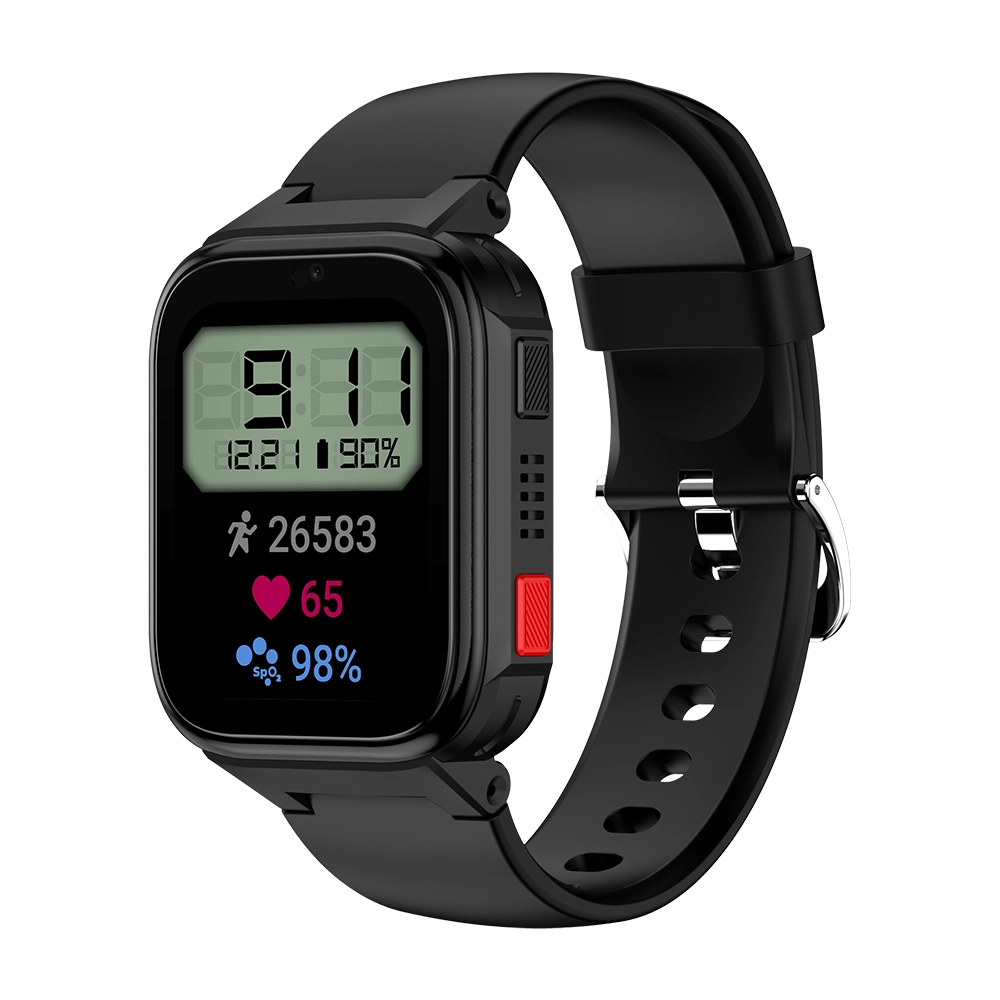
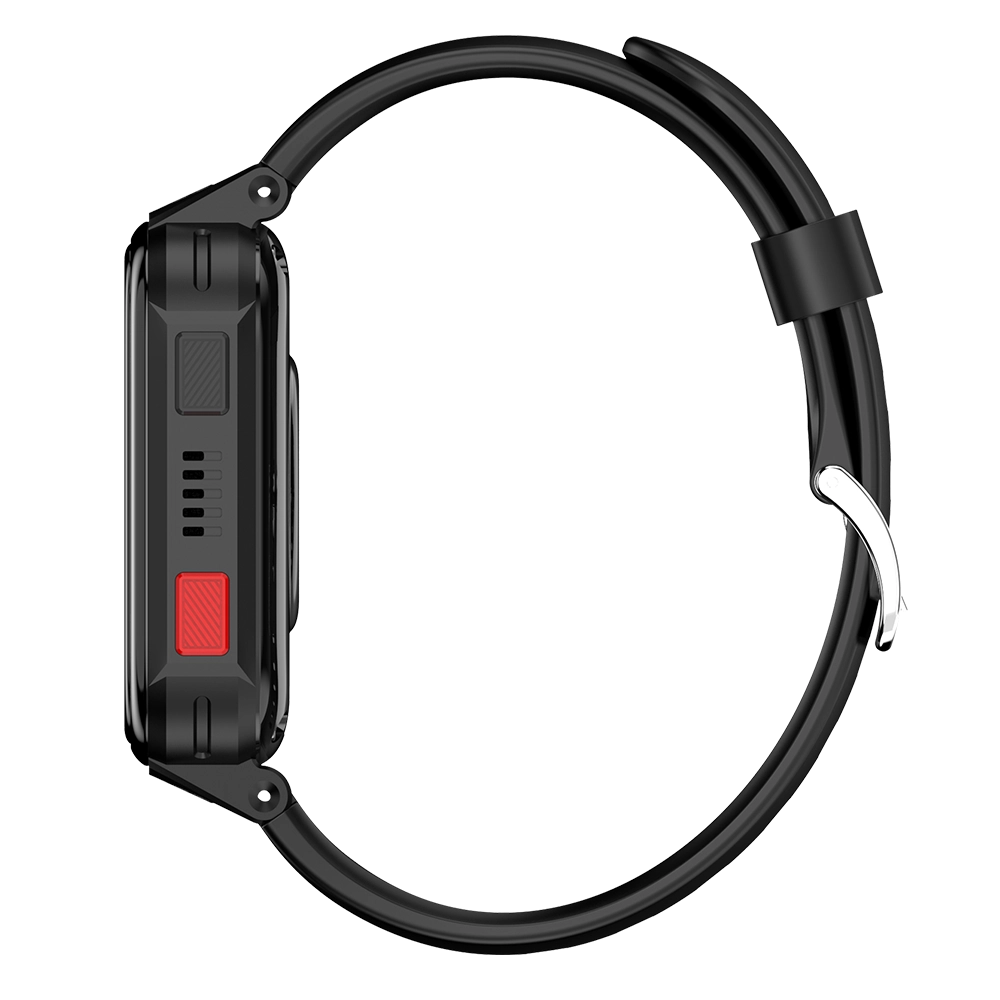
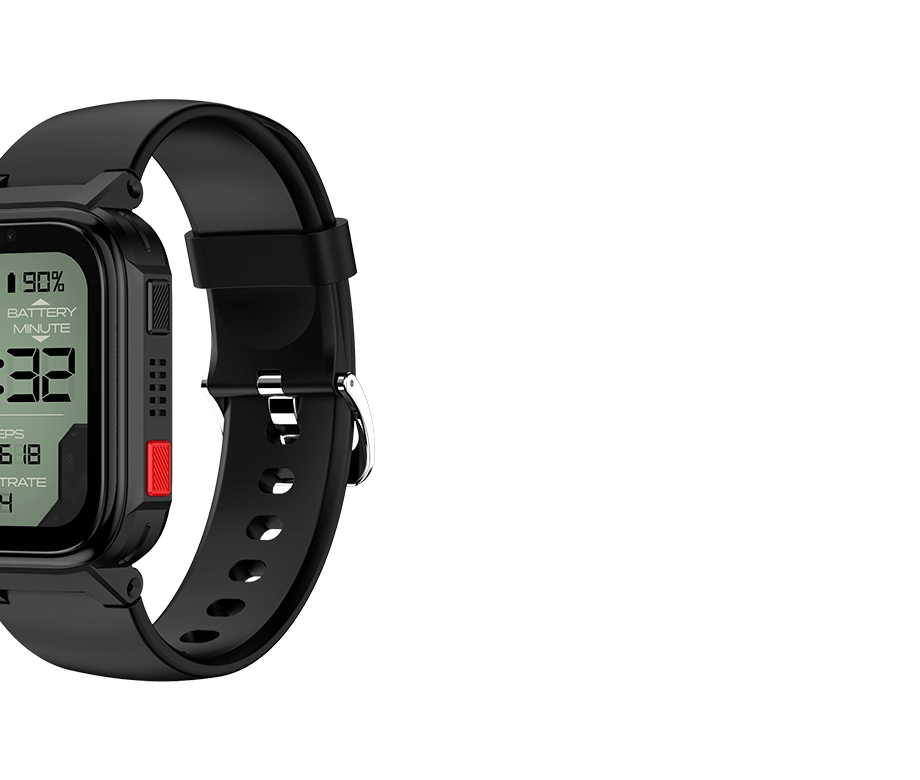
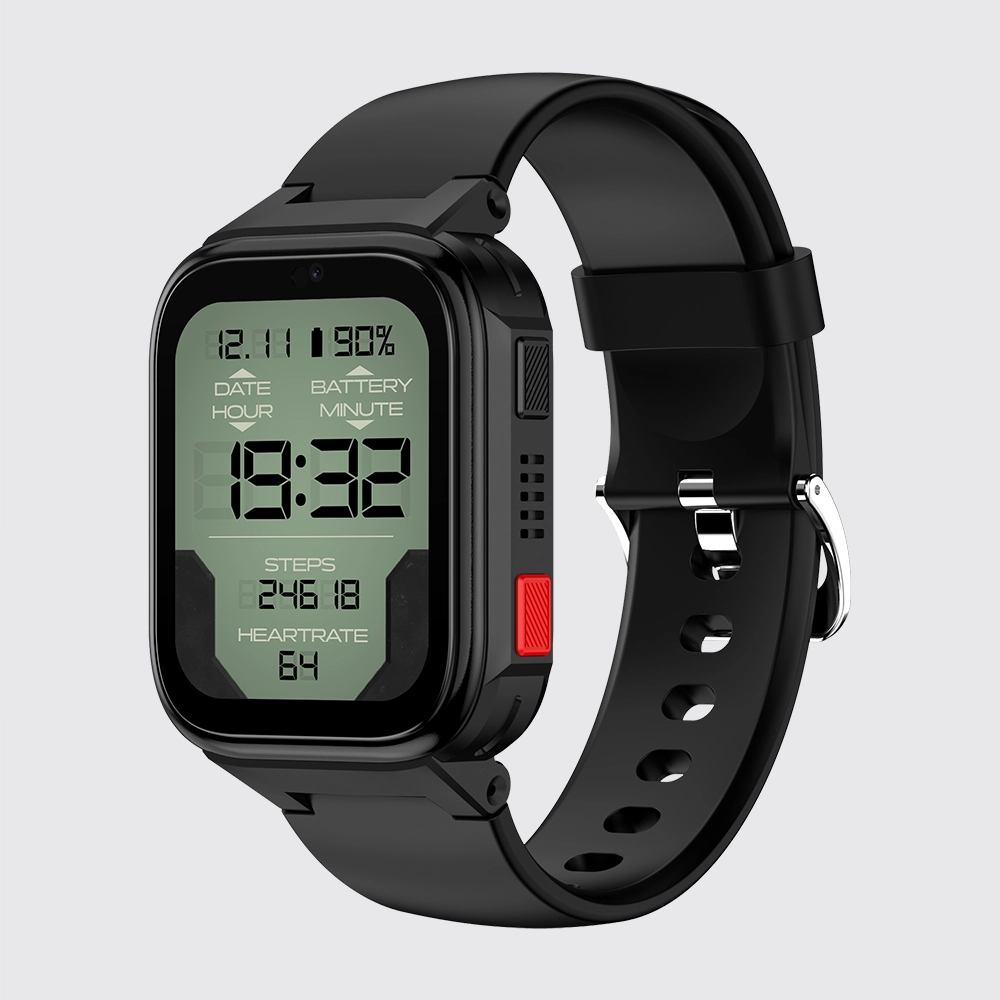
Simply hold down the bottom SOS button for about 5 seconds, and the watch will make an emergency call to the SOS numbers you’ve previously set in the app.
Fall detection
The watch detects a sudden fall. Upon detection, it vibrates and displays two options on the screen: “I’m okay” or “Emergency.” Selecting the “Emergency” option sends a notification to the app immediately, and if the senior does not select any option within 15 seconds, the notification will be sent automatically. You can turn this feature on or off in the app. It’s a form of support that complements the care provided by loved ones.
Heart rate measurement
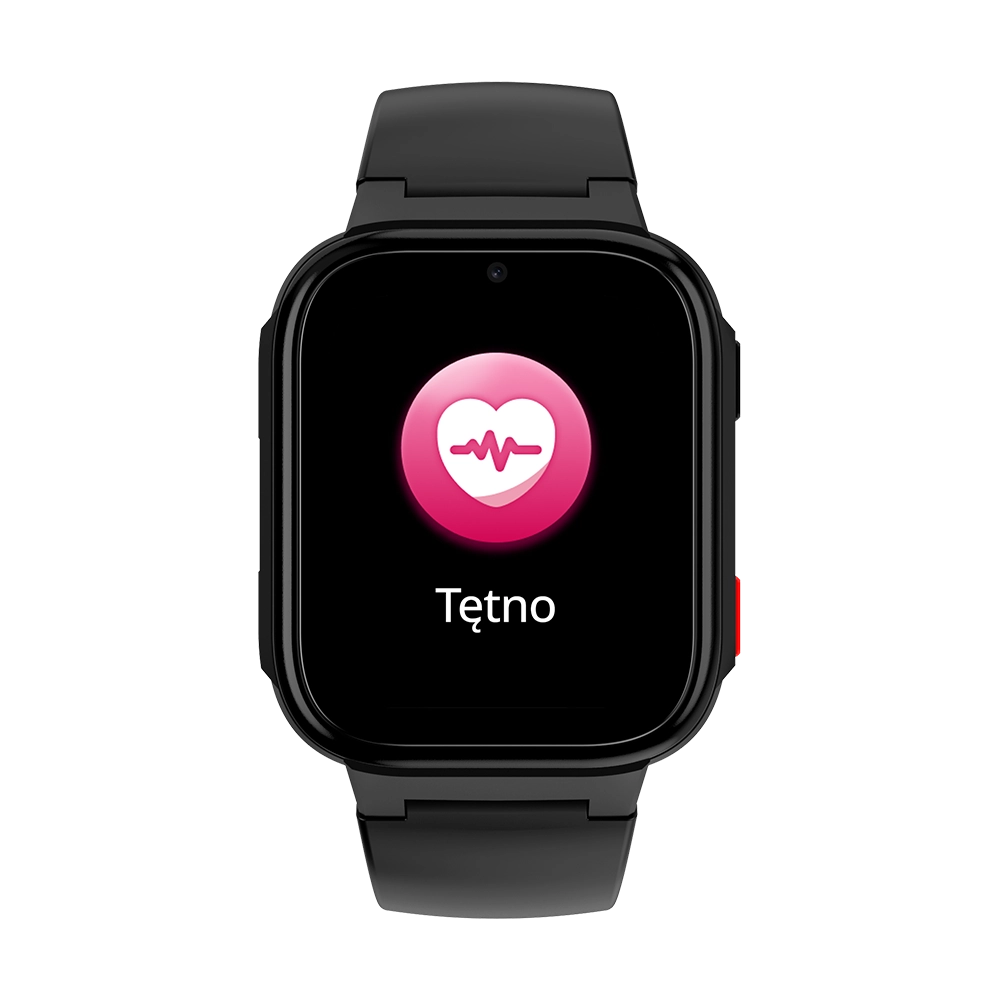
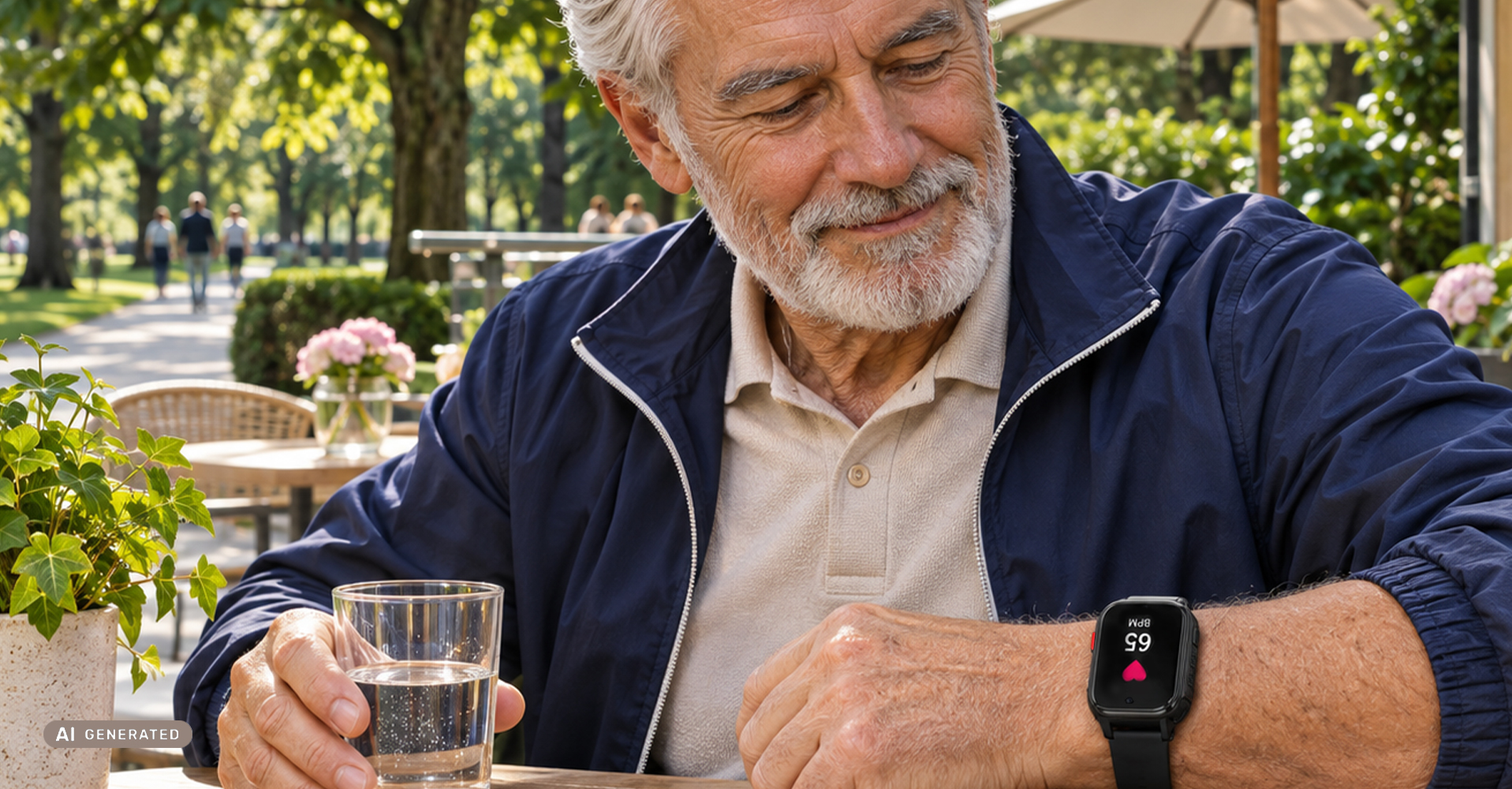
The watch measures your heart rate, which is the number of heartbeats per minute. You can take a measurement on the watch by tapping the icon, or remotely using the app. In the Health tab, you’ll see your latest reading broken down by exercise intensity zones and your average heart rate over the past 24 hours; you can enable continuous monitoring in the health settings. For an accurate reading, the watch should fit snugly on your wrist.
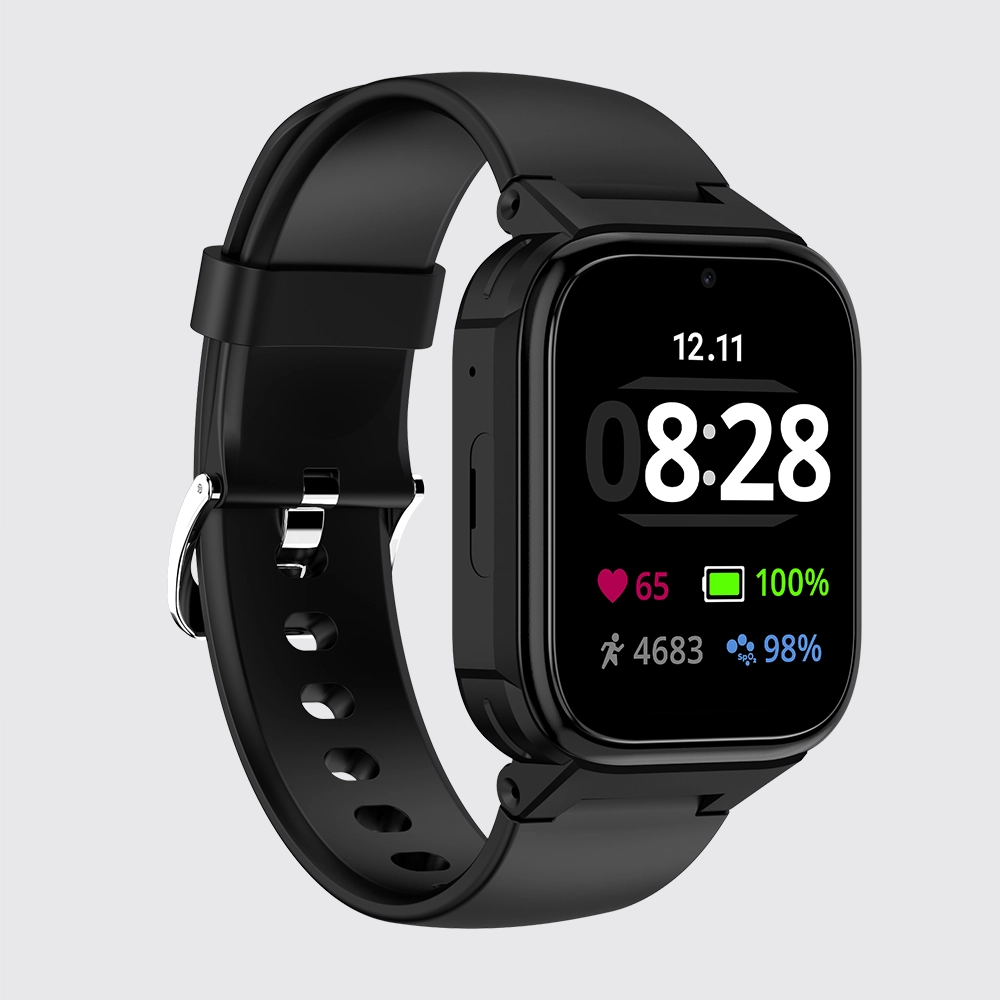
Location – you know where your loved one is
In the Maxcom Tracker eSIM app, you can check the watch’s location on a map: you’ll see its last position, address, and the time of the last location. You can also view the route the watch has taken and get directions to it. The watch determines its location via GPS (in open areas, usually with an accuracy of about 10 m), and indoors also via Wi-Fi and the carrier’s cell towers. You set the location update frequency yourself: every 9 minutes, every hour, or manually.
Secure Zone
In the app, you select an area on the map, such as the neighborhood around your home. When the watch crosses that boundary, you receive a notification.
Blood oxygen (SpO2) measurement
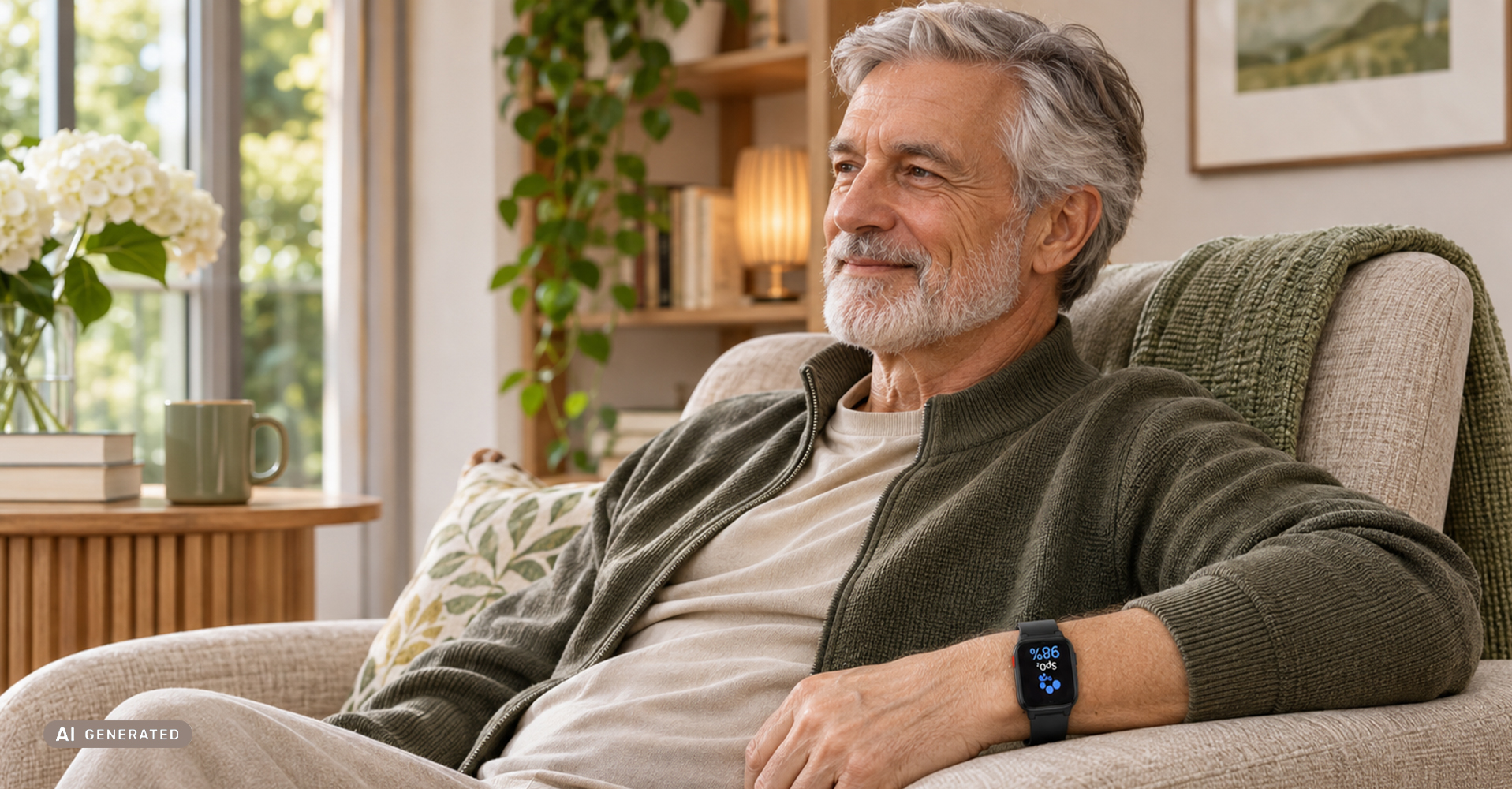
SpO2 refers to blood oxygen saturation, which is the percentage of blood that carries oxygen. You can take a measurement on the watch or remotely via the app, and you’ll find your results history in the Health tab. The FW03 AURA is not a medical device—heart rate and SpO2 measurements are for reference only and are not intended for diagnostic purposes.
Steps and activity reminders
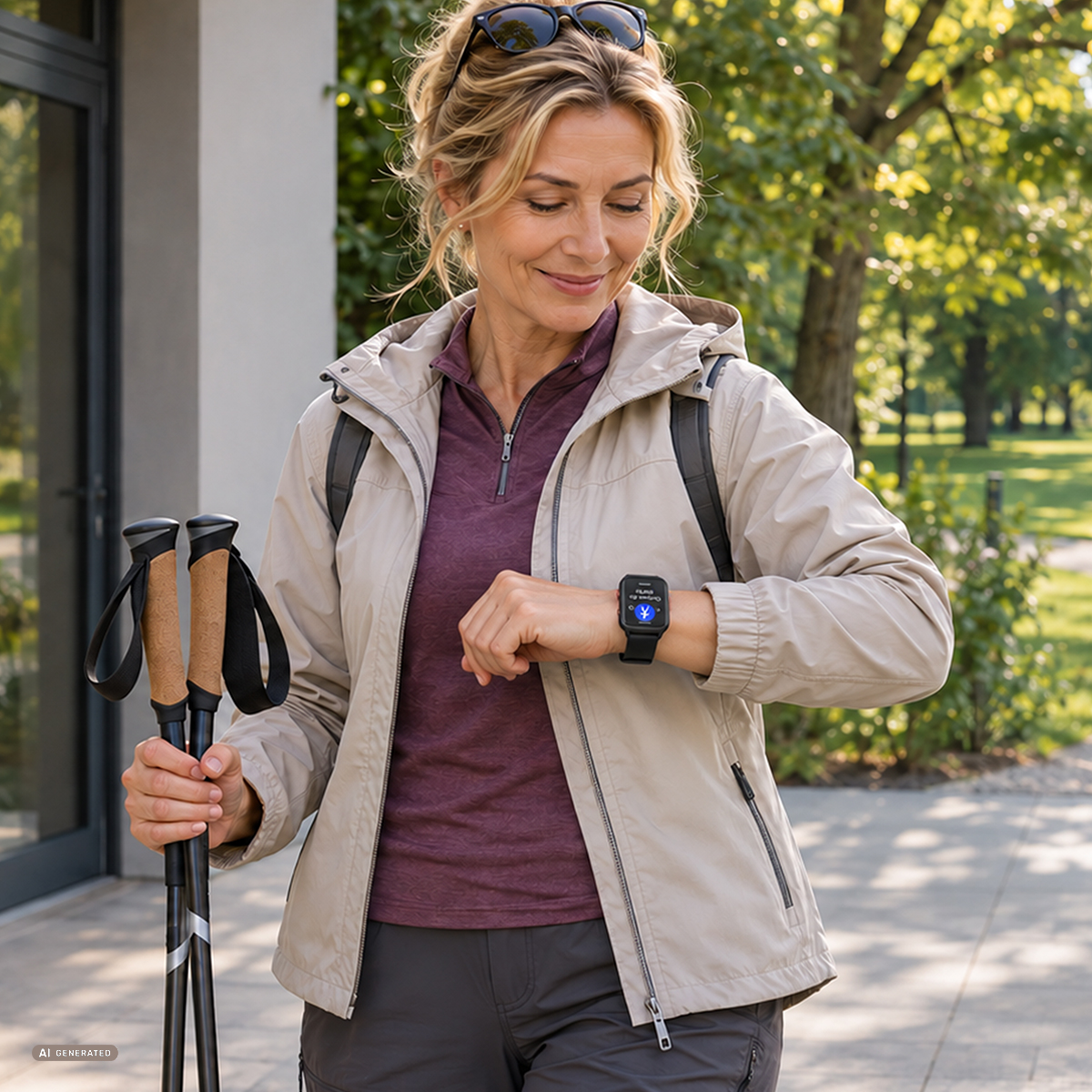
In the Health tab, you can check your step count, distance, calories burned, and active time, and you can set a daily step goal in the app. The sedentary lifestyle reminder gently vibrates when a senior has been sitting still for too long. You can set the hours during which reminders are active (e.g., 8:00 a.m.–6:00 p.m.) and exclude specific times, such as a lunch break.
Medication reminders and alarm clock
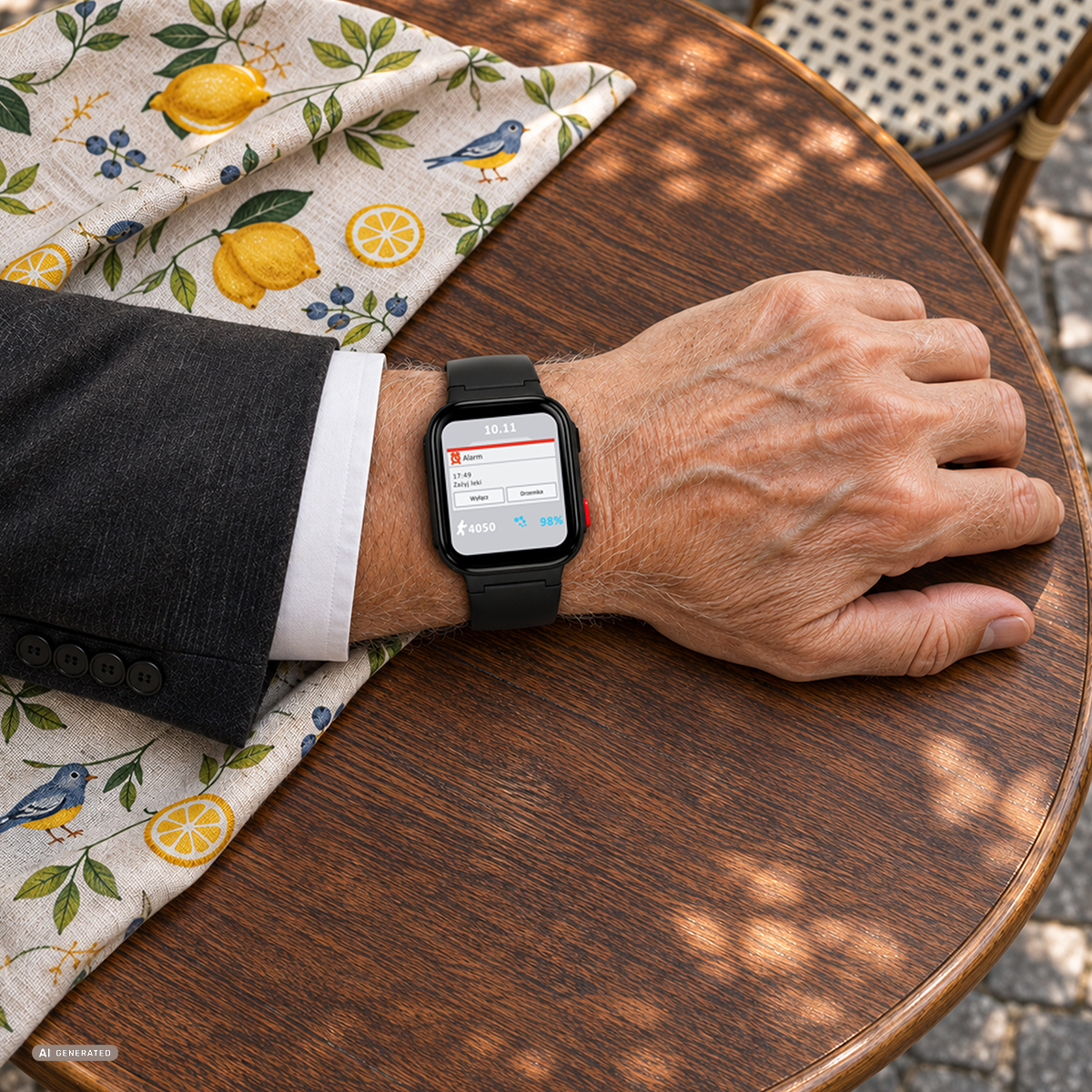
In the app, you can set an alarm and reminders, such as for taking medication—the watch will alert you with a sound or vibration. The “Find My Watch” feature plays a sound when you need to locate your watch.
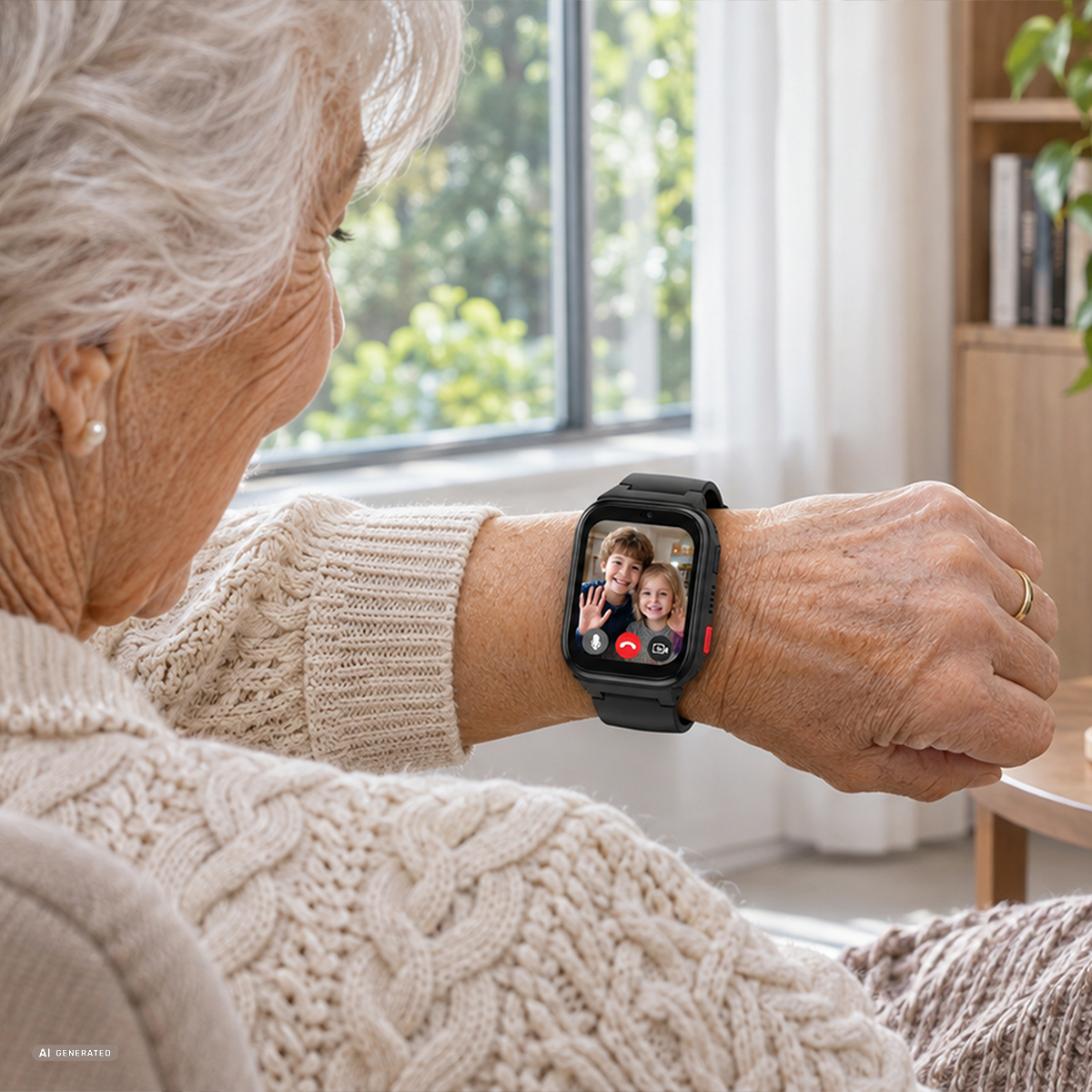
Talking with family—including via video
The watch enables video calls, voice calls, and voice messages via the app on a loved one’s phone over the internet (2.4 GHz Wi-Fi or mobile data). The app also features a family group chat, and seniors can talk to their grandchildren if they have a Maxcom FW03 Kiddo Rebel or FW03 AURA watch—after adding them as a friend.
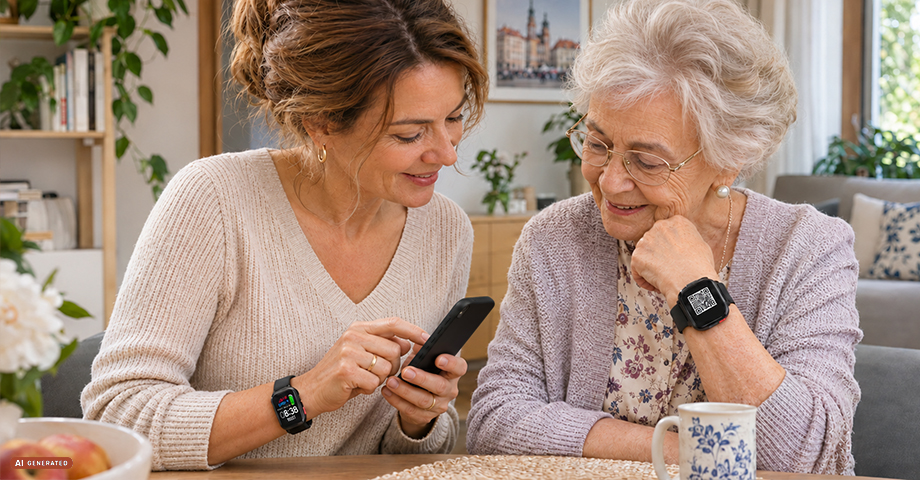
Maxcom Tracker eSIM app
The app for Android and iPhone (Google Play, App Store) is used to pair the watch, activate the eSIM, check location and health metrics, make calls, and change settings. You pair the watch by scanning a QR code. Several caregivers, such as siblings, can have access to it, while the administrator—the person who paired the watch first—has full control over the settings.
Clear 1.8-inch screen
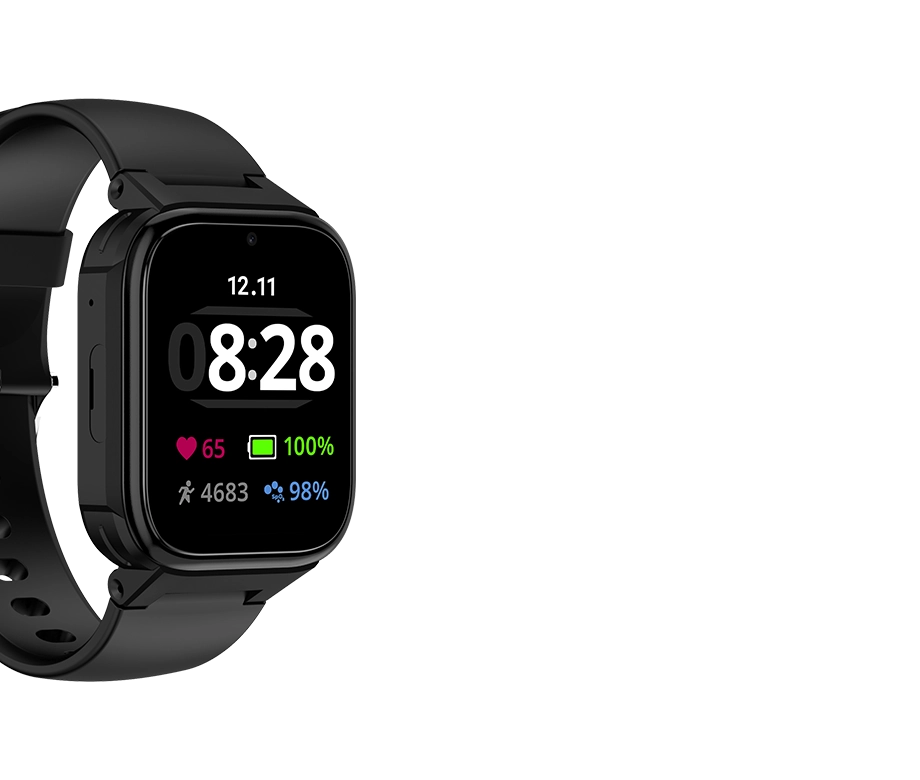
The 1.8-inch TFT touchscreen (240 × 296 pixels) has a brightness of 450 cd/m² and full lamination, meaning the screen layers are bonded without an air gap, which enhances image clarity. You can change the watch face—just press and hold the home screen.
950 mAh battery and magnetic charging
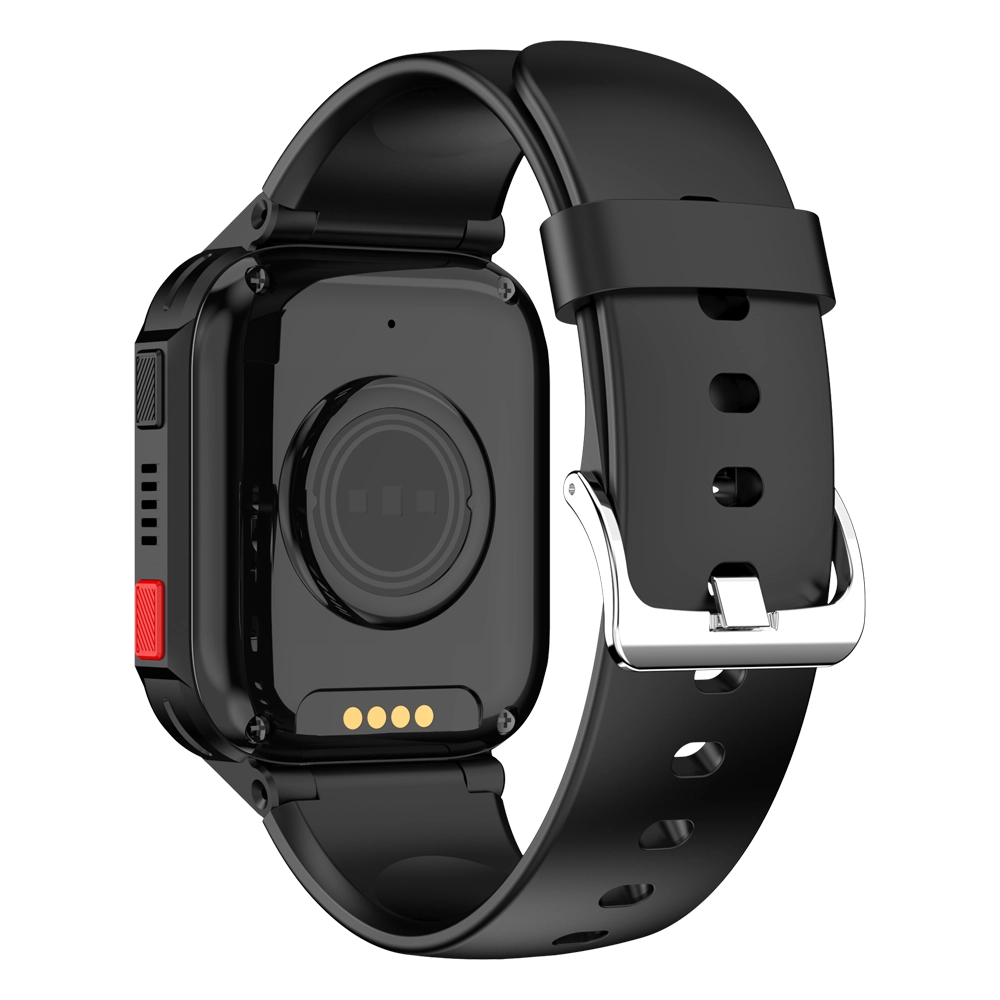
The 950 mAh battery allows you to use the watch for 2 to 5 days on a single charge—the duration depends on usage intensity, network coverage, and settings. The watch charges via a magnetic cable, which you simply attach to the contacts on the bottom using most 5 V USB power adapters. A power adapter is not included in the package. Power-saving mode reduces battery consumption when the battery level is low.

IP68 water and dust resistance
The watch is dustproof and water-resistant up to 1 m for up to 30 minutes (IP68 rating), so rain and hand washing are no problem. The watch is not designed for swimming. The case measures 52.7 × 41.1 × 14.1 mm, and the watch weighs 52 g, making it comfortable for everyday wear.
Compliance with EU regulations
The Maxcom FW03 AURA has an EU Declaration of Conformity with the Radio Equipment Directive (RED) and the RoHS Directive, which restricts the use of hazardous substances in electronic equipment. The declaration also covers cybersecurity requirements (standards EN 18031-1 and EN 18031-2). The highest measured SAR value—the amount of radiofrequency energy absorbed by the body—is 0.381 W/kg for the head and 0.845 W/kg for the extremities—more than four times lower than the limits (2.0 and 4.0 W/kg).
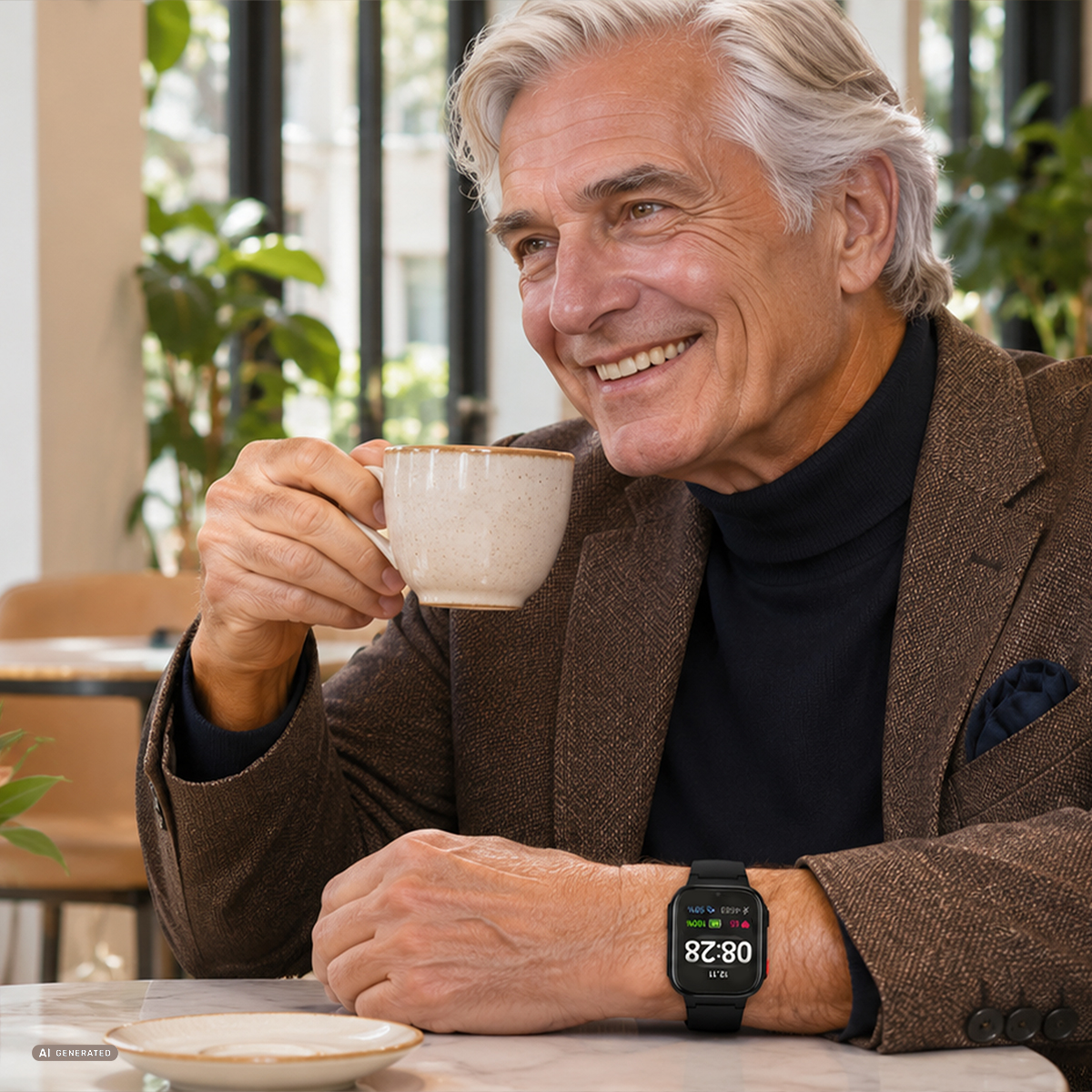
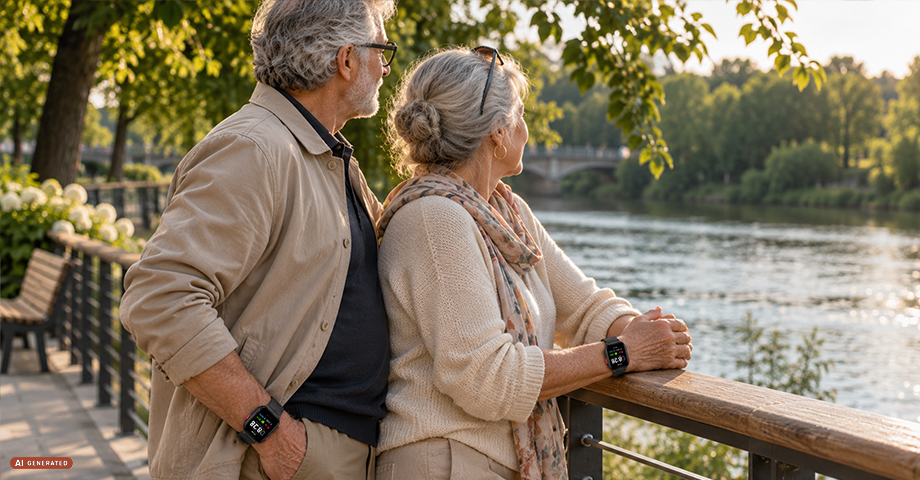
A smartwatch for seniors and peace of mind for the family
The Maxcom FW03 AURA is a phone, locator, and fitness tracker all in one watch. It gives seniors freedom and one-button access to help, while providing you and your entire family with easy contact with your loved one and the ability to track their location.
Key benefits:
- A smartwatch for seniors with an eSIM card—a phone, tracker, and fitness tracker all in one.
- No SIM card required: You can download the carrier profile in the app—up to 3 eSIM profiles.
- MultiSIM (paid carrier service): the same number on your phone and watch—stay in touch with a senior even when their phone is left at home.
- Voice calls over 4G LTE (VoLTE) or 2G networks to saved contacts.
- Automatically answer calls from saved contacts and block calls from unknown numbers.
- SOS button – makes an emergency call when held down for about 5 seconds.
- Fall detection with notifications sent to loved ones’ apps.
- GPS, Wi-Fi, and cell tower location, and in the app: map, route, and safe zone.
- Heart rate measurement on a watch or via an app; average daily heart rate.
- Blood oxygen level measurement (SpO2).
- Pedometer: steps, distance, calories, active time, and a reminder to move.
- Alarm clock and reminders, e.g., for medication.
- Video calls, voice calls, voice messages, and family group chat.
- The Maxcom Tracker eSIM app for Android and iPhone.
- 1.8-inch touchscreen, 450 cd/m² brightness, fully laminated.
- 950 mAh battery: 2 to 5 days of use.
- IP68 rating for dust resistance and submersion in water up to 1 m for 30 minutes.
- Dimensions: 52.7 × 41.1 × 14.1 mm; weight: 52 g.
- Compliance with EU directives (RED, RoHS) and the EN 18031 cybersecurity standards.
Included in the set
Inside the box, you’ll find the FW03 AURA smartwatch with a strap, a magnetic charging cable, a quick start guide, and a warranty card.
Specifications
Additional information
| Screen |
1.8” TFT 240×296 px |
|---|---|
| Battery |
950 mAh |
| Business hours |
up to 3 days |
| Water resistance rating |
IP68 |
| eSIM/multi-SIM support |
Yes |
| Case |
PC/LDS |
| A simple and intuitive interface |
Yes |
| Fall detection |
Yes |
| Health monitoring via an app |
Yes |
| Medication notifications |
Yes |
| Real-time GPS tracking via an app |
Yes |
| Dimensions |
52.7×41.1×14.1 mm |
| Weight |
52 g |
| Chip |
W117 |
| Memory |
64 KB RAM / 128 MB ROM |
| GPS |
Yes |
| SOS function |
Yes |
| Animated watch faces |
Yes |
| Video calls |
Yes |
| Strap |
16 mm silicone |
| Responsible manufacturers | Maxcom S.A., ul. Towarowa 23a, 43-100 Tychy, Poland, [email protected] |
| Responsible Persons | Maxcom S.A., ul. Towarowa 23a, 43-100 Tychy, Poland, [email protected] |
User Reviews
This product does not have any reviews yet
Questions and Answers
I can’t make a call on the phone I bought.
Please verify that the number you are dialing is correct. When dialing a number in another country, always add the appropriate country code (e.g., Germany 0049 or +49). If you have a prepaid card, please check that there are sufficient funds in your account.
The SIM card is inserted; only emergency calls (112) can be made.
Make sure the SIM card is installed correctly.
My old SIM card doesn’t fit in my new phone.
Contact your mobile carrier’s nearest service center. They will replace your SIM card with the correct size to fit the SIM slot of your new phone.
How can I track the status of my shipment?
On the day we ship your package, you’ll receive an email with the tracking number and a link to track your shipment. Please note that the courier has 2 business days to deliver the package.
Will the courier call me before delivery?
Courier companies are not required to contact the customer by phone in advance. On the day the device is shipped, you will receive a message containing the tracking number and contact information for the courier company delivering the device. To determine the exact date and time of delivery, please contact the courier company directly.
Can I specify the exact delivery time for my package?
Please note that as a store, we are unable to specify the exact time of delivery by the courier company. On the day the device is shipped, you will receive a message containing the tracking number and contact information for the courier company delivering the device. To determine the exact date and time of delivery, please contact the courier company directly.
Related products