














Should you format the battery in your smartphone or not?

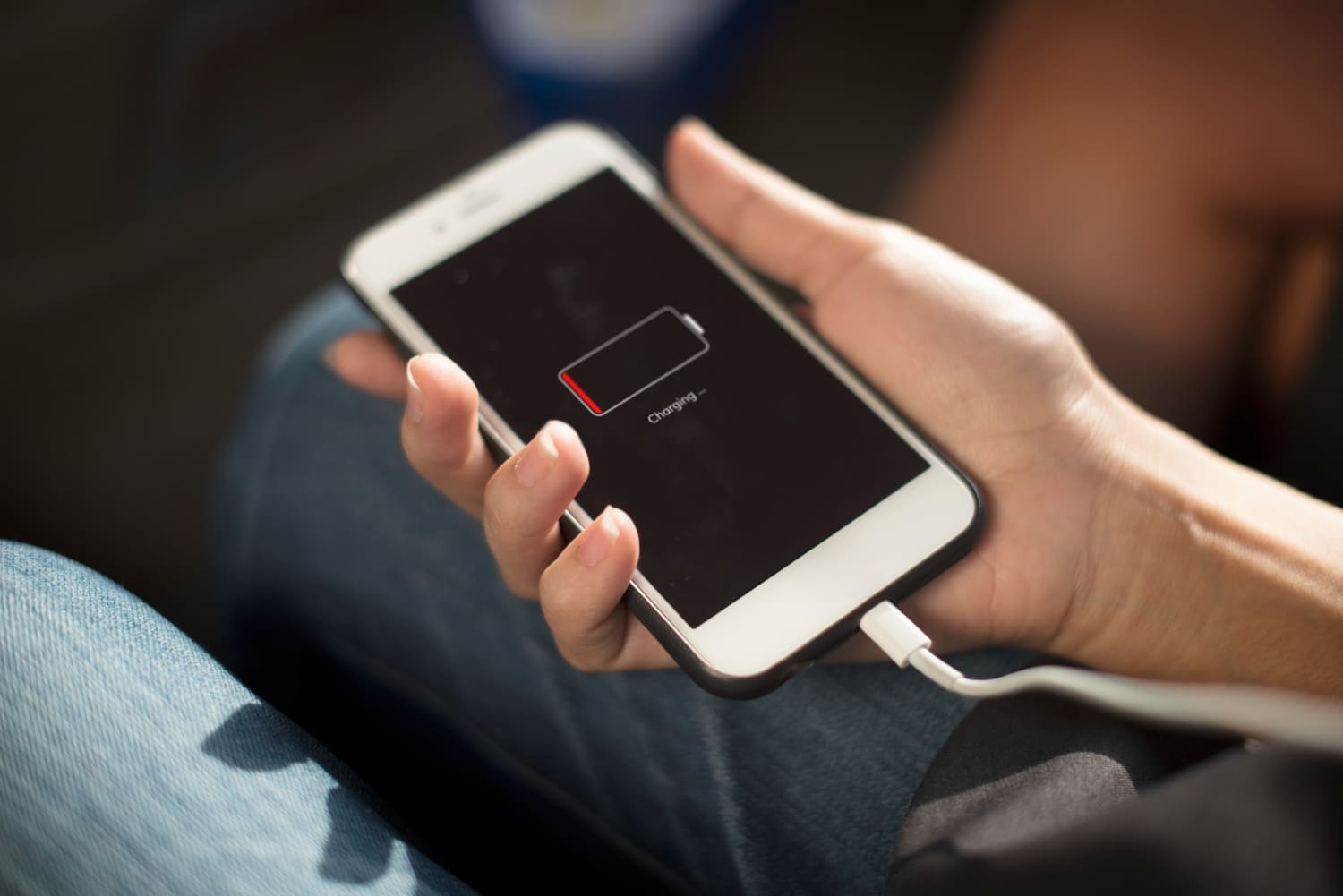
Do you have a new phone and are wondering whether to wait for the battery to run out before charging it to full capacity? This method used to make sense, but modern smartphones use completely different types of batteries. Find out if you need to break in smartphone batteries, what this process actually involves, and what helps extend battery life.
What is battery conditioning?
Battery conditioning is a process that was once used mainly with older types of batteries. It involved fully discharging and recharging the battery several times to achieve its maximum usable capacity. This practice was important for older battery cells prone to the so-called “memory effect.” However, modern smartphones primarily use lithium-ion and lithium-polymer batteries.
Should you format batteries in modern smartphones?
No, formatting the battery in new smartphones is not necessary, because the lithium-ion and lithium-polymer batteries used today do not require repeated discharging to zero and charging to 100%.
- So if you’re wondering whether a new battery needs to be formatted, know that you can start using your phone normally right away.
- What’s more, frequently letting the battery drain completely is bad for its health.
- It’s much better to charge your device when you need to and avoid both leaving it at 0% for long periods and letting it overheat.
That’s why the answer to the question of whether you need to format smartphone batteries is simple today: you don’t. Good habits during everyday use are more important than the first charge.
Check out our selection of phones for seniors!
Guidelines for Using Modern Batteries
Devices are changing, and so are the rules for using them. It’s worth refreshing your knowledge to get the most out of your phone’s battery in newer models. Here are our tips!
- Don’t regularly let your phone’s battery drain to 0%—frequent deep discharges aren’t good for lithium-ion batteries.
- Charge when you need to—you don’t have to wait until the battery level drops to the minimum.
- Avoid high temperatures—don’t leave your phone in direct sunlight, in a hot car, or under a pillow while charging.
- Use reliable chargers and cables—preferably ones that meet the phone manufacturer’s specifications.
- Don’t worry about quick top-ups—a few minutes on the charger won’t harm modern batteries.
- Enable battery protection features if your phone offers them—such as limiting charging to a specific level or adaptive charging.
So instead of wondering how to “format” your smartphone’s battery, it’s better to focus on its daily use. It’s actually temperature, charging methods, and the frequency of deep discharges that have a greater impact on its condition.
How to Take Care of Your Phone’s Battery?
Good battery health depends not only on how you charge it. Equally important is how intensively your phone is used each day. A few settings can reduce energy consumption and mean you’ll need to reach for your charger less often.
- Reduce screen brightness—the display is one of the most power-hungry components of a smartphone. Automatic brightness adjustment is often enough to reduce power consumption.
- Check which apps are running in the background—if an app you hardly ever use is draining your battery, limit its activity or uninstall it.
- Turn off unnecessary connectivity features—GPS, hotspot, and Bluetooth don’t need to be on all the time if you’re not currently using them.
- Use power-saving mode—it’s especially useful when there’s still plenty of time left in the day but your battery is running low.
- Update your system and apps—updates can improve power management and fix bugs that cause excessive battery drain.
- Monitor your battery’s health—if your phone offers a battery health overview, it’s a good idea to check its performance from time to time. A noticeable decrease in battery life may indicate that the battery is nearing the end of its lifespan.
Taking care of your battery therefore comes down more to using your phone sensibly than to the old rituals associated with “formatting” a cell phone battery.
Need a new battery for your phone? Check out our selection!
FAQ
Want to learn more about modern ways to care for your phone’s battery? Find answers to the most frequently asked questions!
Do you need to drain a new phone’s battery to 0%?
No, you can charge a new smartphone whenever you need to. Deliberately draining the battery to 0% is not necessary and does not improve its capacity.
Can you charge your phone overnight?
Yes, modern smartphones have charging management systems that limit further charging once the battery is fully charged. If your phone offers adaptive charging or a charging limit, it’s a good idea to use them. It’s also important to make sure the device doesn’t overheat while charging.
What causes the most damage to a phone’s battery?
One of the battery’s biggest enemies is high temperature. Battery wear is also accelerated by frequent deep discharges, storing the phone for long periods with a completely discharged battery, and intensive use of the device while the battery is heating up significantly.
Does fast charging damage the battery?
Fast charging itself doesn’t necessarily damage the battery if the phone and charger support it according to the manufacturer’s specifications. Temperature is more important—if the device gets very hot, the battery may wear out faster. That’s why it’s a good idea to use compatible chargers and not to cover the phone while it’s charging.
Do You Need to Format Smartphone Batteries? – Summary
Modern lithium-ion and lithium-polymer batteries do not require full discharge and charge cycles before normal use begins. Instead of focusing on outdated rules, it’s better to avoid overheating your phone, draining the battery to zero too frequently, and make use of the battery protection features available on your device.
