







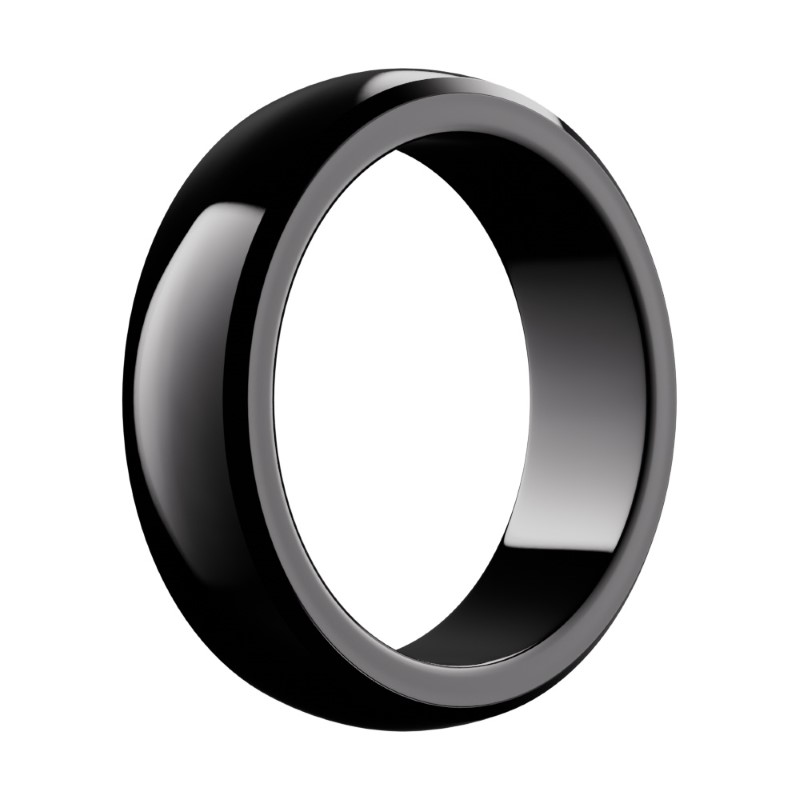
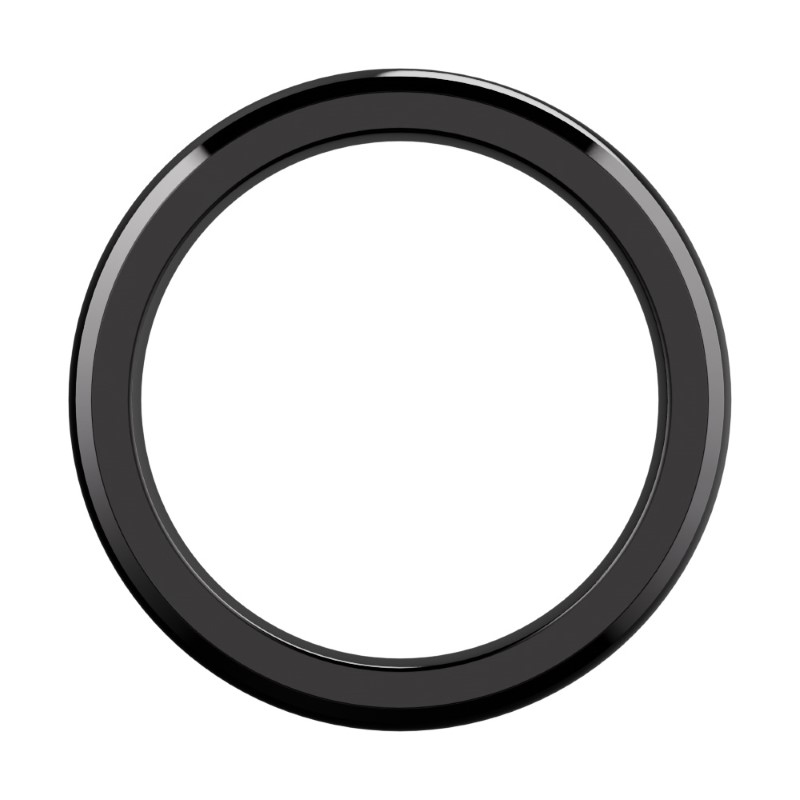
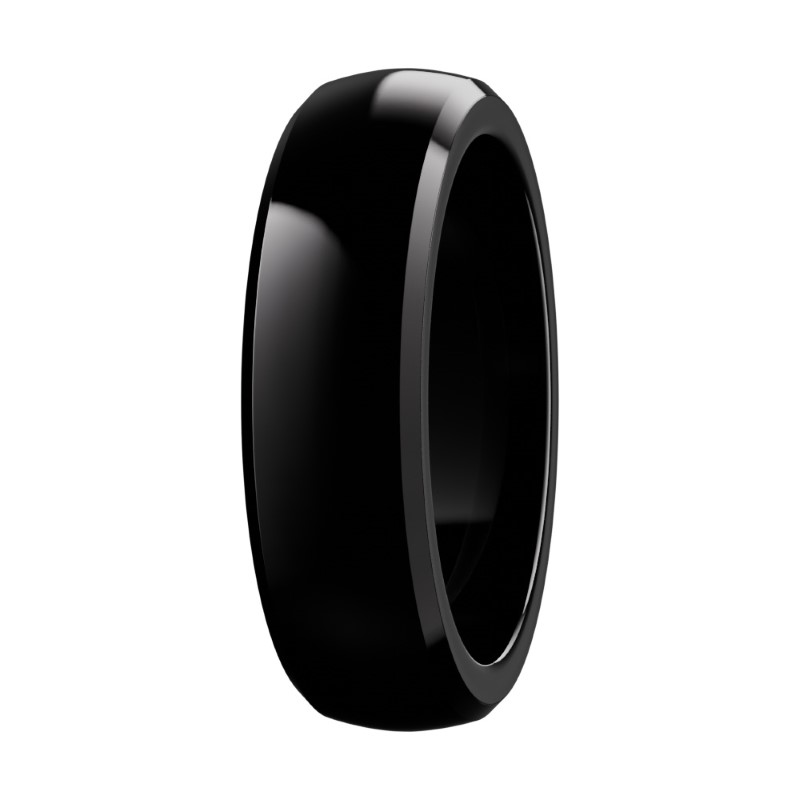
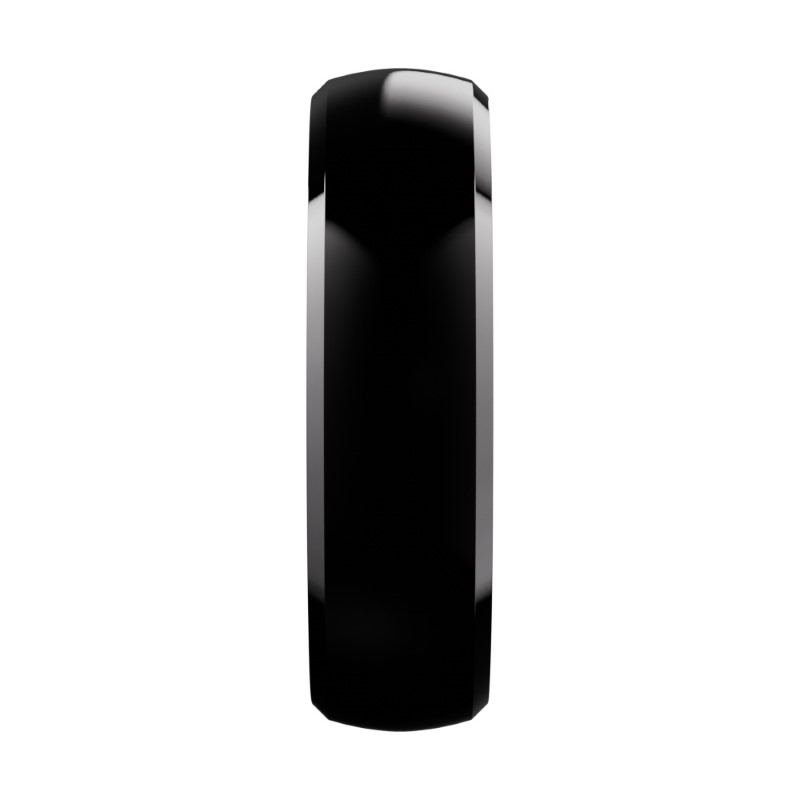
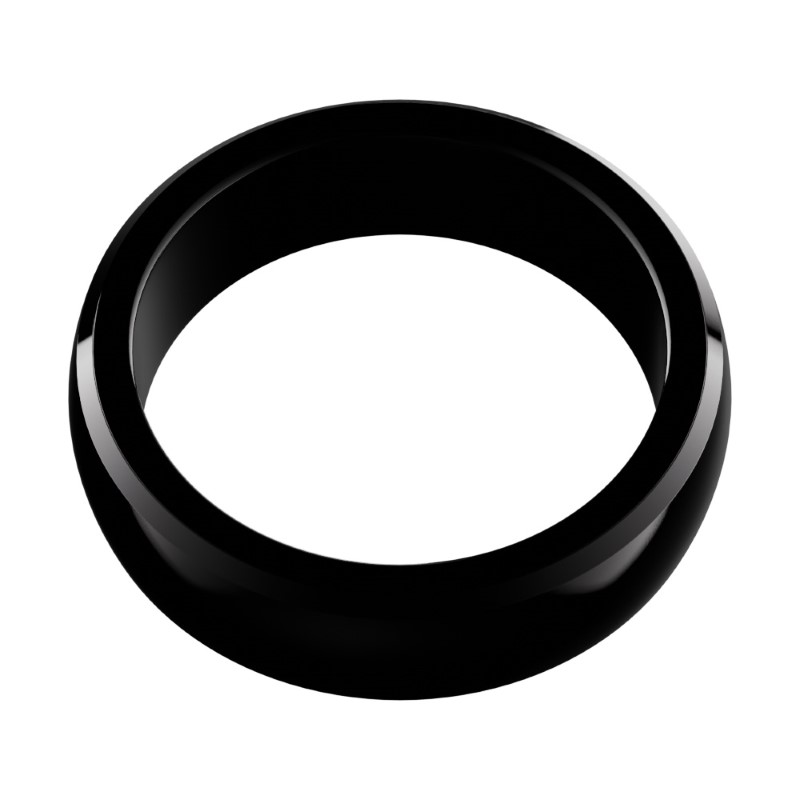
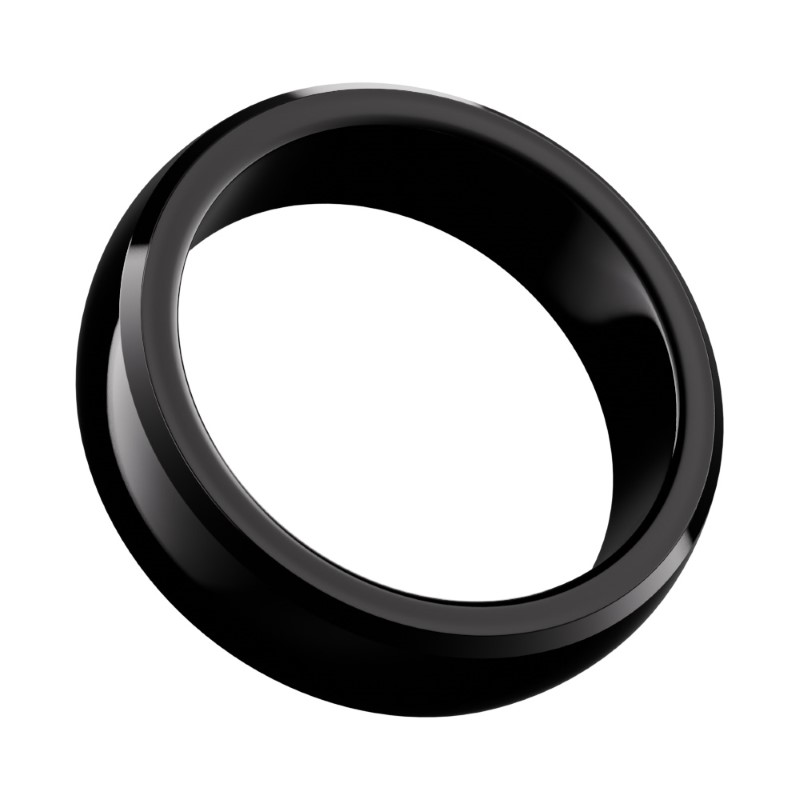
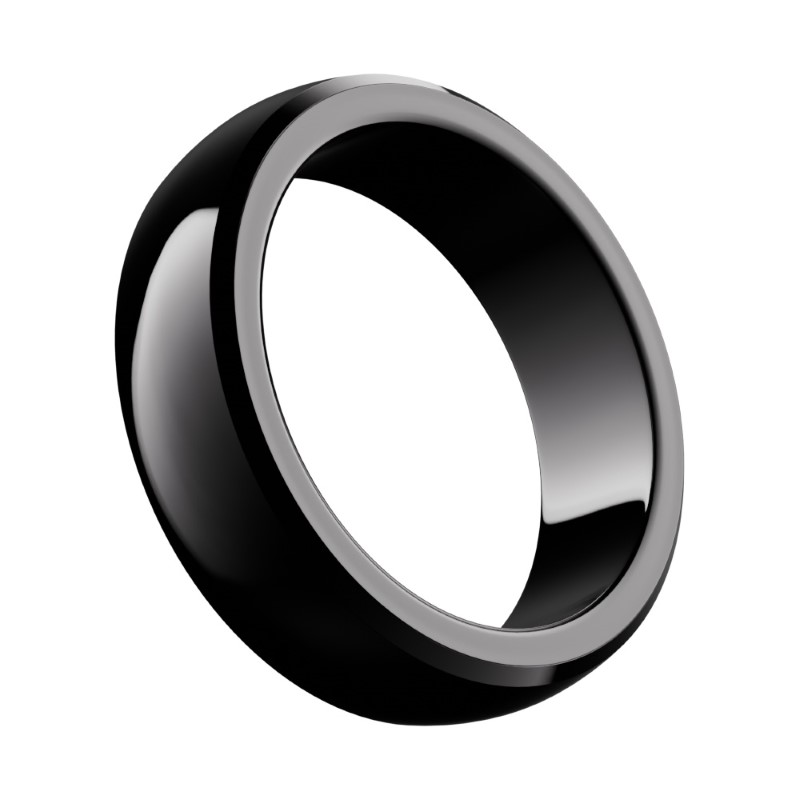
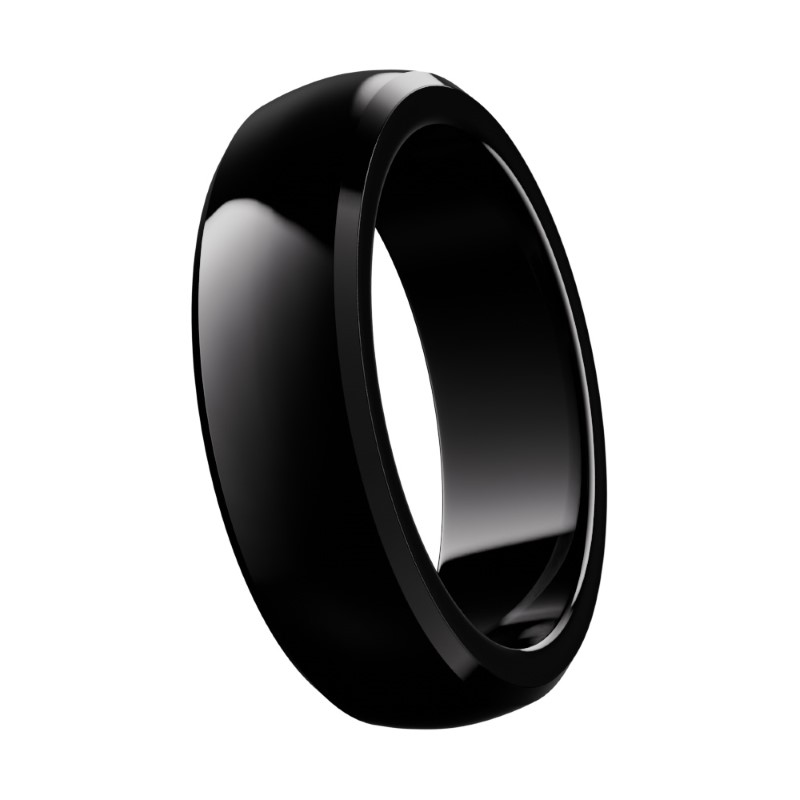
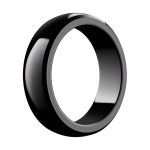
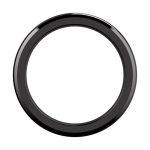
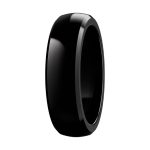
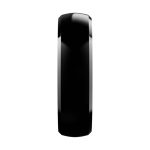
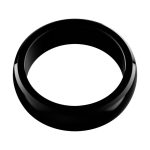
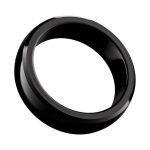
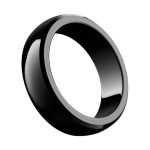
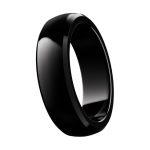
Black Payment Ring
Technical Specifications:
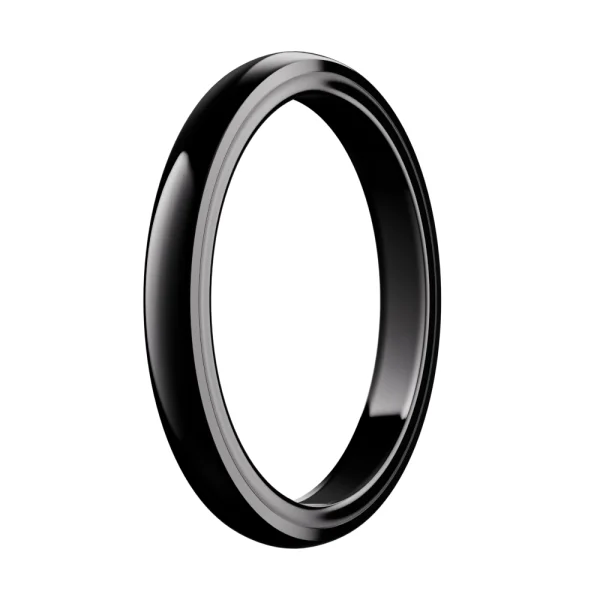
- Color Black
- Transaction Scope 3-5 mm
- Material ceramic, glossy
- Width 7 mm
- No charging required Tak
- Water resistance ATM1/IP68
Product description
Description
Payment ring Maxcom Pay Black - NFC payments
Black Maxcom Pay payment ring with an NFC chip. Pay conveniently and securely at any contactless terminal. Perfect for active and busy people.
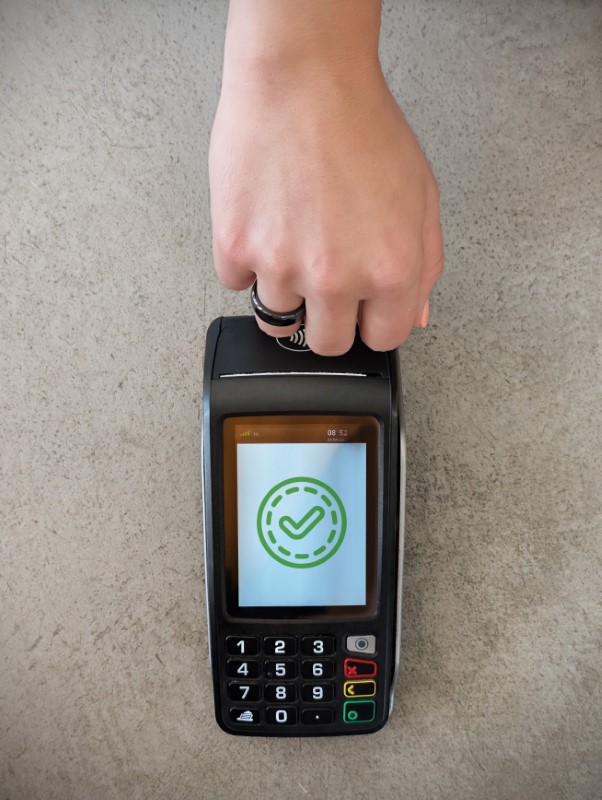
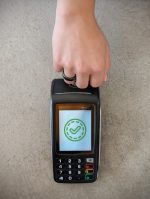
Now you no longer need a phone, wallet, or physical card to make payments. A single wave of your hand is all it takes to pay for purchases at any terminal that supports NFC contactless payments in Poland and around the world.
Transaction security is guaranteed by:


Payment ring Maxcom Pay Black
Are you looking for the perfect payment solution? For active, busy people who appreciate the latest technological innovations?
Maxcom Pay Ring It’s an elegant black ring with a built-in NFC chip, which allows you to make contactless payments at any terminal in Poland and around the world. It doesn’t need a battery or charging—it works whenever you need it.
Key Benefits
-
Fast NFC contactless payments: No phone, wallet, or cards—always ready to use without charging
-
Elegant, minimalist design: It looks like jewelry, but works like a payment card.
-
Durability for everyday use: such as water, sweat, hand washing, or exercise.
-
Banking security: Transactions are encrypted, and the chip complies with payment standards .
How does it work?
It’s a piece of cake!
The Maxcom Pay payment ring is a simple and stylish device that lets you pay for your purchases quickly and conveniently.
Add it as a payment device
Connect your card by following the instructions in the app
Pay conveniently
Hold your hand near the terminal and pay in a second.
NFC technology makes payments fast and risk-free. Simply place the ring directly on the terminal to make a payment. The entire process is supervised by banks and meets the highest security standards, in accordance with Visa and Mastercard guidelines.
Secure payment method
Indispensable in everyday situations—from traveling abroad to working out in the fresh air.

Why choose a payment ring from Maxcom?
-
A secure contactless payment method
-
Always ready to pay
-
Discreet technology in a stylish design
-
Ideal for all types of terminals
-
Waterproof and built to withstand heavy use


FAQ Maxcom Pay Payment Ring – Questions and Answers
We know that safety is your top priority. That’s why we’ve compiled answers to questions you might have when considering the purchase of the Maxcom Pay ring as a modern and stylish payment device.
1. Supported banks and payment cards
Which banks are supported?
Below is a complete list of supported banks and financial institutions. Click on the bank’s name to see which cards are supported:
If your bank isn’t on the list, you can use the Curve app.
In addition to these, there are also various financial institutions and fintech companies, such as XTB, Nexo, Mercy Corps, Moorwand, Global Blue, Miloan, VeloBank, Halvo, Zefin, Save the Children, DiPocket, Netcredit, Wallester, and Revolut.
2. Payment Management and Security
How do I lock the ring?
If necessary, you can deactivate the ring with a single click in the dedicated Fidesmo app under “Suspend Payments” or completely disconnect it if it is lost. You are guaranteed full control over access management.
What should you do if you lose your ring?
You can pause a payment or disconnect the device.
What should you do if you lose your phone?
Scan the payment device with another phone that has the Fidesmo app installed, and after verification, you can continue to use the same device with the assigned card, or pause or disconnect the payment.
Can I accidentally pay for something?
There is no need for concern. Contactless payment using NFC technology requires actively bringing the ring very close to the payment terminal. This makes accidental transactions virtually impossible.
3. Connection and Configuration
How do I pair the Maxcom Pay device with a card?
Follow the instructions in the leaflet included in the package or:
-
Download the Fidesmo app from App Store or Google Play
-
In the app, select “Connect,” then “Fidesmo wearable device.”
-
Follow the on-screen prompts.
If your bank does not support the Fidesmo app, you will need to download the Curve virtual wallet app.
Is it possible to pair another card with the same device?
No. The devices do not function as a virtual wallet. One device = one card.
Is it possible to connect another service to a device that is already linked to a payment card?
Yes. For example, you could add a website that works with a mobile device.
Can I connect multiple devices to the Fidesmo app?
Yes. Within a single Fidesmo app, you can manage multiple devices, each with its own individually assigned card. One device = one card.
Where can I find the NFC reader on my phone?
The NFC reader in a phone is usually located on the back of the device. The exact location may vary depending on the phone model.
-
In iPhones, there is above the Apple logo, near the camera.
-
On most Android phones— at the top of the back cover, under the glass or plastic surface.
Can I make payments abroad?
Of course – Works with all NFC-enabled terminals.
Pay more conveniently. Pay in style. Pay with Maxcom Pay.
Discover Ring NFC—your wallet on your finger.
Choose the perfect solution for active people who value convenient minimalism, and then pay with a single gesture—no phone or wallet needed!
-
Always with you
-
Elegant design
-
No charging required


Specifications
Additional information
| Color | Black |
|---|---|
| Transaction Scope | 3-5 mm |
| Material |
ceramic, glossy |
| Width |
7 mm |
| No charging required | Tak |
| Water resistance | ATM1/IP68 |
| Size |
finger circumference 50 mm – 75 mm |
| Ring size |
I don’t know the size ,5 ,6 ,7 ,8 ,9 ,10 ,11 ,12 ,13 ,14 ,15 |
| Responsible manufacturers | Maxcom S.A., ul. Towarowa 23a, 43-100 Tychy, Poland, [email protected] |
| Responsible Persons | Maxcom S.A., ul. Towarowa 23a, 43-100 Tychy, Poland, [email protected] |
User Reviews
This product does not have any reviews yet
Questions and Answers
I can’t make a call on the phone I bought.
Please verify that the number you are dialing is correct. When dialing a number in another country, always add the appropriate country code (e.g., Germany 0049 or +49). If you have a prepaid card, please check that there are sufficient funds in your account.
The SIM card is inserted; only emergency calls (112) can be made.
Make sure the SIM card is installed correctly.
My old SIM card doesn’t fit in my new phone.
Contact your mobile carrier’s nearest service center. They will replace your SIM card with the correct size to fit the SIM slot of your new phone.
How can I track the status of my shipment?
On the day we ship your package, you’ll receive an email with the tracking number and a link to track your shipment. Please note that the courier has 2 business days to deliver the package.
Will the courier call me before delivery?
Courier companies are not required to contact the customer by phone in advance. On the day the device is shipped, you will receive a message containing the tracking number and contact information for the courier company delivering the device. To determine the exact date and time of delivery, please contact the courier company directly.
Can I specify the exact delivery time for my package?
Please note that as a store, we are unable to specify the exact time of delivery by the courier company. On the day the device is shipped, you will receive a message containing the tracking number and contact information for the courier company delivering the device. To determine the exact date and time of delivery, please contact the courier company directly.
Related products