














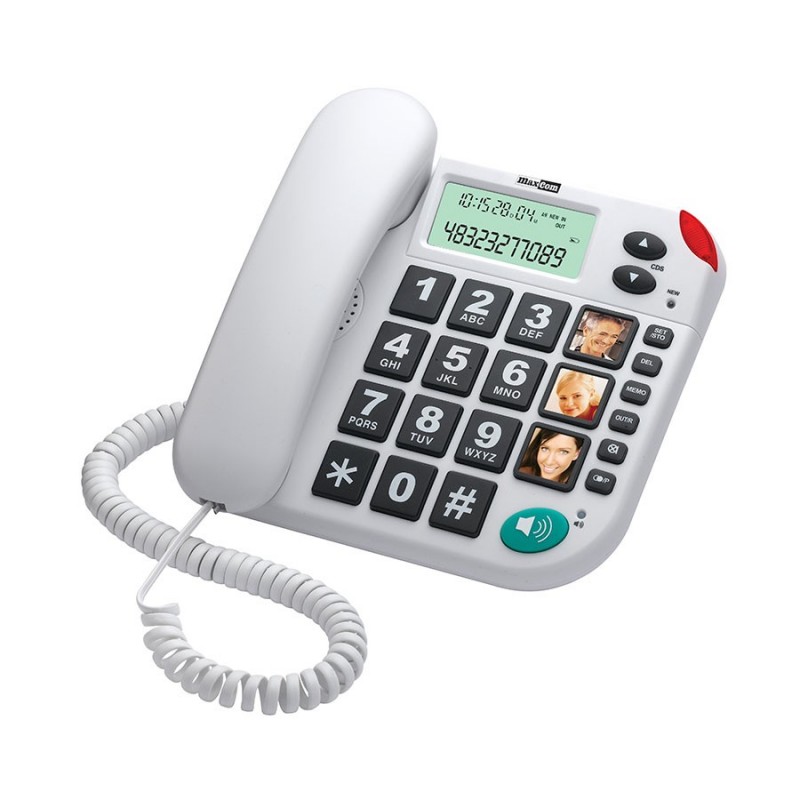
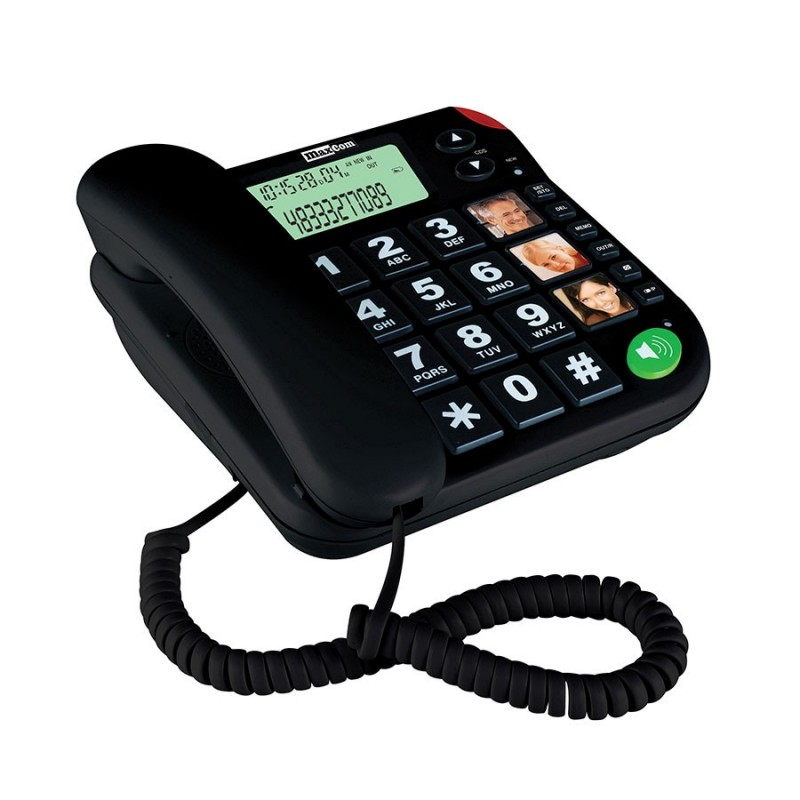

MAXCOM KXT480


Technical Specifications:
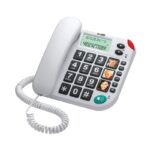
- Color white / black | White | Black
- Hands-free function YES
- Phone book number of entries n/a
- Alarm clock No
- LCD display / size 66 x 27
- Caller Identification YES
Product description
Description
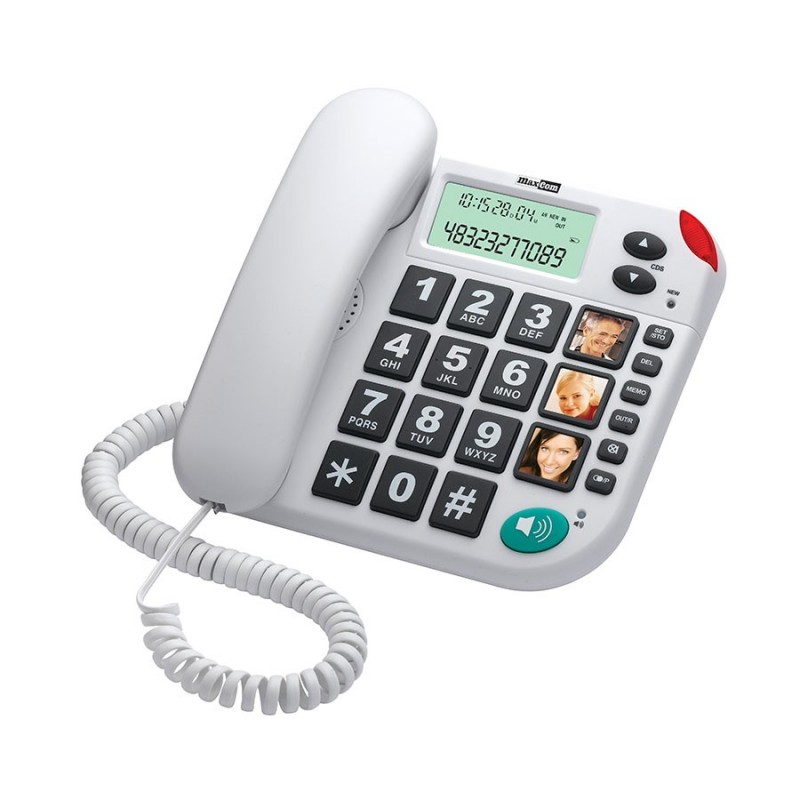
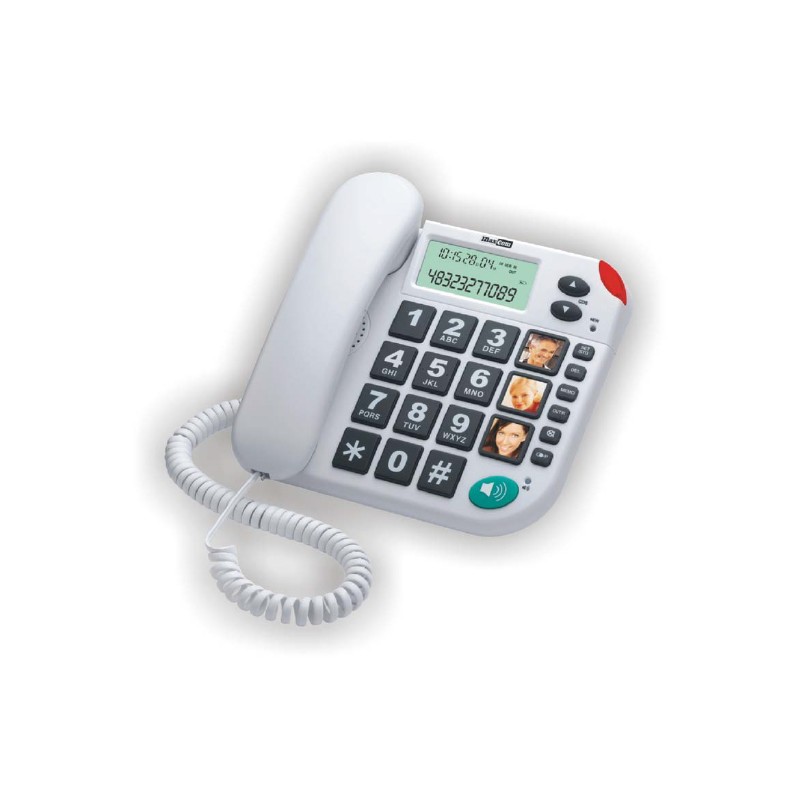
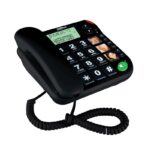
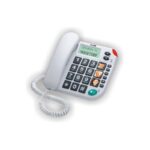
Are you looking for a landline phone that’s easy to read and simple to use? The Maxcom KXT480 is a great phone for seniors, people with low vision, and for the office. The large display, direct memory, and illuminated call indicator make it easy to use the phone exactly as you need!
Why is the KXT480 convenient for seniors?
In a phone for seniors, it’s important that its features are easy to use. The Maxcom KXT480 is designed so that the most important information and buttons are clearly visible, and operating it doesn’t require navigating through a complex menu.
The KXT480 features:
- a large LCD display—makes it easy to read numbers and basic information;
- 3 speed-dial buttons – let you quickly call loved ones without entering the entire number;
- a call indicator light—useful when the ringtone is easy to miss;
- compatibility with hearing aids – important for people who use such devices;
- ring volume control – allows you to adjust the volume to your needs;
- hands-free mode – allows you to talk without holding the receiver to your ear;
- clear key layout – helps you find the function you need more quickly;
- incoming and outgoing call history—makes it easy to check who called and who you last spoke with.
This makes the KXT480 landline phone convenient for seniors who want to use it independently.
What features does the KXT480 phone have?
The KXT480 provides access to features that are truly useful for everyday calls. Without a complex menu or unnecessary extras—everything is designed for quick, convenient use.
You’ll find:
- Caller ID (CLIP)—you can see who’s calling;
- hands-free mode—allows you to talk without holding the handset;
- 3 speed dial numbers—you can assign your most important contacts to separate buttons;
- 20-entry incoming call log—makes it easier to return a missed call;
- memory for 20 outgoing numbers—you can quickly see who you’ve called recently;
- redial – useful when you want to call back immediately;
- HI/LOW ringtone volume control – lets you adjust the volume;
- call indicator light—provides additional notification when the phone is ringing;
- microphone mute – you can temporarily mute the audio without ending the call;
- Pause and FLASH – features useful, for example, when working with a PBX;
- hearing aid compatibility – enhances the comfort of calls for hearing aid users.
This set of features makes the Maxcom KXT 480 well-suited for simple, frequent calls without the need to learn complicated operations.
How to Connect and Configure the KXT480
Setting up the Maxcom KXT 480 does not require a complicated installation. You connect the phone to a landline, and you can adjust the basic settings later using the keypad.
Connecting the KXT480
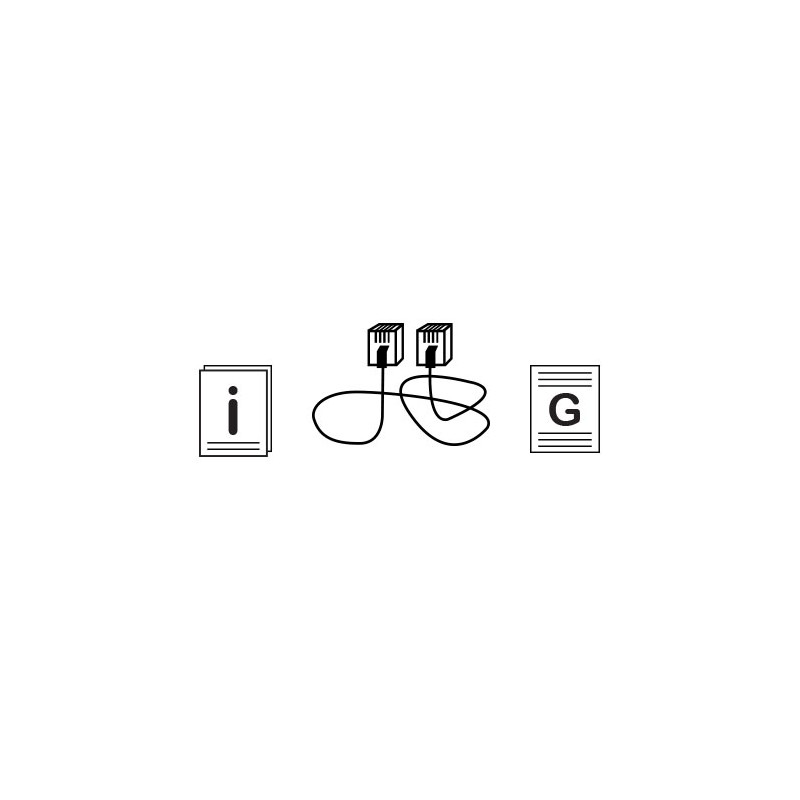
First, insert 2 AAA batteries into the phone—they are responsible for maintaining memory and ensuring the display works properly. Next, connect the handset to the base using the coiled cord, and plug the telephone cord into the jack on the phone and into the telephone line jack. The KXT480 is designed for cables with RJ plugs; if you have a different type of jack, you’ll need the appropriate adapter.
KXT480 Setup
Once connected, you can customize the phone to your needs. From the menu accessed via the SET/R button, you can set the date and time, display contrast, and FLASH duration, among other options. The phone also allows you to select the appropriate dialing mode. This way, you configure the most important options once, and then use the KXT480 just like a classic landline phone.
Buy the KXT480 at Maxcom!
When you buy the KXT480 from the official Maxcom store, you’ll have easy access to the full product specifications, user manual, warranty, and after-sales support. Check out the KXT480 and choose a phone that will simplify your daily communication!
Specifications
Additional information
| Color | white / black, White, Black |
|---|---|
| Hands-free function | YES |
| Phone book number of entries | n/a |
| Alarm clock | No |
| LCD display / size | 66 x 27 |
| Caller Identification | YES |
| Number of rings | 1 |
| Backlit display | No |
| Backlit keyboard | No |
| Random-access memory | 3 |
| Incoming call log | 20 |
| Outgoing call log | 20 |
| Repeating the last number | Yes |
| Call duration | Yes |
| Ringer volume control | HI/LOW |
| Light indicator for incoming calls | Yes |
| Putting a call on hold | No |
| Pause | Yes |
| Flash time (ms) | 100/300/600 |
| Muting the microphone | Yes |
| Compatible with hearing aids | Yes |
| Brand | Maxcom |
| Responsible manufacturers | Maxcom S.A., ul. Towarowa 23a, 43-100 Tychy, Poland, [email protected] |
| Responsible Persons | Maxcom S.A., ul. Towarowa 23a, 43-100 Tychy, Poland, [email protected] |
User Reviews
4.8/5


Based on 1358 ratings

The average product rating is based on data from maxcom.pl and partner websites. When calculating this rating, we only take into account verified reviews backed by a purchase. Partners: Ceneo, Media Expert, MediaMarkt, RTV EURO AGD, Max Elektro, Orange, T-Mobile, Plus, Play
No user has added a review for this product yet
About brand
Questions and Answers
I can’t make a call on the phone I bought.
Please verify that the number you are dialing is correct. When dialing a number in another country, always add the appropriate country code (e.g., Germany 0049 or +49). If you have a prepaid card, please check that there are sufficient funds in your account.
The SIM card is inserted; only emergency calls (112) can be made.
Make sure the SIM card is installed correctly.
My old SIM card doesn’t fit in my new phone.
Contact your mobile carrier’s nearest service center. They will replace your SIM card with the correct size to fit the SIM slot of your new phone.
How can I track the status of my shipment?
On the day we ship your package, you’ll receive an email with the tracking number and a link to track your shipment. Please note that the courier has 2 business days to deliver the package.
Will the courier call me before delivery?
Courier companies are not required to contact the customer by phone in advance. On the day the device is shipped, you will receive a message containing the tracking number and contact information for the courier company delivering the device. To determine the exact date and time of delivery, please contact the courier company directly.
Can I specify the exact delivery time for my package?
Please note that as a store, we are unable to specify the exact time of delivery by the courier company. On the day the device is shipped, you will receive a message containing the tracking number and contact information for the courier company delivering the device. To determine the exact date and time of delivery, please contact the courier company directly.
Related products